


Toprated
-

Silicone AirPods Case – Slim, Durable & Stylish Protection | Zentech Kenya
Regular price KSh750.00Sale price KSh750.00 Regular priceUnit price perKSh1,000.00Sale Sold out -

Oraimo OpenSnap Clip-On Earbuds, Open-Ear, Bluetooth, Comfort Fit
Regular price KSh3,499.00Sale price KSh3,499.00 Regular priceUnit price perSale Sold out -
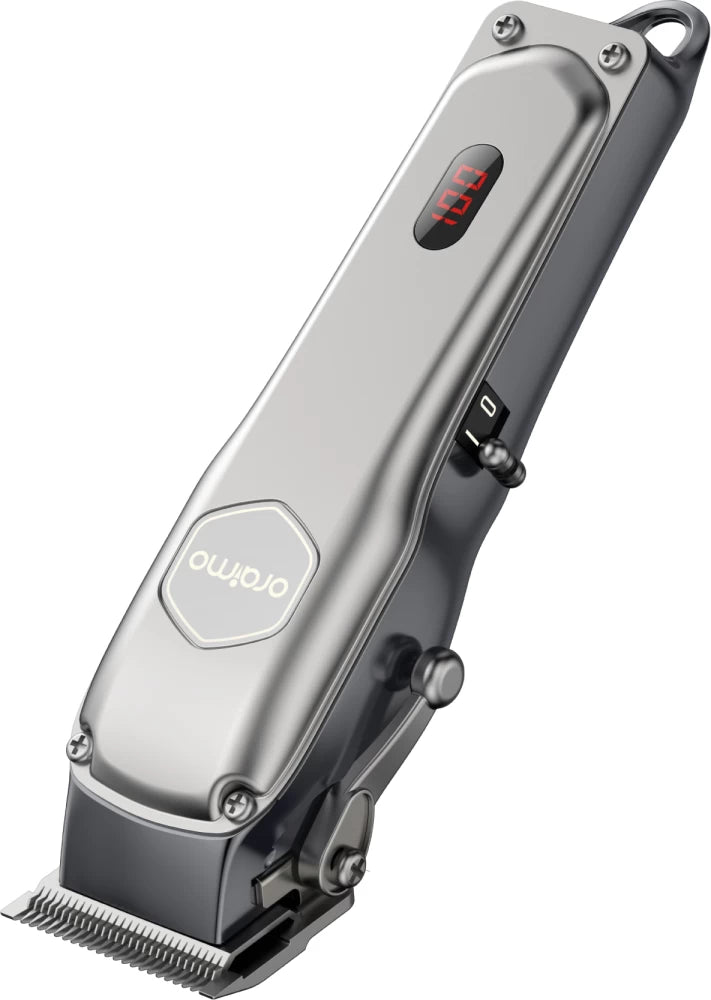
Oraimo OPC-CL30 SmartClipper 2 Cordless Hair Clipper
Regular price KSh3,700.00Sale price KSh3,700.00 Regular priceUnit price perKSh5,500.00Sale Sold out
-
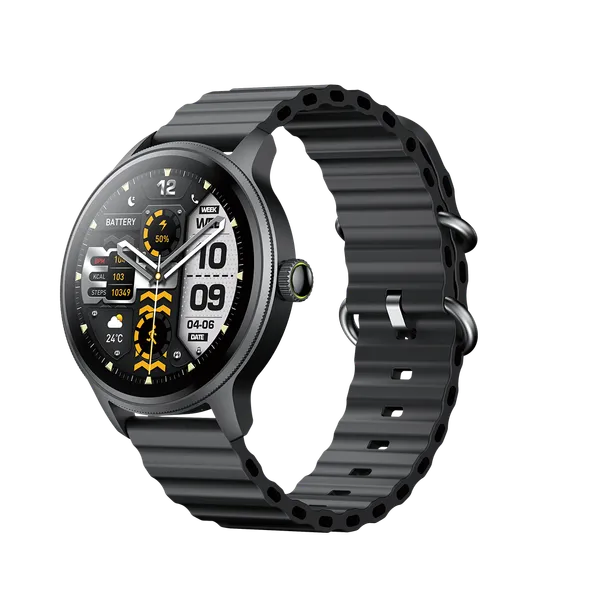
Oraimo Watch 5R Pro Smartwatch | Advanced Health & Fitness Tracker
Regular price KSh5,800.00Sale price KSh5,800.00 Regular priceUnit price perSale Sold out -
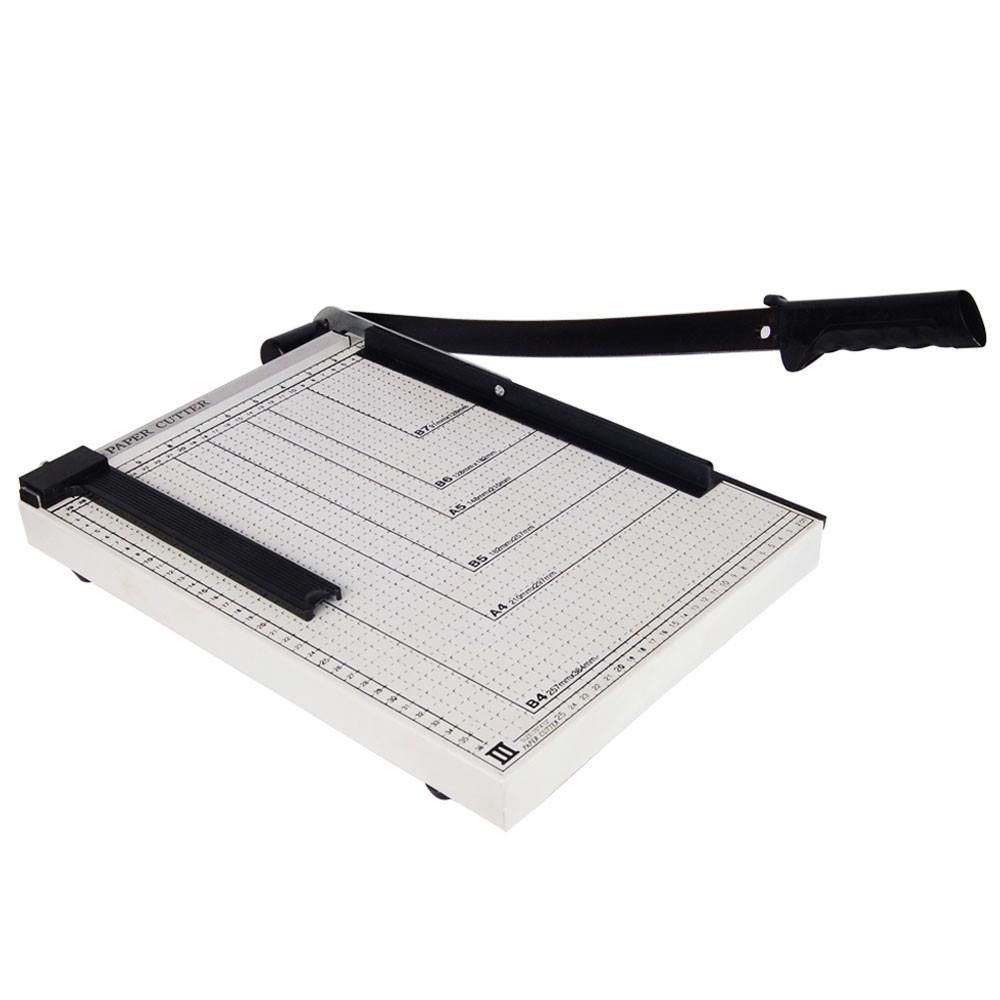
Paper Cutter in Kenya | Heavy-Duty Office & School Paper Cutter – Zentech Electronics
Regular price KSh2,800.00Sale price KSh2,800.00 Regular priceUnit price perSale Sold out -

Oraimo Watch 2R OSW-30 Smart Watch Price in Kenya | Zentech
Regular price KSh4,500.00Sale price KSh4,500.00 Regular priceUnit price perKSh4,700.00Sale Sold out


Testimonials
Brian M., Nairobi
UserI ordered a Samsung Galaxy S23 Ultra, and I was amazed by how fast the delivery was! The phone arrived in perfect condition, well packaged, and exactly as described. Highly recommend!
Janet K., Mombasa
Author's positionI was looking for a reliable power bank, and I found a great deal on a Baseus 20,000mAh power bank here. Will definitely shop again!
Kelvin O., Kisumu
UserI was skeptical about buying a smartwatch online, but I’m so glad I did! The Apple Watch Series 9 I bought is 100% original, works perfectly, and came in a sealed box. Best online electronics store in Kenya!
Samantha N., Nakuru
UserThe team here is amazing! I bought a JBL PartyBox speaker, and they helped me choose the right model based on my needs. The delivery was fast, and they even followed up to ensure I was satisfied. That’s top-notch service!
Alex W., Eldoret
UserI got a Sony 55-inch 4K Smart TV from this website.The picture quality is amazing, and the sound is clear. The delivery was quick, and setting it up was easy. Definitely my go-to store for electronics!
Bestseller
-
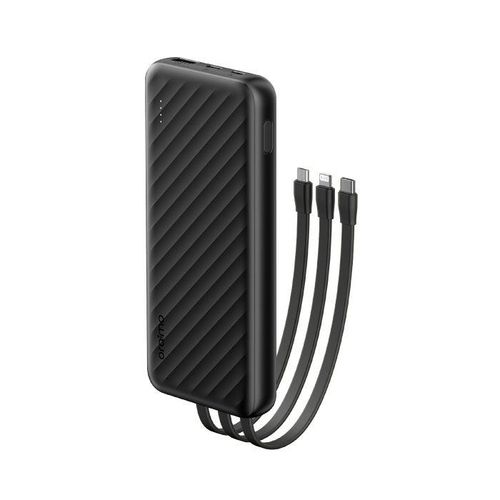
Oraimo Slice Link 10000mAh 12W Power Bank Price in Kenya.
Regular price KSh2,500.00Sale price KSh2,500.00 Regular priceUnit price perKSh2,200.00Sale Sold out -
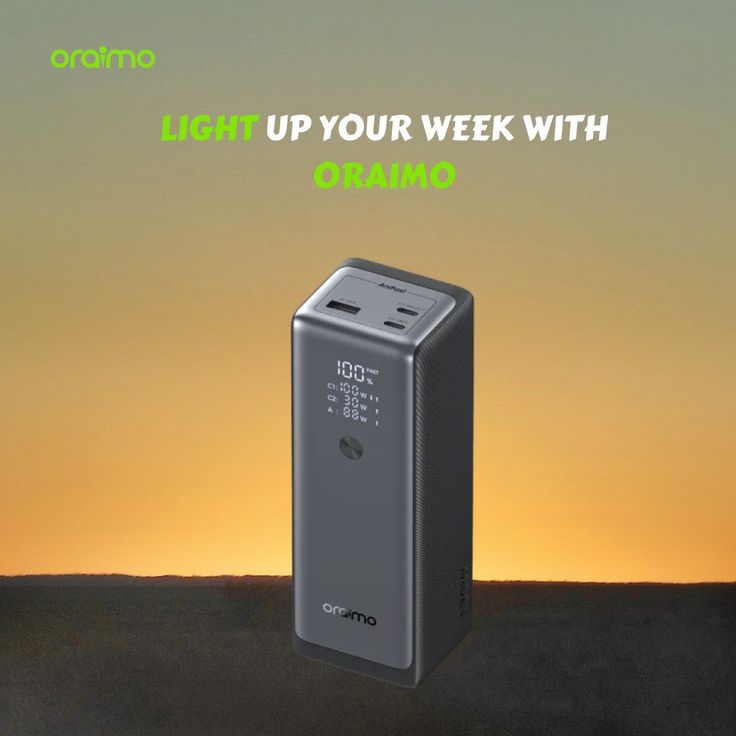
Oraimo PowerJet 130 Power Bank for Laptops and Phones Output 130W.
Regular price KSh6,500.00Sale price KSh6,500.00 Regular priceUnit price perSale Sold out -
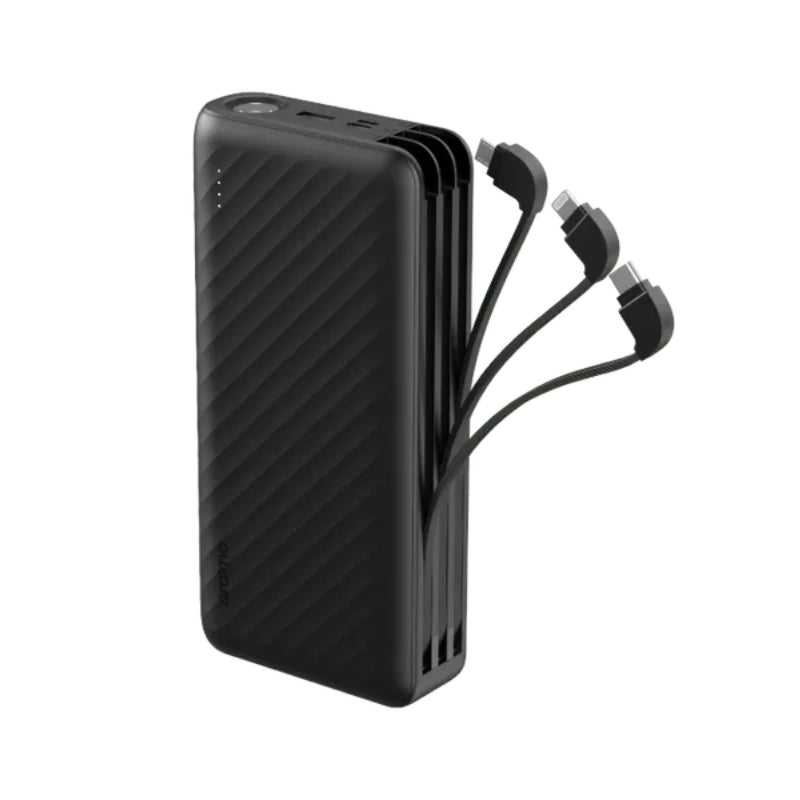
Oraimo Traveller Link 27 – 27,000mAh Power Bank with Built-in Cables-Price in Kenya
Regular price KSh3,500.00Sale price KSh3,500.00 Regular priceUnit price perSale Sold out
-
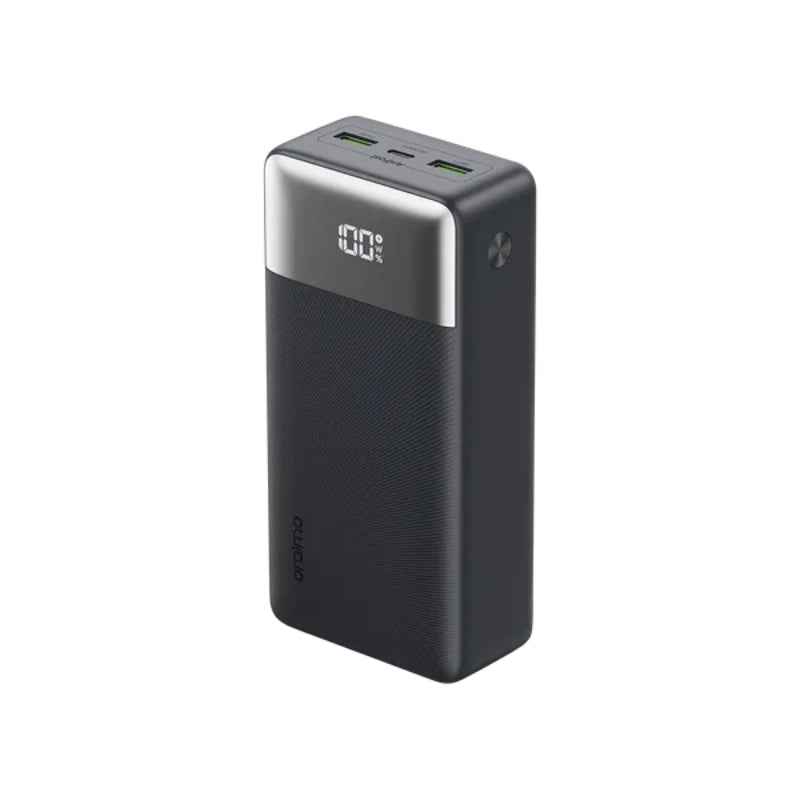
Oraimo 27000mAh QF1 Power Bank – Fast Charging High Capacity Power Bank in Kenya
Regular price KSh3,500.00Sale price KSh3,500.00 Regular priceUnit price perSale Sold out -
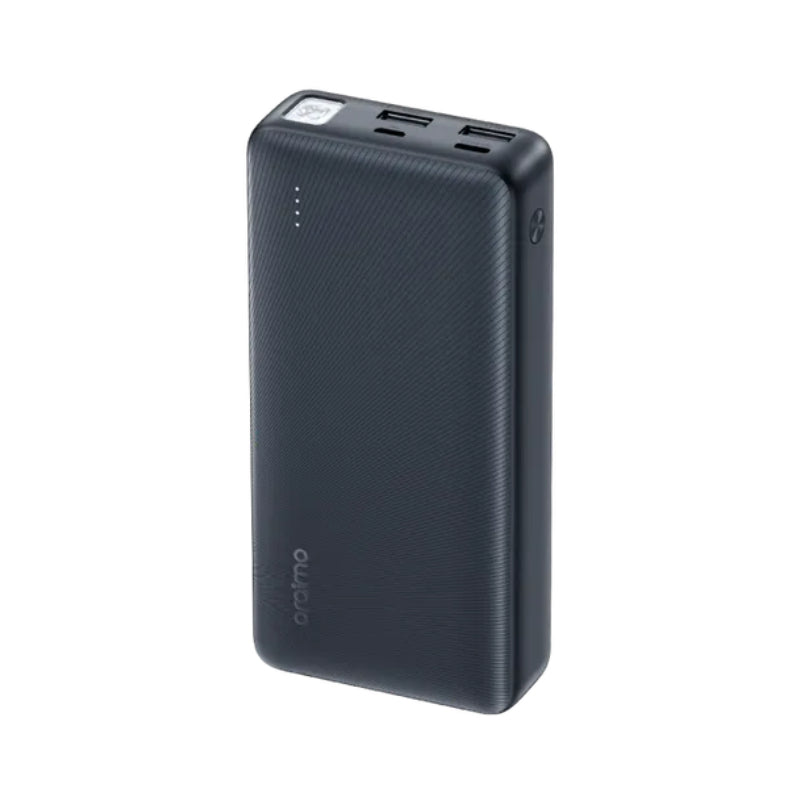
Oraimo Traveller 12 – 20,000mAh Type-C Two-Way Power Bank
Regular price KSh2,500.00Sale price KSh2,500.00 Regular priceUnit price perSale Sold out -
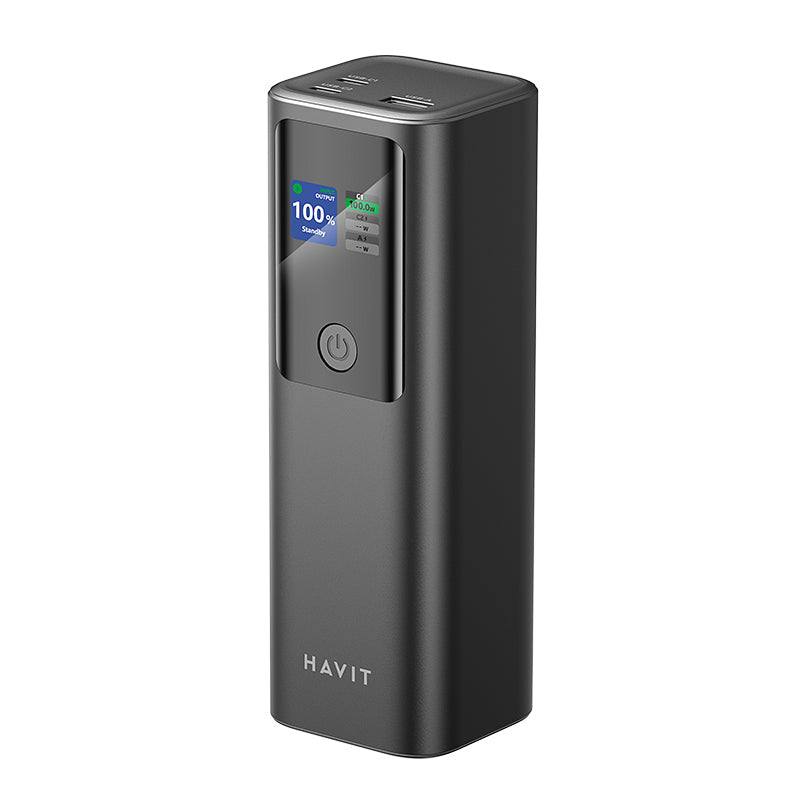
Havit PB50 Mobile Series Power Bank | Fast Charging 27000mAh.
Regular price KSh9,500.00Sale price KSh9,500.00 Regular priceUnit price perSale Sold out
Collection: Workstations

Workstations in Kenya – Professional Power for Demanding Tasks
Workstations are high-performance computers designed to handle demanding workloads that exceed the capabilities of ordinary desktops. Built with robust components and professional-grade hardware, workstations are ideal for engineering, 3D design, video editing, data analysis, and other compute-intensive tasks.
Read more
What Is a Workstation?
A workstation is a purpose-built computer system engineered for reliability, stability, and extended uptime under heavy workloads. Unlike regular consumer PCs, workstations often include powerful processors, expanded memory capacity, professional graphics support, enhanced cooling systems, and certifications for specialized software.
Why Choose a Workstation?
- Superior processing performance for professional applications
- Support for intensive tasks like 3D rendering and simulation
- Expanded memory and storage options for large datasets
- More reliable and durable build quality than regular desktops
- Better scalability and upgrade paths
Workstation vs Desktop PC
Workstations differ from standard desktops in several key ways: they use higher-end CPUs with more cores and threads, support larger RAM capacities, and often include error-correcting code (ECC) memory for increased stability. Workstations may also feature certified drivers and hardware optimizations for industry-specific software like CAD, animation suites, and professional editing tools.
Featured Workstations
HP Z2 Small Form Factor G8 Workstation
The HP Z2 Small Form Factor G8 Workstation delivers professional-grade performance in a compact chassis. Equipped with an 11th Generation Intel Core i5 processor, a combination of fast SSD and high-capacity HDD storage, and integrated graphics, this workstation is designed to manage multi-tasking, large datasets, and professional workflows with ease.
HP Z240 Small Form Factor Workstation
The HP Z240 Small Form Factor Workstation combines dependable performance with a space-saving design. Featuring a capable Intel Core i5 processor, ample RAM, and generous storage, this workstation is suitable for professional computing tasks, multitasking, and daily productivity needs.
Who Needs a Workstation?
Workstations are ideal for professionals and users with demanding computing needs such as:
- Engineers running CAD and simulation software
- Architects working with complex 3D models
- Video editors requiring high-throughput rendering
- Data scientists analyzing large datasets
- Software developers compiling and testing large codebases
Key Features to Look For
- High-Performance Processor: Multi-core CPUs designed for professional workloads
- Ample RAM: Large memory capacity for smooth multitasking
- Fast & Robust Storage: SSD for speed, HDD for capacity
- Expandability: Room for upgrades — additional drives and memory
- Connectivity: Multiple ports for peripherals and external devices
- Professional Graphics (optional): Quadro or similar GPUs for design and rendering
Workstation Benefits for Professionals
- Handles complex workloads without lag
- Reliable under prolonged use
- Supports industry-standard professional software
- Better cooling and component longevity
- Greater upgrade and customization options
Tips for Choosing a Workstation
- Define your primary use case (e.g., design, editing, simulation)
- Choose adequate RAM and storage for your workflow
- Consider dedicated graphics if working with 3D or visuals
- Check compatibility with software you use regularly
- Balance performance with budget
Conclusion
Workstations are powerful, reliable machines engineered to boost productivity and handle professional-level computing tasks. Whether you’re a creative professional, engineer, or data expert, investing in the right workstation can significantly improve performance and efficiency.
-

HP Z2 Small Form Factor G8 Workstation 11th Gen Intel Core i5-11400 Processor 256GB SSD + Plus 3TB(3000GB) Intel UHD Graphics 730 USB Wired Keyboard & Mouse Certified Refurbished 6 Months Dealership Warranty + Brand New Monitor-Price in Kenya
Regular price KSh90,000.00Sale price KSh90,000.00 Regular priceUnit price perKSh99,000.00Sale Sold outProduct Overview \nThe HP Z2 Small Form Factor G8 Workstation is a powerful and versatile computing solution designed for professional workloads and demanding tasks. With its robust specifications...
-
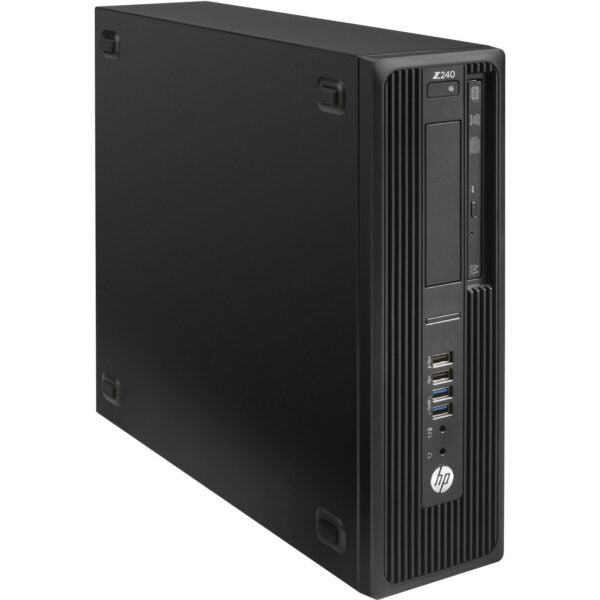
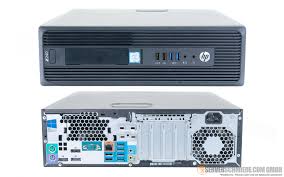
HP Z240 Small Form Factor Workstation | Intel Core i5 | Zentech
Regular price KSh15,000.00Sale price KSh15,000.00 Regular priceUnit price perKSh22,000.00Sale Sold outHP Z240 Small Form Factor Workstation – Intel Core i5 6th Gen, 8GB RAM, 500GB HDD The HP Z240 Small Form Factor Workstation is a powerful...

