


-
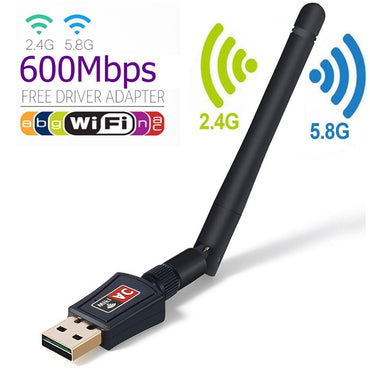

USB WiFi Dongle Adapter Antennae 600 & 900 Mbps Kenya
Regular price From KSh1,200.00Sale price From KSh1,200.00 Regular priceUnit price perSale Sold outThe USB WiFi Dongle Adapter Antennae (600 & 900 Mbps) is a high-speed, dual-band wireless networking solution for laptops, desktops, and PCs. It provides ultra-fast internet...
-
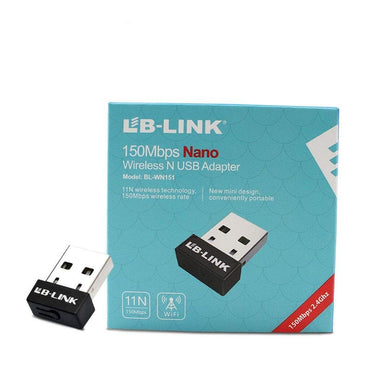

LB Link 150Mbps Nano USB WiFi Adapter
Regular price KSh999.00Sale price KSh999.00 Regular priceUnit price perSale Sold outThe LB Link 150Mbps Nano Wireless USB WiFi Adapter is a compact, reliable, and affordable solution for adding wireless internet connectivity to desktops and laptops. Available at...
-
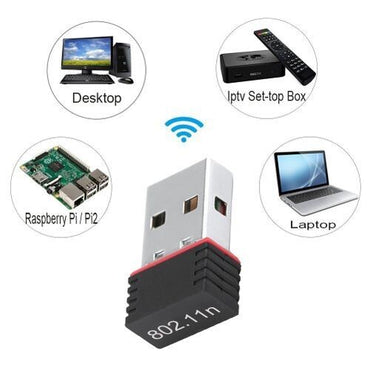
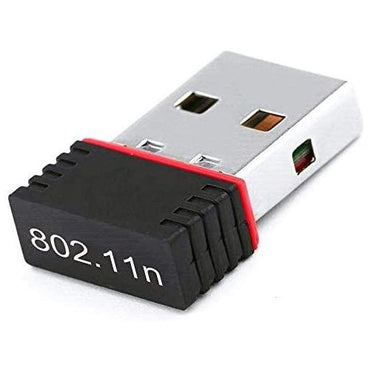
USB Wifi Adapter Dongle for PC & Laptops
Regular price KSh1,000.00Sale price KSh1,000.00 Regular priceUnit price perSale Sold outUSB WiFi Adapter Dongle for PC & Laptops Enhance your desktop or laptop’s wireless capabilities with the USB WiFi Adapter Dongle. This compact device provides fast,...


At a glance
Collection summary: Zentech Electronics Kenya sells Wifi Dongles from The Bazaar Plaza, Moi Avenue, Nairobi. 3 products are listed. Pay with M-Pesa, cards, bank transfer, or cash on delivery within Nairobi. Pickup, same-day Nairobi delivery, and countrywide courier shipping.
- Best for
- Nairobi and Kenya shoppers comparing genuine Wifi Dongles with store pickup, warranty included, and cash/M-Pesa checkout.
- Key benefits
- Authentic stock, in-store inspection before buying, M-Pesa checkout, same-day Nairobi delivery, and Kenya-wide shipping.
- Unique features
- Showroom at The Bazaar Plaza, 10th floor, Wing A, Suite 1038, Nairobi CBD. WhatsApp +254 739 238 917. In-store inspection before payment.
- Use cases
- Home, office, school, and business buyers who need genuine Wifi Dongles in Kenya with reliable local support.
High-Gain USB Wi-Fi Dongles and Wireless Adapters in Kenya
In modern homes, corporate offices, school computer laboratories, and cybercafes across Kenya, running long physical Ethernet network patch cables across hallways, through door jambs, and across living room carpets is unsightly, hazardous, and often structurally impractical. Furthermore, older desktop workstations and small form factor (SFF) office computers frequently lack built-in wireless networking hardware entirely, while older laptops often suffer from damaged internal antennas or failing Wi-Fi cards. Deploying a compact USB Wi-Fi dongle provides an instantaneous, cost-effective wireless upgrade without opening the computer casing.
At Zentech Electronics Kenya, our selection of high-speed USB Wi-Fi dongles and wireless network adapters features market-leading equipment from trusted networking pioneers such as TP-Link alongside affordable high-gain adapters from LB-Link. From discreet nano-sized plug-and-stay USB adapters to long-range dual-band 600 Mbps and 900 Mbps adapters equipped with high-gain rotatable external antennas, our catalog delivers seamless wireless connectivity, zero driver headaches, and rock-solid stability across Nairobi, Mombasa, Kisumu, Nakuru, Eldoret, and nationwide.
Connect your wireless adapter directly to high-speed Wi-Fi and 4G LTE routers, boost your signal reach through stone walls with range extenders, equip standalone CPU-only towers or complete desktop workstations, and discover versatile productivity tools in computer accessories.
Read More: USB Wi-Fi Architecture, Nano vs High-Gain Antennas & Setup Guide
Table of Contents
- USB Network Architecture: Realtek & MediaTek Baseband Controllers Explained
- Nano Form Factor vs. External High-Gain Antennas: Overcoming Kenyan Stone Walls
- Single-Band 2.4 GHz vs. Dual-Band AC 5 GHz: Eliminating Network Congestion
- Comparative Model Matrix & Current Kenyan Price Guide
- Plug-and-Play Driver Installation across Windows, macOS, and Linux
- Frequently Asked Technical Questions (FAQ)
- Showroom Testing, Hardware Compatibility & Nationwide Delivery
1. USB Network Architecture: Realtek & MediaTek Baseband Controllers Explained
A USB Wi-Fi dongle—often referred to as a wireless USB adapter or WLAN stick—is a miniaturized network interface controller (NIC) encapsulated within a thumb-sized form factor. When plugged into a host computer's USB port, the adapter interfaces with the operating system's network stack via the universal USB bus, translating serial USB data packets into IEEE 802.11 radio frequency (RF) broadcasts and vice versa.
Inside genuine high-grade adapters, advanced silicon chipsets—such as Realtek RTL8811CU or MediaTek MT7601—manage complex signal modulation schemes including Orthogonal Frequency Division Multiplexing (OFDM) and 256-QAM (Quadrature Amplitude Modulation). These chips feature hardware-level digital signal processing that dynamically filters out background electromagnetic noise emitted by neighboring electronics, ensuring stable packet delivery and low latency during competitive online gaming or high-stakes video conference calls.
Unlike inferior generic dongles that frequently suffer from driver crashes, severe thermal throttling, and random disconnections after 15 minutes of video streaming, our tested adapters deliver consistent throughput, cool operating temperatures, and robust cryptographic encryption including WPA, WPA2-PSK, and modern WPA3 standards.
2. Nano Form Factor vs. External High-Gain Antennas: Overcoming Kenyan Stone Walls
Choosing the ideal physical form factor depends strictly on the physical distance between your computer and the wireless router, as well as the structural density of intervening walls:
- Ultra-Compact Nano Adapters (e.g., LB-Link 150Mbps Nano): Protruding barely 5 to 7 millimeters from your computer's USB port, nano dongles feature a discreet "plug-and-forget" design. You can leave them permanently plugged into laptop ports without fear of snapping them off when sliding your computer into a bag. They are ideal for laptops with broken internal Wi-Fi cards operating in the same room or adjacent room to the primary wireless router.
- High-Gain External Antenna Adapters (e.g., 600 Mbps & 900 Mbps Antenna Dongles): When your desktop PC resides in a back bedroom, basement office, or across multiple reinforced concrete and stone walls, internal micro-antennas struggle to capture faint RF signals. High-gain models feature a 2dBi to 5dBi adjustable external dipole antenna that can be rotated 180 degrees horizontally and 90 degrees vertically to align with the router's polarization angle. The external antenna significantly increases signal reception sensitivity, pulling in strong Wi-Fi signals where nano adapters fail completely.
3. Single-Band 2.4 GHz vs. Dual-Band AC 5 GHz: Eliminating Network Congestion
Selecting between single-band and dual-band USB adapters determines your ultimate data throughput speed:
- Single-Band 2.4 GHz (802.11n up to 150–300 Mbps): Operates solely on the 2.4 GHz spectrum. While 2.4 GHz provides excellent physical wave penetration through solid stone walls, it shares space with microwave ovens, Bluetooth devices, and dozens of neighboring residential Wi-Fi networks in urban Kenyan estates. It is best suited for basic web browsing, email checking, and KRA tax portal administration.
- Dual-Band AC (802.11ac up to 600–900 Mbps): Operates simultaneously on both 2.4 GHz and the clean, uncongested 5 GHz frequency band. On the 5 GHz band, the adapter unlocks speeds up to 433 Mbps or 867 Mbps, delivering buttery-smooth 4K video streaming, instantaneous cloud backups, and low-ping gaming performance on desktop workstations.
4. Comparative Model Matrix & Current Kenyan Price Guide
The table below provides a detailed comparison of maximum theoretical speeds, frequency bands, physical form factors, and transparent retail prices at Zentech Electronics:
| Wi-Fi Dongle Model | Max Wireless Speed | Frequency Bands | Antenna Configuration | Ideal Application | Indicative Price (KES) |
|---|---|---|---|---|---|
| LB-Link 150Mbps Nano USB | Up to 150 Mbps (802.11n) | Single-Band 2.4 GHz | Internal Ceramic Micro-Antenna | Broken laptop Wi-Fi replacement, small rooms | KES 800 – 1,200 |
| Standard USB Wi-Fi Adapter | Up to 300 Mbps | Single-Band 2.4 GHz | Compact Plug-in Dongle | Desktop PCs, point-of-sale systems, browsing | KES 1,000 – 1,400 |
| High-Gain 600 Mbps Dual-Band | Up to 600 Mbps (AC600) | Dual-Band 2.4 GHz + 5 GHz | External 2dBi Rotatable Dipole | Multi-room office PCs, HD streaming, video calls | KES 1,200 – 1,600 |
| High-Gain 900 / 1200 Mbps AC | Up to 900–1200 Mbps (AC1200) | Dual-Band 2.4 GHz + 5 GHz | External 5dBi High-Power Antenna | Gaming PCs, large offices, distant desktop setups | KES 1,500 – 2,200 |
| TP-Link Archer T2U Plus | Up to 600 Mbps (High Gain) | Dual-Band (200 + 433 Mbps) | 5dBi High-Gain External Antenna | Enterprise workstations, long-range reception | KES 2,400 – 3,200 |
5. Plug-and-Play Driver Installation across Windows, macOS, and Linux
Installing a Wi-Fi dongle from Zentech Electronics is an effortless, friction-free process:
- Windows 10 & Windows 11: 100% plug-and-play. Modern versions of Windows possess native in-box drivers for Realtek and MediaTek controllers. Simply plug the dongle into any spare USB 2.0 or USB 3.0 port; within 5 seconds, your computer detects the hardware and the Wi-Fi network list appears in the system tray.
- Older Windows (Windows 7 / 8 / XP): If you are running legacy operating systems on older school or accounting machines, our adapters include a mini-CD driver disc or built-in virtual flash partition that installs the required driver in a few clicks.
- Linux & Raspberry Pi: Supported out of the box by modern Linux kernels (5.x and 6.x), making these dongles the favorite choice for Kenyan software developers, ethical hackers, and computer science students building IoT projects.
6. Frequently Asked Technical Questions (FAQ)
7. Showroom Testing, Hardware Compatibility & Nationwide Delivery
At Zentech Electronics Kenya, we test and verify all wireless networking adapters to ensure chip-level reliability, broad OS compatibility, and true rated data transfer speeds. Avoid cheap counterfeit dongles that overheat, drop connections, and lack proper driver support.
You are welcome to bring your laptop or desktop into our Nairobi showroom where our technicians can help you install drivers, verify signal strength, and select the optimal adapter:
Zentech Electronics Kenya Central Showroom:
The Bazaar Plaza, along Moi Avenue, 10th Floor, Wing A, Suite 1038, Nairobi
Open Monday through Saturday with dedicated hardware technicians, immediate bench testing, and wholesale commercial billing.
Prefer having your adapter delivered? We provide swift same-day dispatch across Nairobi and fast next-day parcel delivery via reliable couriers to all towns across Kenya, including Mombasa, Kisumu, Nakuru, Eldoret, Thika, Machakos, Meru, Nyeri, Naivasha, and Kisii. Cut the cords and enjoy blazing-fast wireless networking today with USB Wi-Fi dongles from Zentech Electronics.
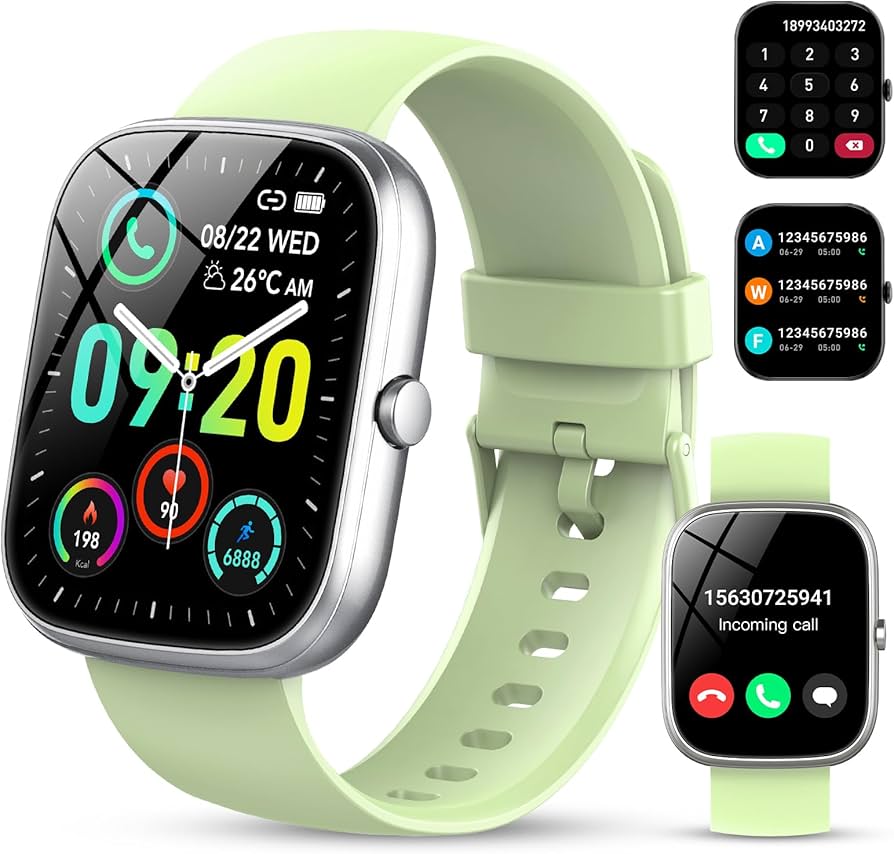
Top Rated
-

Silicone AirPods Case – Slim, Durable & Stylish Protection Kenya
Regular price KSh750.00Sale price KSh750.00 Regular priceUnit price perKSh1,000.00Sale Sold out -

Oraimo OpenSnap Clip-On Earbuds, Open-Ear, Bluetooth, Comfort Fit
Regular price KSh3,499.00Sale price KSh3,499.00 Regular priceUnit price perSale Sold out -
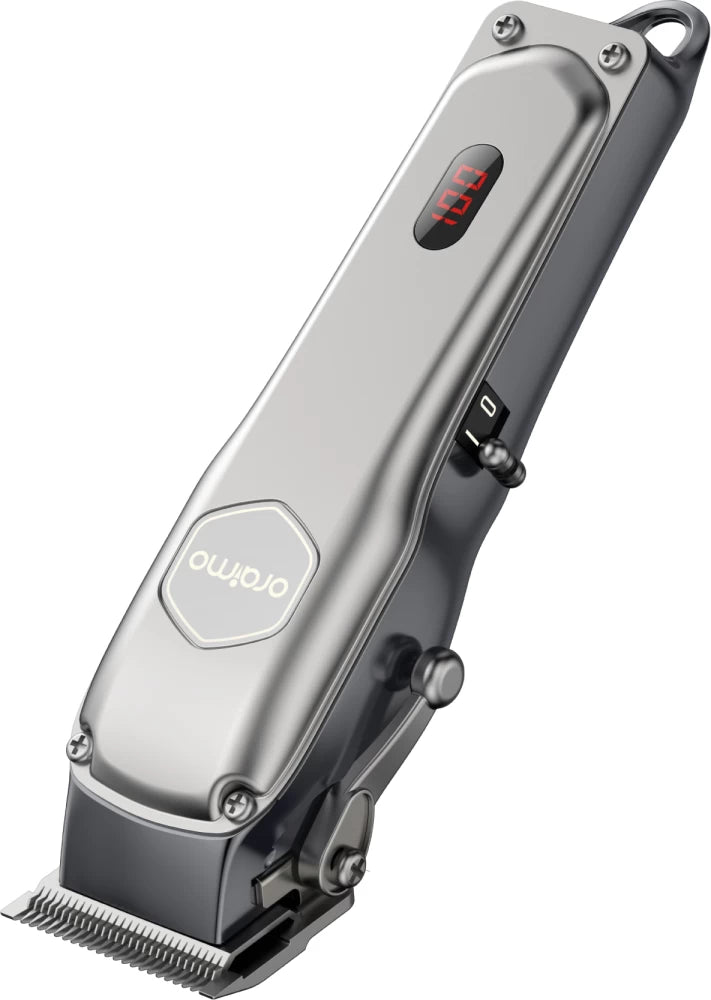
Oraimo OPC-CL30 SmartClipper 2 Cordless Hair Clipper
Regular price KSh3,700.00Sale price KSh3,700.00 Regular priceUnit price perKSh5,500.00Sale Sold out
-
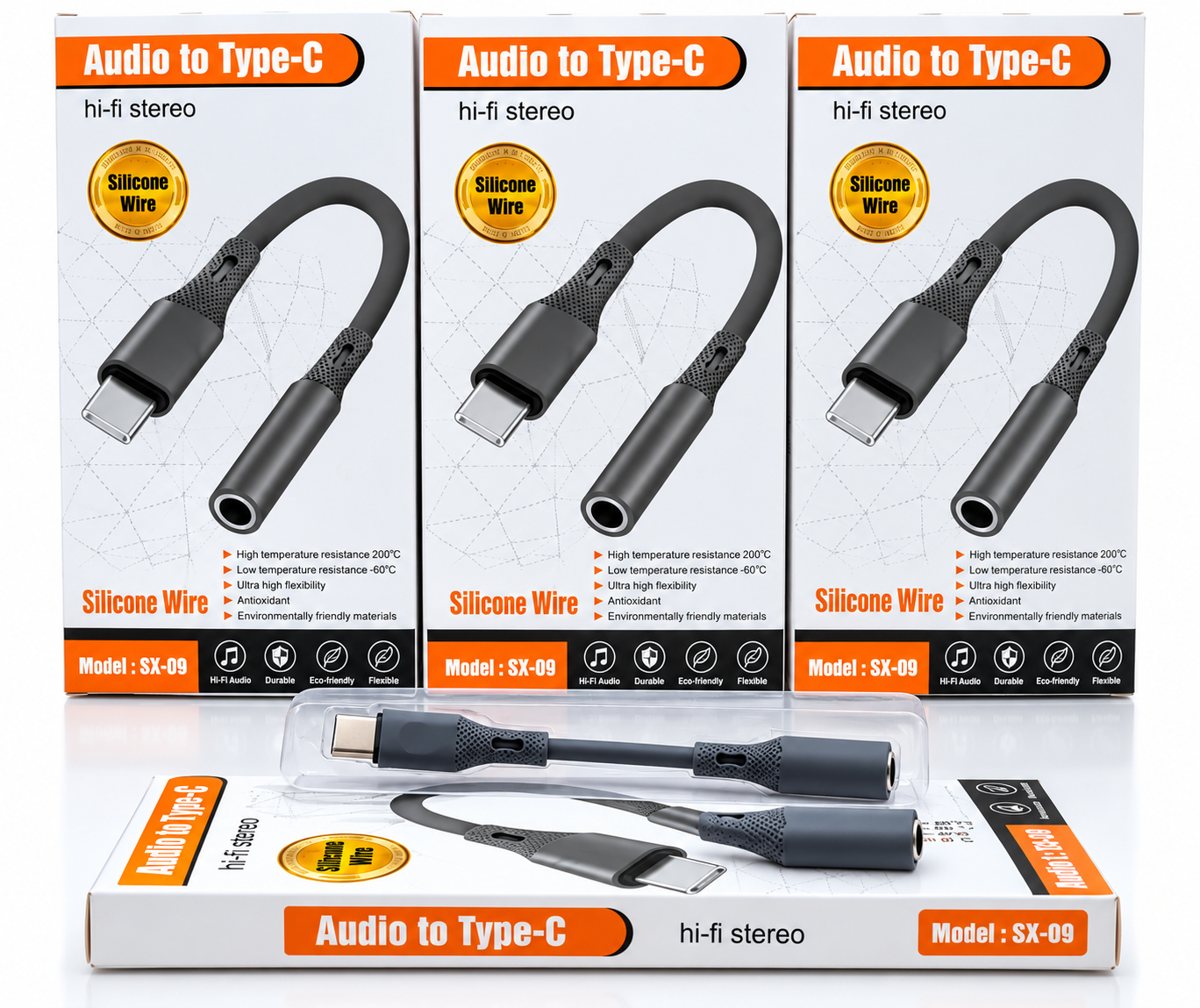
🎧 Audio to Type-C Hi-Fi Stereo Audio Adapter – Silicone Wire
Regular price KSh1,200.00Sale price KSh1,200.00 Regular priceUnit price perSale Sold out -
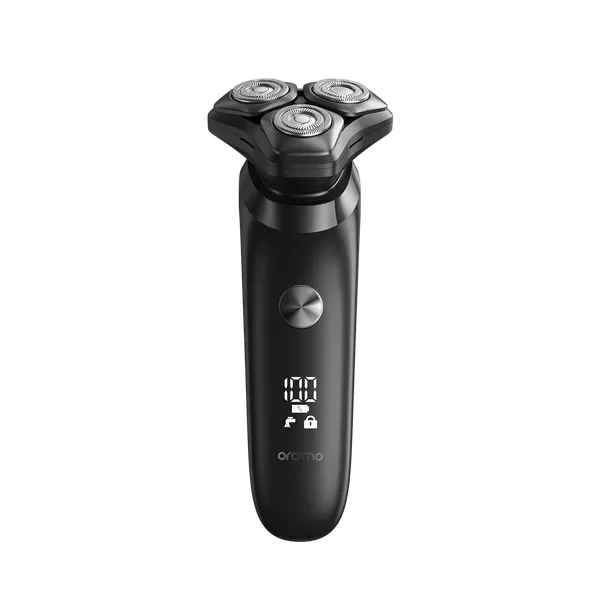
Oraimo ORS-280 EasyShave Multi-Functional Electric Shaver
Regular price KSh2,900.00Sale price KSh2,900.00 Regular priceUnit price perSale Sold out -
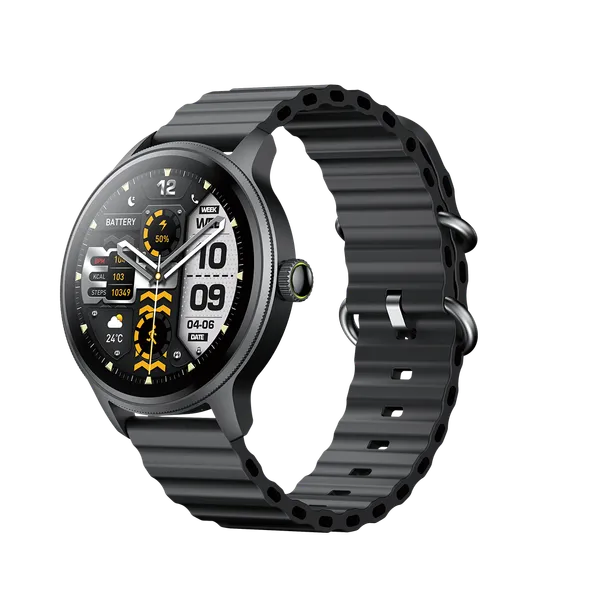
Oraimo Watch 5R Pro Smartwatch | Advanced Health & Fitness Tracker
Regular price KSh5,800.00Sale price KSh5,800.00 Regular priceUnit price perSale Sold out
Testimonials
Brian M., Nairobi
Customer, NairobiI ordered a Samsung Galaxy S23 Ultra, and I was amazed by how fast the delivery was! The phone arrived in perfect condition, well packaged, and exactly as described. Highly recommend!
Janet K., Mombasa
Customer, MombasaI was looking for a reliable power bank, and I found a great deal on a Baseus 20,000mAh power bank here. Will definitely shop again!
Kelvin O., Kisumu
Customer, KisumuI was skeptical about buying a smartwatch online, but I’m so glad I did! The Apple Watch Series 9 I bought is 100% original, works perfectly, and came in a sealed box. Best online electronics store in Kenya!
Samantha N., Nakuru
Customer, NakuruThe team here is amazing! I bought a JBL PartyBox speaker, and they helped me choose the right model based on my needs. The delivery was fast, and they even followed up to ensure I was satisfied. That’s top-notch service!
Alex W., Eldoret
Customer, EldoretI got a Sony 55-inch 4K Smart TV from this website.The picture quality is amazing, and the sound is clear. The delivery was quick, and setting it up was easy. Definitely my go-to store for electronics!
Bestseller
-
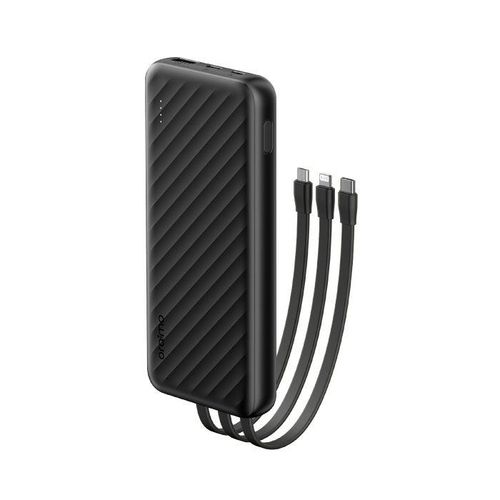
Oraimo Slice Link 10000mAh 12W Power Bank
Regular price KSh1,900.00Sale price KSh1,900.00 Regular priceUnit price perKSh2,200.00Sale Sold out -
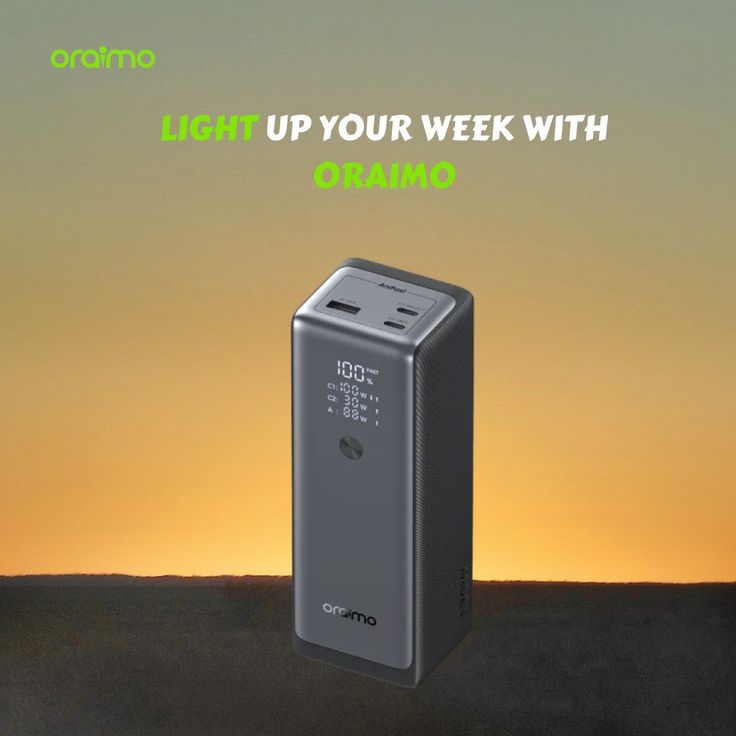
Oraimo PowerJet 130 Power Bank for Laptops and Phones Output 130W
Regular price KSh6,500.00Sale price KSh6,500.00 Regular priceUnit price perSale Sold out -
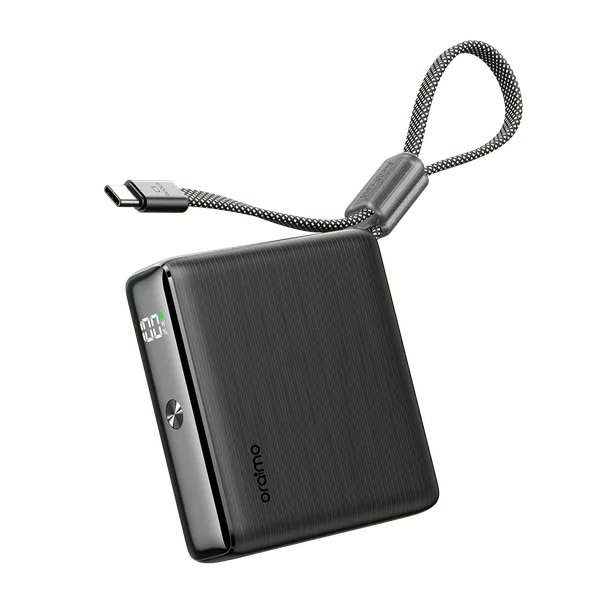
Oraimo PowerNova L21 20,000mAh 30W Fast-Charge Power Bank
Regular price KSh5,500.00Sale price KSh5,500.00 Regular priceUnit price perSale Sold out
-
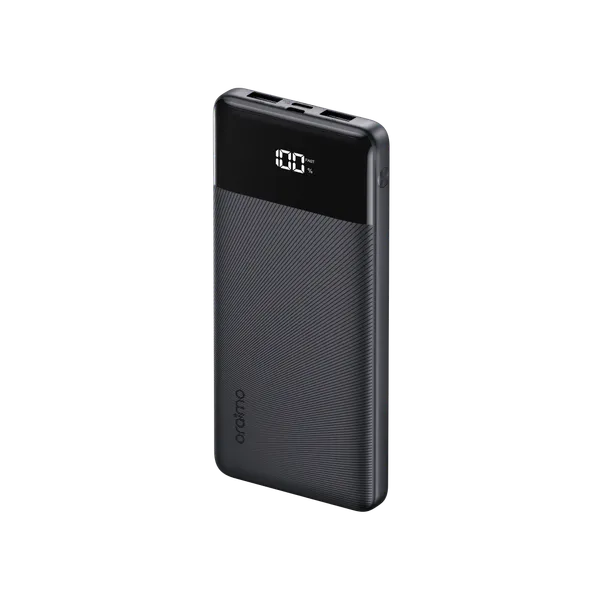
Oraimo Toast 22.5 Byte OPB-7100Q 10,000mAh 22.5W Power Bank – Fast Charging with LED Digital Display
Regular price KSh1,800.00Sale price KSh1,800.00 Regular priceUnit price perSale Sold out -
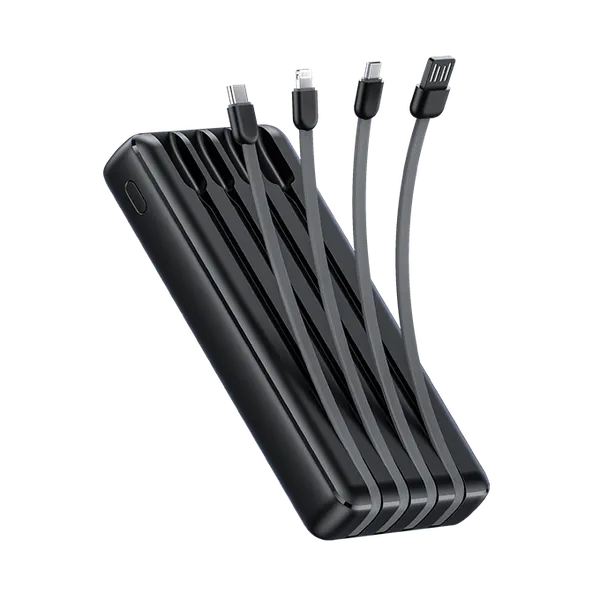
Oraimo Traveler Link 20 20000mAh 12W Power Bank – Reliable High-Capacity Portable Charger
Regular price KSh2,600.00Sale price KSh2,600.00 Regular priceUnit price perSale Sold out -
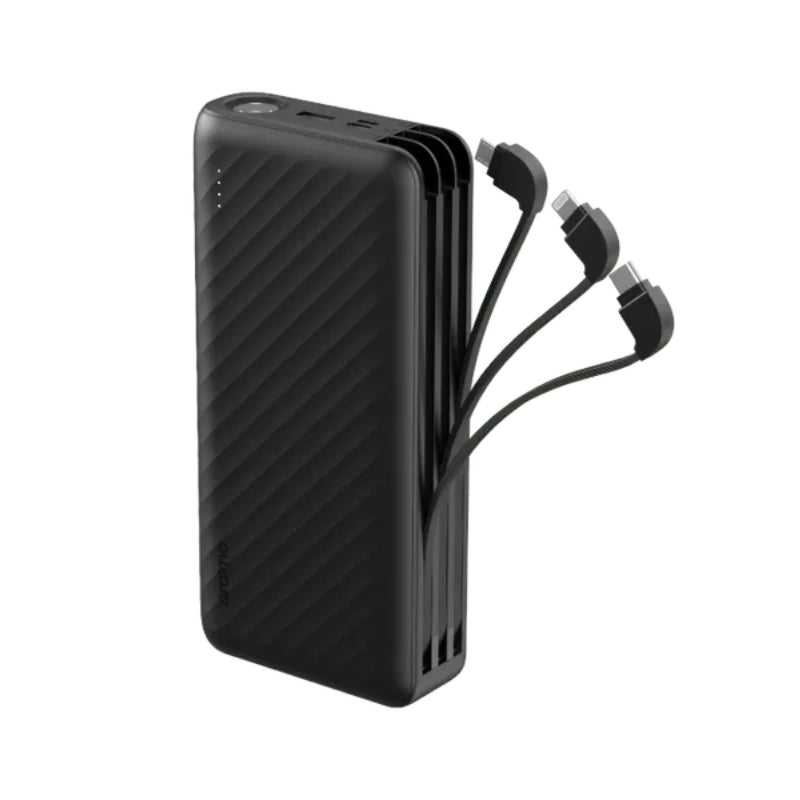
Oraimo Traveller Link 27 – 27,000mAh Power Bank with Built-in Cables
Regular price KSh3,500.00Sale price KSh3,500.00 Regular priceUnit price perSale Sold out
