


Toprated
-

Silicone AirPods Case – Slim, Durable & Stylish Protection | Zentech Kenya
Regular price KSh750.00Sale price KSh750.00 Regular priceUnit price perKSh1,000.00Sale Sold out -

Oraimo OpenSnap Clip-On Earbuds, Open-Ear, Bluetooth, Comfort Fit
Regular price KSh3,499.00Sale price KSh3,499.00 Regular priceUnit price perSale Sold out -
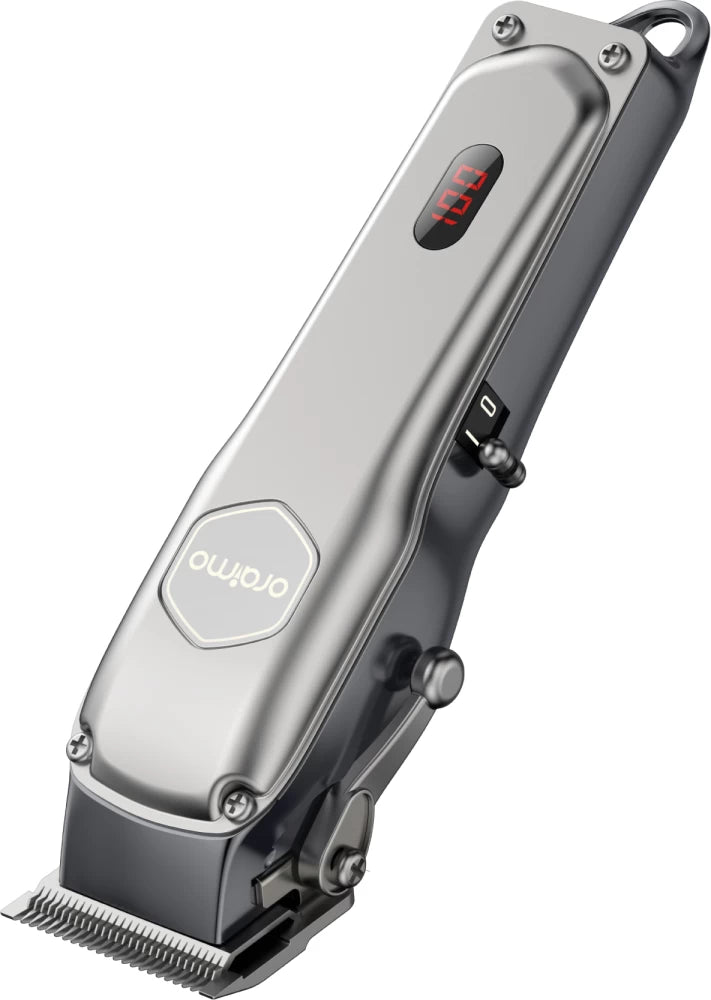
Oraimo OPC-CL30 SmartClipper 2 Cordless Hair Clipper
Regular price KSh3,700.00Sale price KSh3,700.00 Regular priceUnit price perKSh5,500.00Sale Sold out
-
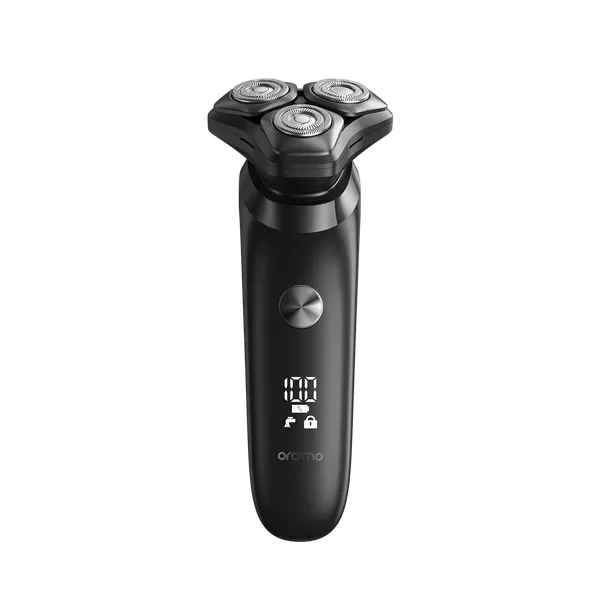
Oraimo ORS-280 EasyShave Multi-Functional Electric Shaver Price in Kenya | Zentech Electronics
Regular price KSh2,900.00Sale price KSh2,900.00 Regular priceUnit price perSale Sold out -
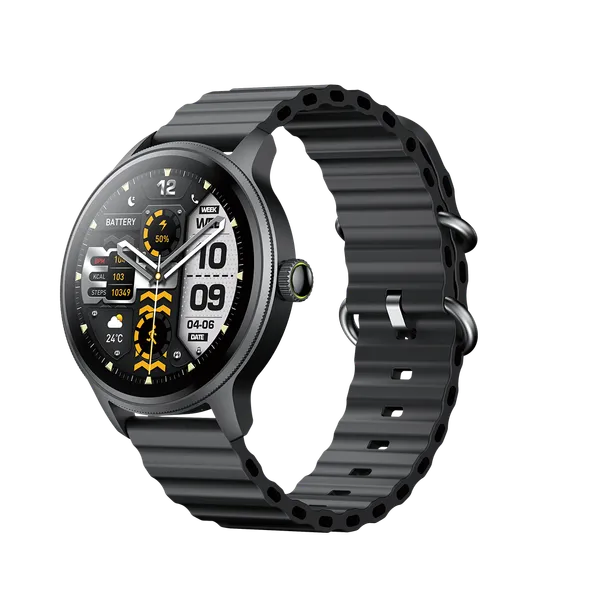
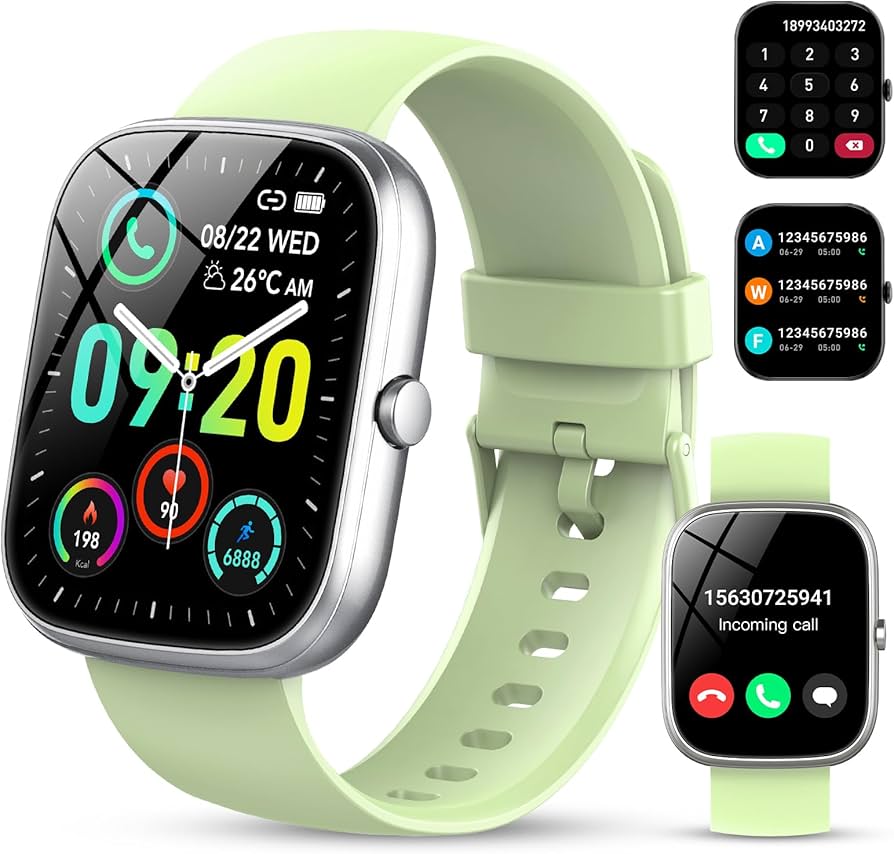
Oraimo Watch 5R Pro Smartwatch | Advanced Health & Fitness Tracker
Regular price KSh5,800.00Sale price KSh5,800.00 Regular priceUnit price perSale Sold out -
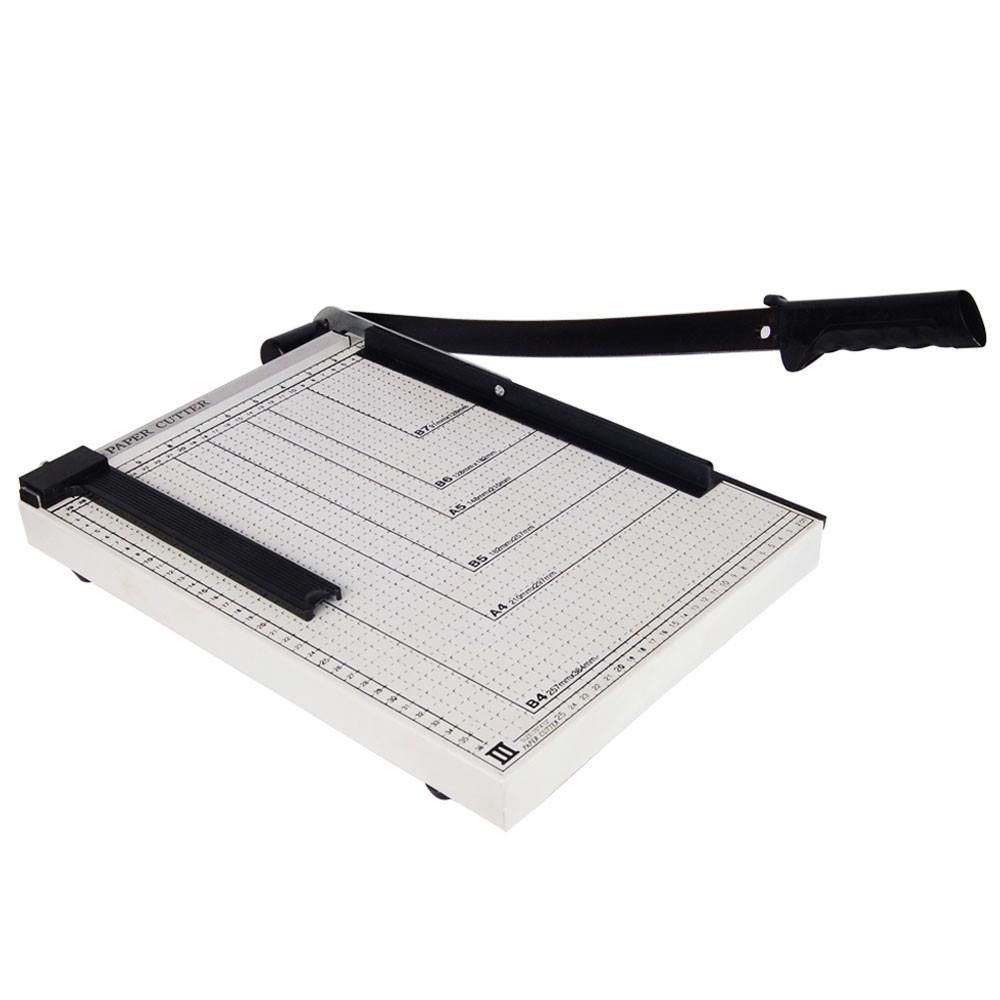
Paper Cutter in Kenya | Heavy-Duty Office & School Paper Cutter – Zentech Electronics
Regular price KSh2,800.00Sale price KSh2,800.00 Regular priceUnit price perSale Sold out
Testimonials
Brian M., Nairobi
UserI ordered a Samsung Galaxy S23 Ultra, and I was amazed by how fast the delivery was! The phone arrived in perfect condition, well packaged, and exactly as described. Highly recommend!
Janet K., Mombasa
Author's positionI was looking for a reliable power bank, and I found a great deal on a Baseus 20,000mAh power bank here. Will definitely shop again!
Kelvin O., Kisumu
UserI was skeptical about buying a smartwatch online, but I’m so glad I did! The Apple Watch Series 9 I bought is 100% original, works perfectly, and came in a sealed box. Best online electronics store in Kenya!
Samantha N., Nakuru
UserThe team here is amazing! I bought a JBL PartyBox speaker, and they helped me choose the right model based on my needs. The delivery was fast, and they even followed up to ensure I was satisfied. That’s top-notch service!
Alex W., Eldoret
UserI got a Sony 55-inch 4K Smart TV from this website.The picture quality is amazing, and the sound is clear. The delivery was quick, and setting it up was easy. Definitely my go-to store for electronics!
Bestseller
-
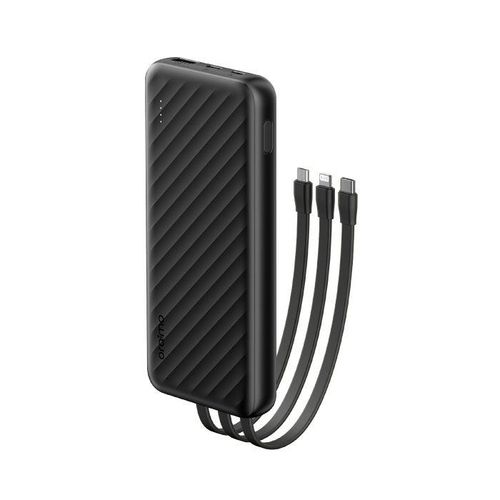
Oraimo Slice Link 10000mAh 12W Power Bank Price in Kenya.
Regular price KSh2,500.00Sale price KSh2,500.00 Regular priceUnit price perKSh2,200.00Sale Sold out -
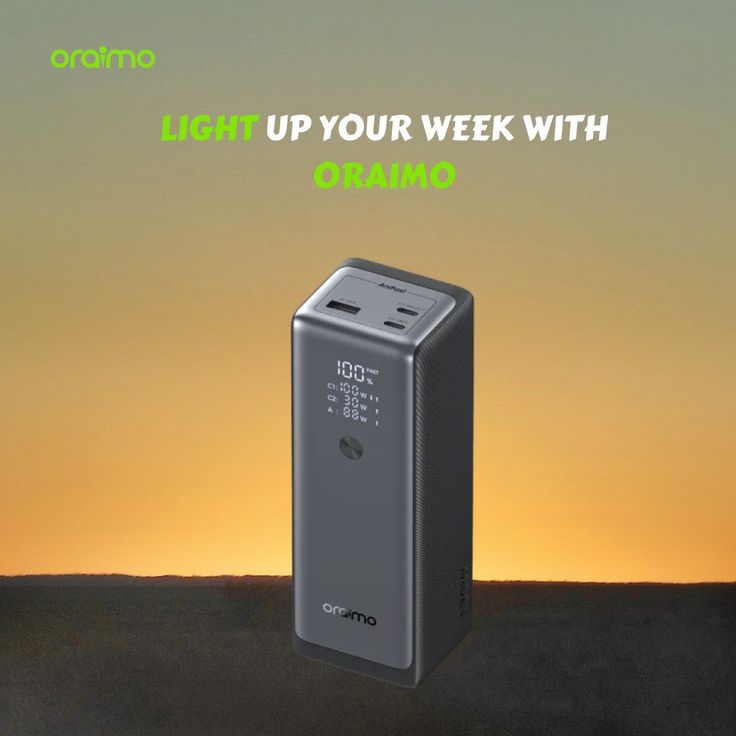
Oraimo PowerJet 130 Power Bank for Laptops and Phones Output 130W.
Regular price KSh6,500.00Sale price KSh6,500.00 Regular priceUnit price perSale Sold out -
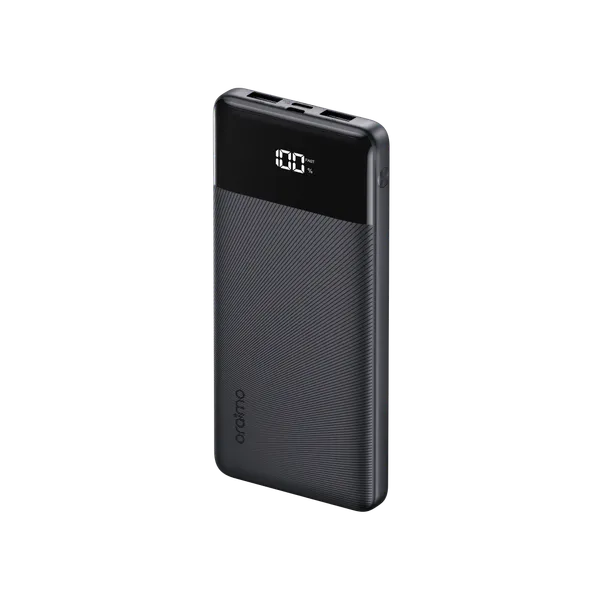
Oraimo Toast 22.5 Byte OPB-7100Q 10,000mAh 22.5W Power Bank – Fast Charging with LED Digital Display
Regular price KSh1,800.00Sale price KSh1,800.00 Regular priceUnit price perSale Sold out
-
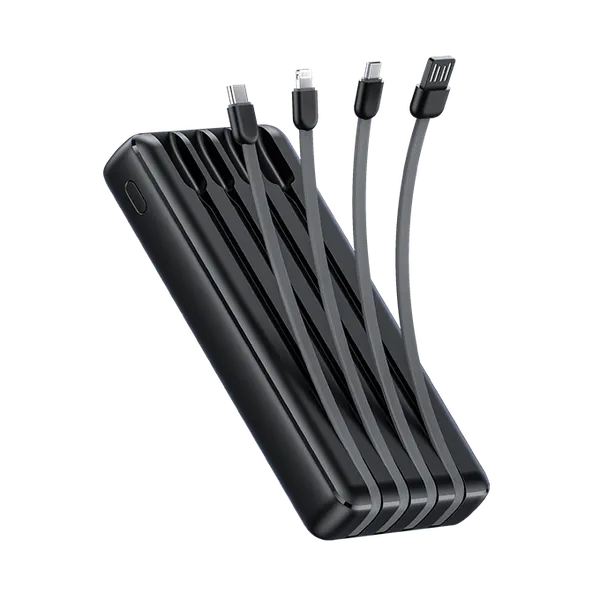
Oraimo Traveler Link 20 20000mAh 12W Power Bank – Reliable High-Capacity Portable Charger
Regular price KSh2,600.00Sale price KSh2,600.00 Regular priceUnit price perSale Sold out -
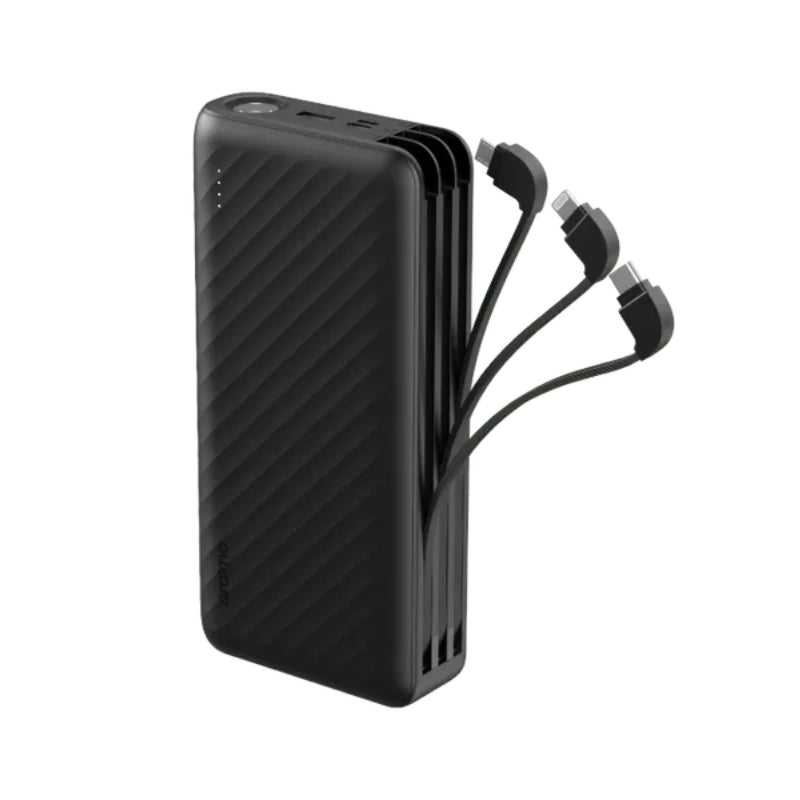
Oraimo Traveller Link 27 – 27,000mAh Power Bank with Built-in Cables-Price in Kenya
Regular price KSh3,500.00Sale price KSh3,500.00 Regular priceUnit price perSale Sold out -
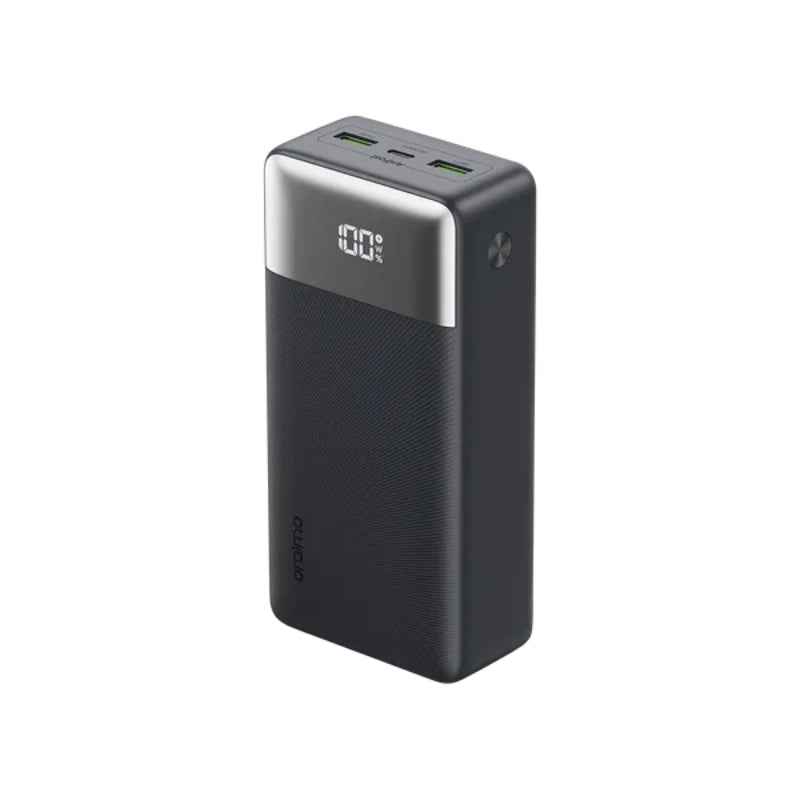
Oraimo 27000mAh QF1 Power Bank – Fast Charging High Capacity Power Bank in Kenya
Regular price KSh3,500.00Sale price KSh3,500.00 Regular priceUnit price perSale Sold out


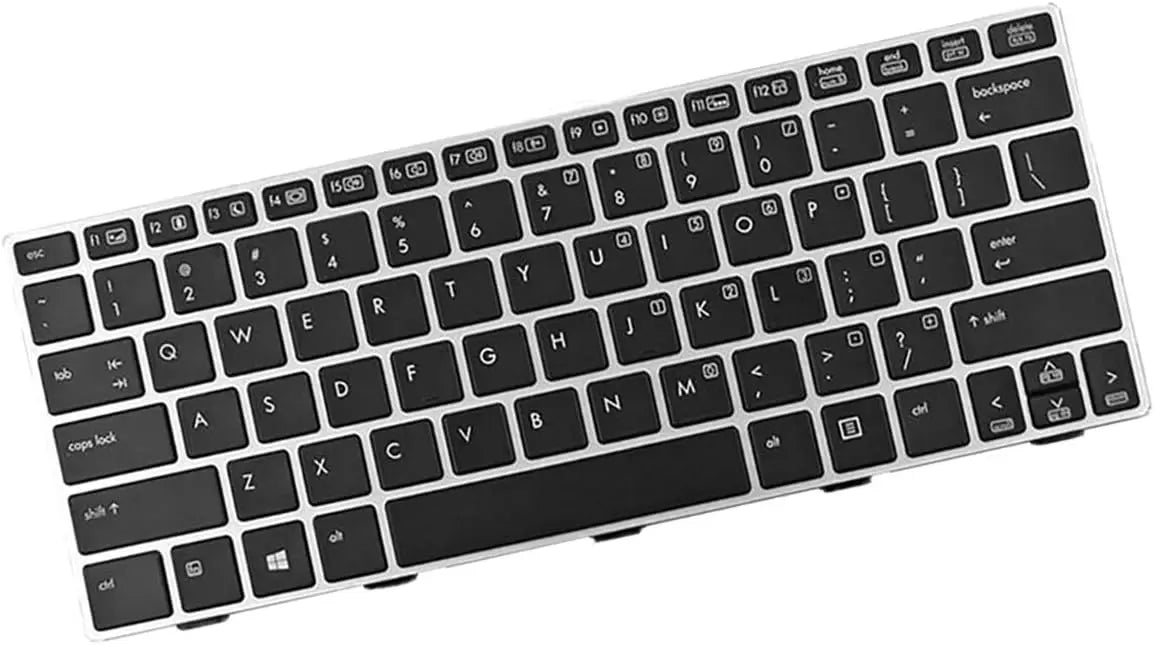
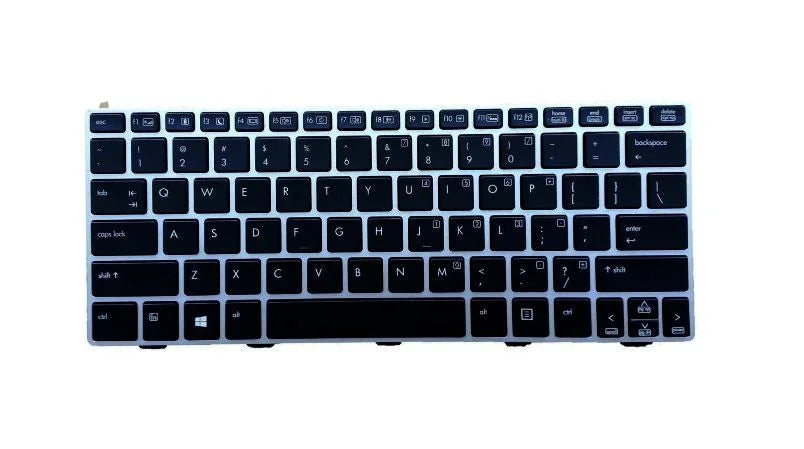
HP 810 G1, 810 G2 & 810 G3 Laptop Keyboard Replacement-Price in Kenya.
Couldn't load pickup availability
Description
HP EliteBook 810 G1, G2 & G3 Laptop Keyboard Replacement
Highlights
- Perfect OEM Compatibility: Exact replacement for HP EliteBook 810 G1, G2, and G3 business laptops.
- Professional Grade Quality: Premium keycaps and scissor-switch mechanism for superior tactile feedback.
- Spill-Resistant Design: Protective membrane layer helps guard against liquid damage and debris.
- Complete Keyboard Assembly: Includes full palmrest with integrated touchpad for easy installation.
- Restored Productivity: Fixes stuck keys, unresponsive typing, and physical damage quickly and affordably.
Product Overview
Restore the professional typing experience of your HP EliteBook 810 series laptop with this exact-fit HP 810 keyboard replacement. Designed specifically for the EliteBook 810 G1, 810 G2, and 810 G3 business laptops, this premium replacement part eliminates the frustration caused by worn-out, damaged, or unresponsive keys. Whether you're dealing with a single non-functioning key, multiple stuck keys, or complete keyboard failure, this OEM-compatible laptop keyboard provides a cost-effective solution that saves you from expensive laptop replacement. Featuring the same tactile response, key layout, and durable construction as the original, it ensures seamless integration with your device's chassis and motherboard. Available now in Kenya with competitive pricing, this replacement keyboard is the ideal repair solution for business professionals, IT departments, and individual users who rely on their EliteBook for daily productivity and demand reliable laptop repair parts.
Detailed Product Description
Precision Engineering for EliteBook 810 Series Compatibility
The HP EliteBook 810 series represents business-grade durability and performance, and its keyboard is no exception. This HP EliteBook keyboard replacement is meticulously engineered to match the exact specifications of the original equipment. It is crucial to understand that the 810 G1, G2, and G3 models share a compatible keyboard form factor, ensuring this single unit serves as the perfect repair part for all three generations. The keyboard assembly includes not just the keyswitch mechanism but the entire palmrest with integrated touchpad and mouse buttons, which is the standard method for replacement in this ultra-slim business laptop series. This ensures a perfect fit and finish, with all screw posts, cable connector positions, and chassis clips aligning precisely. Before installation, verify your specific EliteBook 810 model number, but rest assured this unit is designed to be the definitive solution for these popular business laptops.
Superior Typing Experience with Professional Key Mechanisms
At the core of this replacement keyboard is a high-quality scissor-switch mechanism under each keycap. This technology provides the distinct, responsive, and quiet typing feel that professionals prefer. Compared to cheaper rubber-dome alternatives, scissor-switch keys offer shorter key travel with a crisp actuation point, leading to faster typing speeds and reduced finger fatigue during long work sessions. The keycaps are laser-etched with clear, legible characters that resist wear from constant use. The layout is specifically designed for the EliteBook 810, including all function keys (F1-F12), special HP shortcut keys for brightness and volume control, and the standard QWERTY arrangement. This attention to detail ensures there is no relearning curve; the typing experience is instantly familiar and perfectly restored to its original, efficient state.
Spill-Resistant Protection and Durable Construction
Business environments demand resilience. This HP 810 replacement keyboard incorporates a protective spill-resistant membrane beneath the key mechanisms. This critical layer acts as a shield, helping to divert accidental spills of water or coffee away from the sensitive laptop motherboard and internal components. While not fully waterproof, this design significantly increases the chances of saving your laptop from liquid damage, a common cause of keyboard failure. The keyboard's base plate is constructed from durable, flexible metal or high-grade plastic designed to withstand the constant pressure of typing without warping. This focus on durable laptop components means the replacement not only fixes the immediate problem but also contributes to the overall longevity of your HP EliteBook, protecting your investment.
Diagnosing Common Keyboard Issues and Knowing When to Replace
Several symptoms indicate that your EliteBook 810 needs a keyboard replacement. The most obvious is physical damage: cracked or missing keycaps, keys that no longer spring back, or visible damage to the keyboard surface. More subtle signs include unresponsive keys where certain letters or numbers fail to register despite multiple presses, or ghost typing where keys act as if they are being pressed randomly without user input. Before concluding the keyboard is faulty, it's wise to test the laptop with an external USB keyboard. If the external keyboard works flawlessly, the internal keyboard is almost certainly the culprit. Replacing the integrated keyboard assembly is the most direct and permanent solution to these issues, far more reliable than attempting to clean or repair individual keys on such a compact, integrated component.
Installation Guide: Professional Replacement Made Accessible
Replacing the keyboard on an HP EliteBook 810 is a moderately advanced repair but is very achievable with care and the right tools. The process typically involves removing the battery, unscrewing several screws from the bottom case, carefully prying up the old keyboard/palmrest assembly, disconnecting the internal ribbon cable, and then reversing the steps with the new unit. The included ribbon cable connector is precisely positioned to plug directly into the motherboard socket. We highly recommend consulting detailed online video tutorials or a service manual for your specific 810 model before beginning. For users who prefer professional service, many local laptop repair shops in Kenya can perform this installation quickly. However, for the confident user, this replacement part enables a significant cost saving over taking the laptop to an official service center.
Maintaining Your New Keyboard for Long-Term Performance
To ensure your new keyboard provides years of reliable service, adopt simple maintenance habits. Regularly clean the keyboard using a can of compressed air to dislodge dust and crumbs from between the keys. For deeper cleaning, use a soft, slightly damp lint-free cloth—never pour liquid directly onto the keyboard. Avoid eating or drinking directly over the laptop to minimize the risk of spills. Be mindful of excessive force when typing; the scissor-switch mechanism is designed for efficiency, not brute strength. Using a laptop sleeve or case when transporting your EliteBook will protect the keyboard from pressure and impacts in your bag. These practices will preserve the keyboard's lifespan and keep your typing experience feeling like new.
Pros and Cons at a Glance
| Advantages (Pros) | Considerations (Cons) |
|---|---|
| Exact OEM Fit: Guaranteed physical and electrical compatibility with EliteBook 810 G1/G2/G3 models. | Installation Required: Requires disassembly of the laptop, which may be intimidating for non-technical users. |
| Cost-Effective Repair: Fraction of the cost of buying a new laptop, extending your device's usable life. | Palmrest Assembly: Replaces the entire palmrest/touchpad unit, which is standard but means replacing more than just the keys. |
| Restores Full Functionality: Fixes all typing issues and includes a new integrated touchpad. | Quality Variance: Must ensure sourcing a high-grade part (like this one) to avoid low-quality imitations with poor feel. |
| Spill-Resistant Feature: Adds a layer of protection against accidental liquid damage to internal components. | - |
| Professional Feel: Maintains the high-quality, tactile typing experience expected from a business-class laptop. | - |
Ready to Fix Your Typing Experience?
Don't let a malfunctioning keyboard slow down your work or compromise your productivity. This HP EliteBook 810 keyboard replacement is the professional, reliable solution you need to get back to seamless typing. Order today and restore your business laptop to its full functional potential.
ORDER HP 810 KEYBOARD - RESTORE TYPING NOW
Competitive Pricing in Kenya: Get the best value for a high-quality, compatible keyboard replacement with fast local availability.