


Top Rated
-

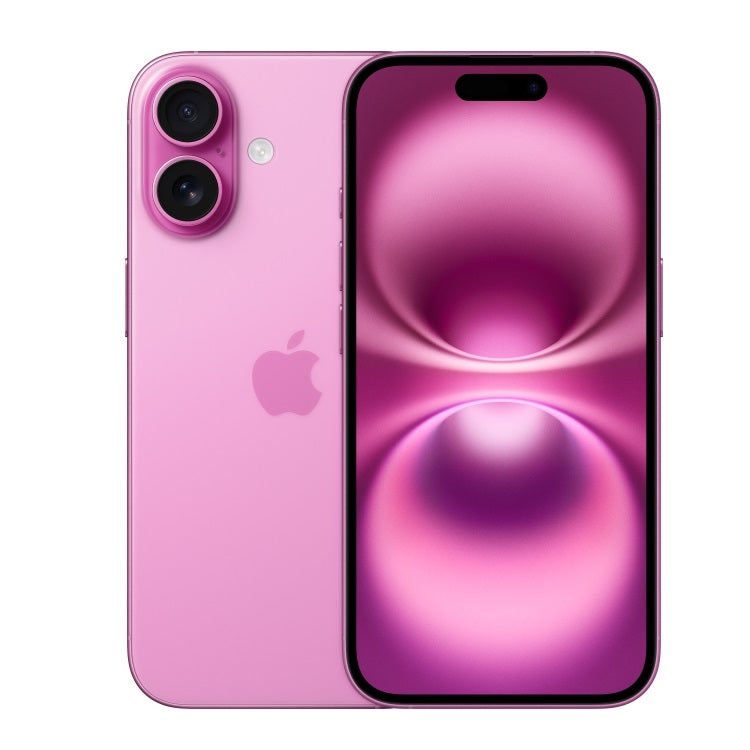
Silicone AirPods Case – Slim, Durable & Stylish Protection | Zentech Kenya
Regular price KSh750.00Sale price KSh750.00 Regular priceUnit price perKSh1,000.00Sale Sold out -

Oraimo OpenSnap Clip-On Earbuds, Open-Ear, Bluetooth, Comfort Fit
Regular price KSh3,499.00Sale price KSh3,499.00 Regular priceUnit price perSale Sold out -
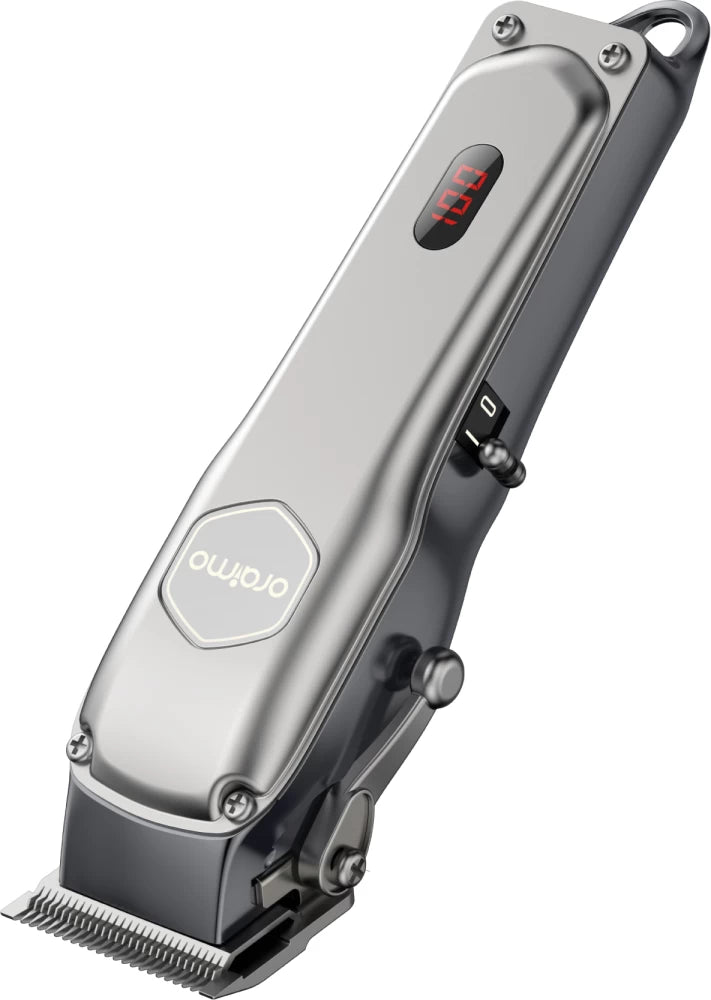
Oraimo OPC-CL30 SmartClipper 2 Cordless Hair Clipper
Regular price KSh3,700.00Sale price KSh3,700.00 Regular priceUnit price perKSh5,500.00Sale Sold out
-
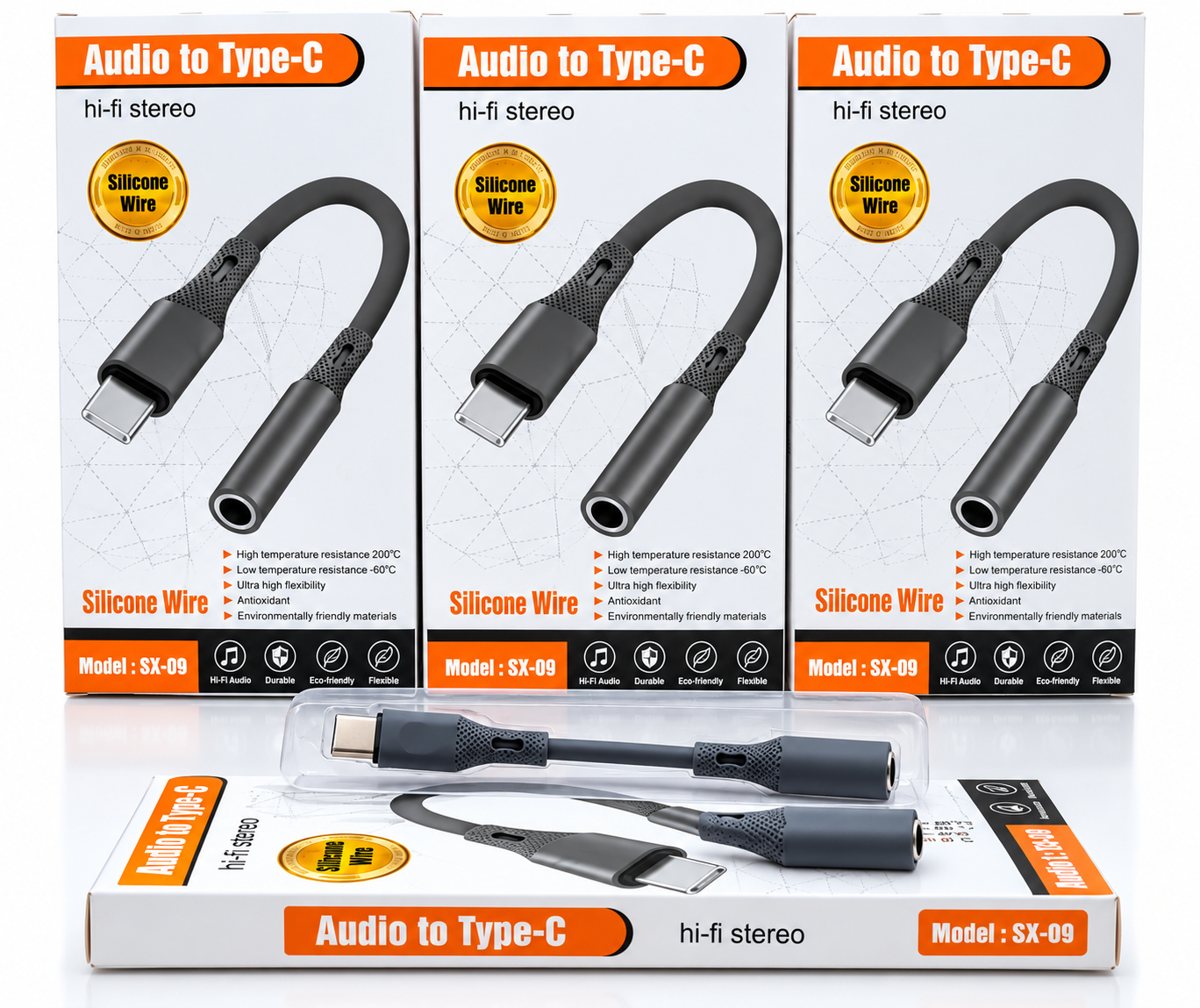
🎧 Audio to Type-C Hi-Fi Stereo Audio Adapter – Silicone Wire
Regular price KSh1,200.00Sale price KSh1,200.00 Regular priceUnit price perSale Sold out -
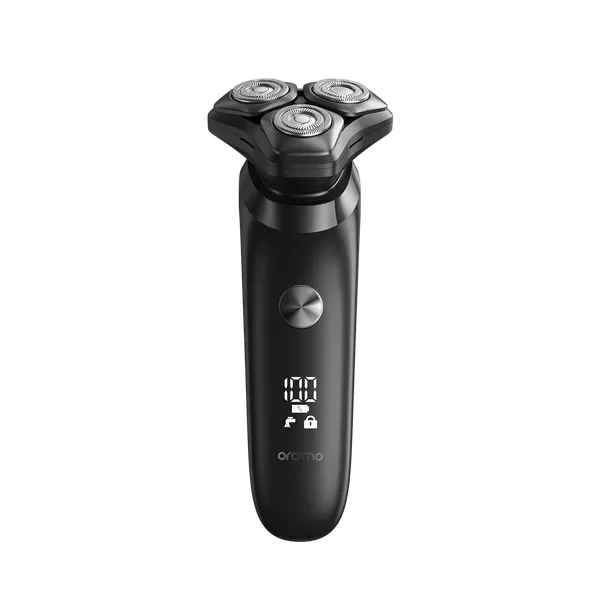
Oraimo ORS-280 EasyShave Multi-Functional Electric Shaver Price in Kenya | Zentech Electronics
Regular price KSh2,900.00Sale price KSh2,900.00 Regular priceUnit price perSale Sold out -
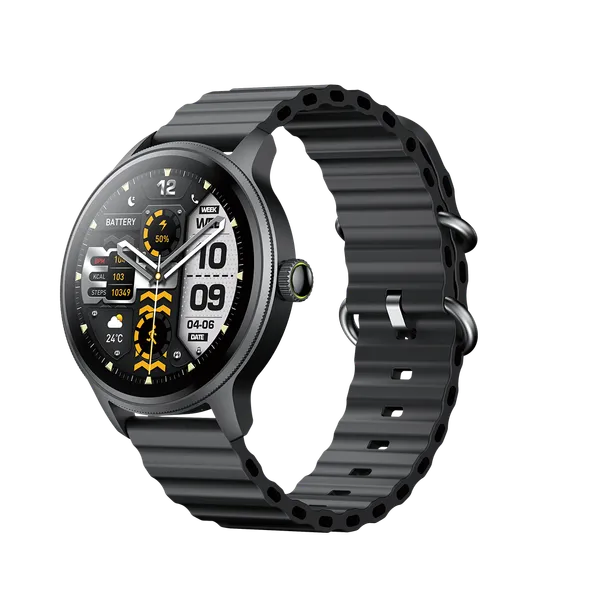
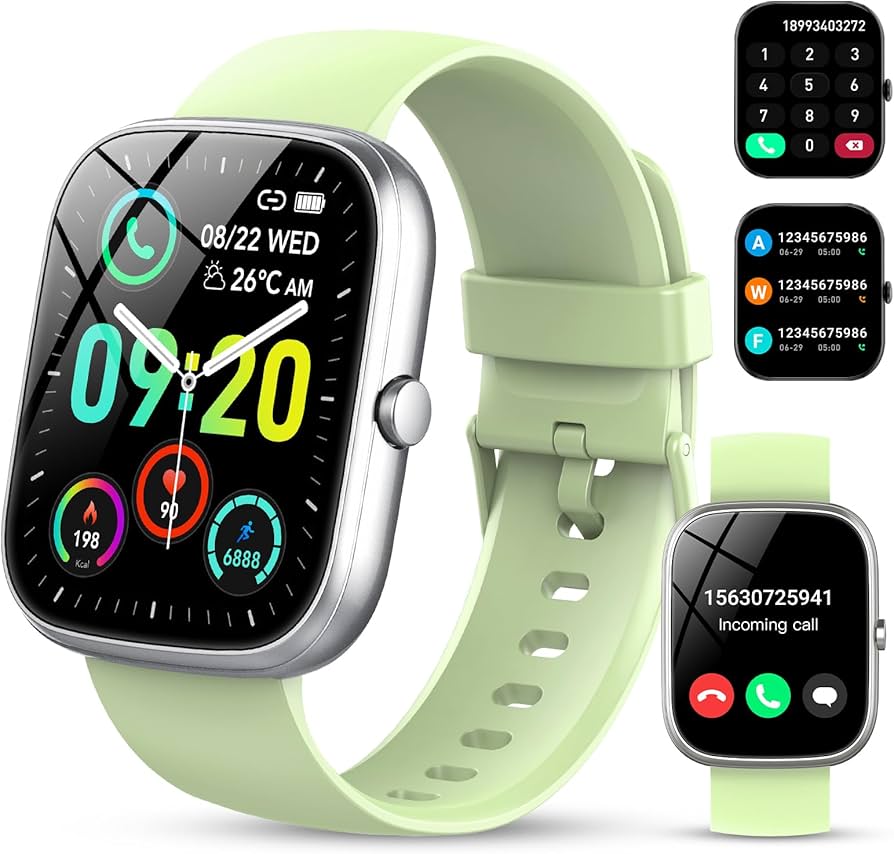
Oraimo Watch 5R Pro Smartwatch | Advanced Health & Fitness Tracker
Regular price KSh5,800.00Sale price KSh5,800.00 Regular priceUnit price perSale Sold out
Testimonials
Brian M., Nairobi
UserI ordered a Samsung Galaxy S23 Ultra, and I was amazed by how fast the delivery was! The phone arrived in perfect condition, well packaged, and exactly as described. Highly recommend!
Janet K., Mombasa
Customer, MombasaI was looking for a reliable power bank, and I found a great deal on a Baseus 20,000mAh power bank here. Will definitely shop again!
Kelvin O., Kisumu
UserI was skeptical about buying a smartwatch online, but I’m so glad I did! The Apple Watch Series 9 I bought is 100% original, works perfectly, and came in a sealed box. Best online electronics store in Kenya!
Samantha N., Nakuru
UserThe team here is amazing! I bought a JBL PartyBox speaker, and they helped me choose the right model based on my needs. The delivery was fast, and they even followed up to ensure I was satisfied. That’s top-notch service!
Alex W., Eldoret
UserI got a Sony 55-inch 4K Smart TV from this website.The picture quality is amazing, and the sound is clear. The delivery was quick, and setting it up was easy. Definitely my go-to store for electronics!
Bestseller
-
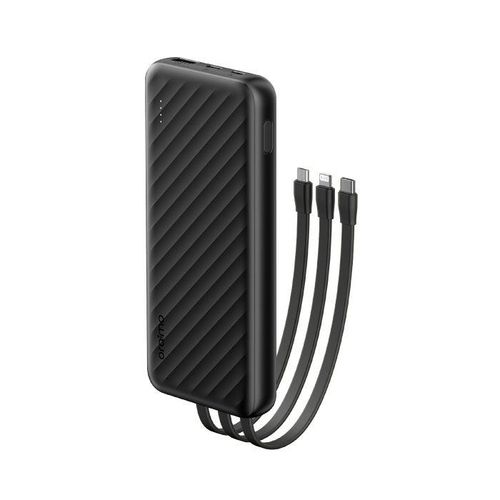
Oraimo Slice Link 10000mAh 12W Power Bank Price in Kenya.
Regular price KSh1,900.00Sale price KSh1,900.00 Regular priceUnit price perKSh2,200.00Sale Sold out -
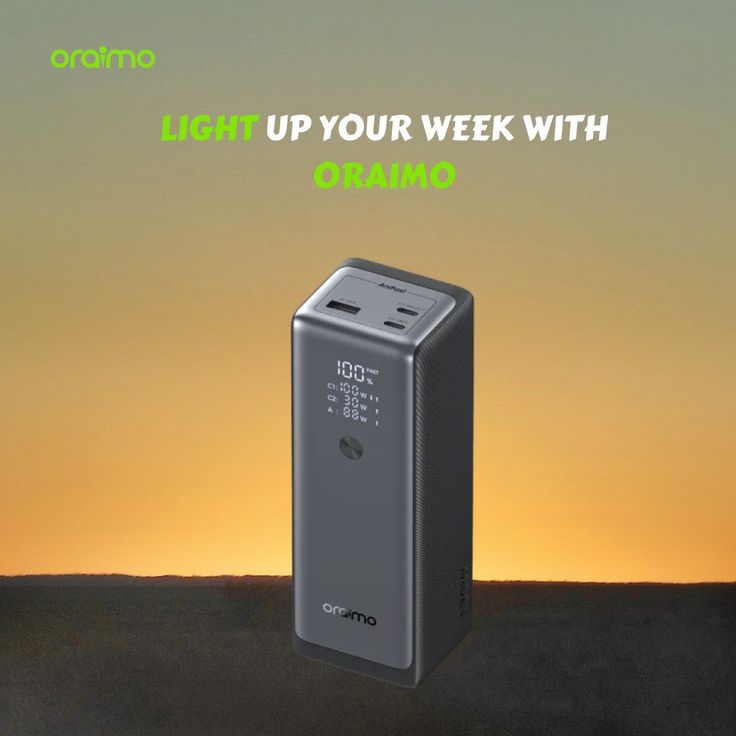
Oraimo PowerJet 130 Power Bank for Laptops and Phones Output 130W.
Regular price KSh6,500.00Sale price KSh6,500.00 Regular priceUnit price perSale Sold out -
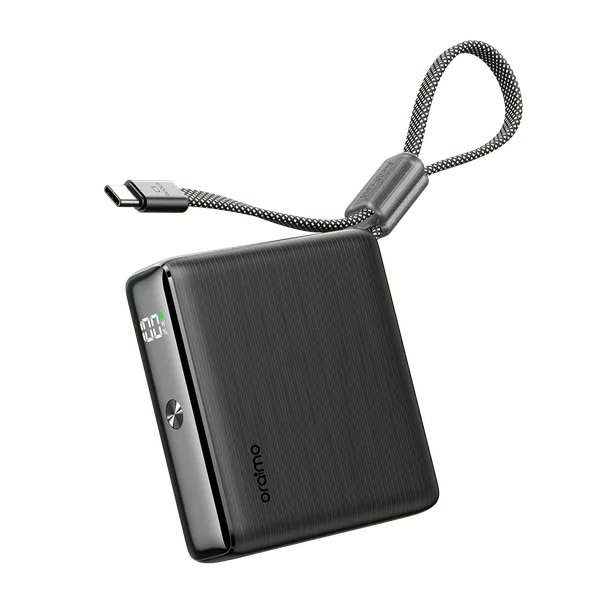
Oraimo PowerNova L21 20,000mAh 30W Fast-Charge Power Bank.
Regular price KSh5,500.00Sale price KSh5,500.00 Regular priceUnit price perSale Sold out
-
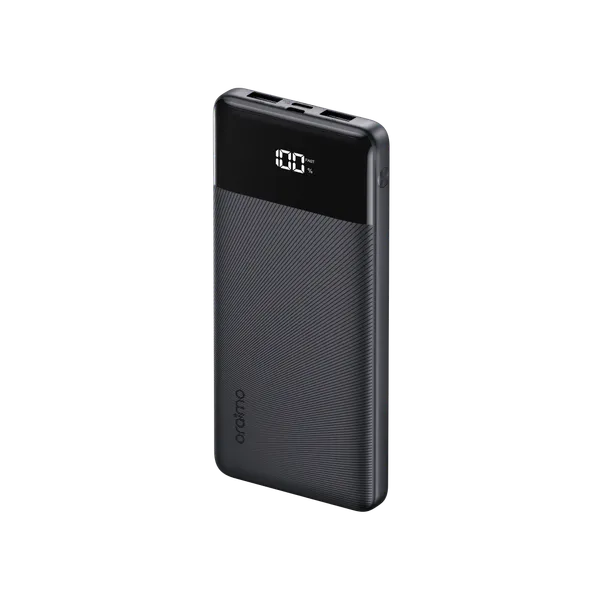
Oraimo Toast 22.5 Byte OPB-7100Q 10,000mAh 22.5W Power Bank – Fast Charging with LED Digital Display
Regular price KSh1,800.00Sale price KSh1,800.00 Regular priceUnit price perSale Sold out -
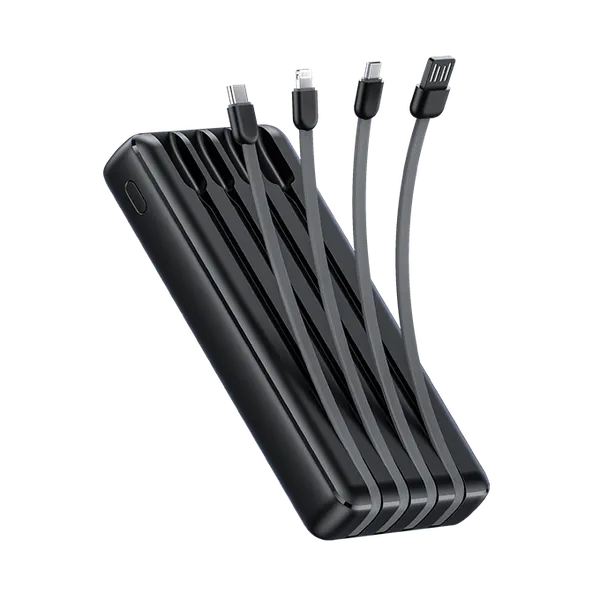
Oraimo Traveler Link 20 20000mAh 12W Power Bank – Reliable High-Capacity Portable Charger
Regular price KSh2,600.00Sale price KSh2,600.00 Regular priceUnit price perSale Sold out -
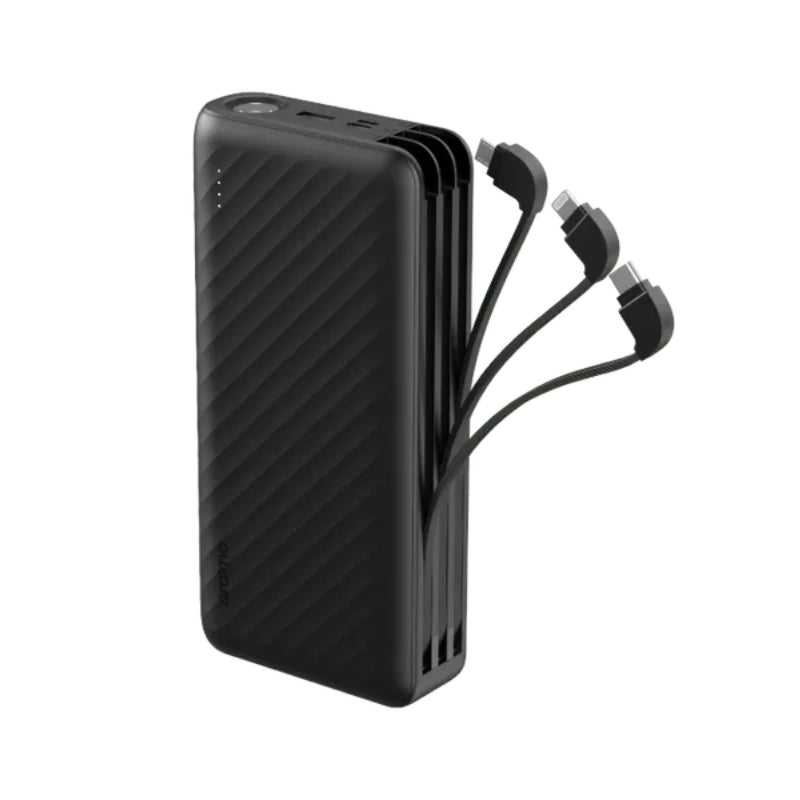
Oraimo Traveller Link 27 – 27,000mAh Power Bank with Built-in Cables-Price in Kenya
Regular price KSh3,500.00Sale price KSh3,500.00 Regular priceUnit price perSale Sold out
Webcams in Kenya
At a glance
Collection summary: Zentech Electronics Kenya sells Webcams in Kenya from The Bazaar Plaza, Moi Avenue, Nairobi. 13 products are listed. Pay with M-Pesa, cards, or Lipa Pole Pole. Pickup, same-day Nairobi delivery, and countrywide shipping.
- Best for
- Nairobi and Kenya shoppers comparing genuine Webcams in Kenya with store pickup, warranty support, and financing.
- Key benefits
- Authentic stock, M-Pesa checkout, Lipa Pole Pole on eligible items, same-day Nairobi delivery, and Kenya-wide shipping.
- Unique features
- Showroom at The Bazaar Plaza, 10th floor, Wing A, Suite 1038. WhatsApp +254 739 238 917. Manufacturer warranty handled at purchase.
- Use cases
- Home, office, school, and business buyers who need Webcams in Kenya in Kenya without grey-market risk.

Webcams in Kenya – 4K Streaming, Business Conference Cameras & HD Webcams in Nairobi
In the contemporary digital workplace, high-definition video communication has become the core foundation of corporate productivity, international client negotiations, remote education, and content creation. Built-in laptop webcams—often restricted to grainy 720p sensors, tiny plastic lenses, and inadequate low-light performance—severely undermine professional authority during executive Zoom briefings and client calls. Dedicated external webcams engineered with glass optics, high-dynamic-range (HDR) light adjustment, intelligent AI facial framing, and stereo beamforming microphones transform blurry, washed-out video feeds into sharp, studio-grade broadcasts.
At Zentech Electronics Kenya, we specialize in certified video communication hardware, featuring industry-leading webcams and video bars from Logitech, Microsoft, and Anker. From the broadcast-grade Logitech BRIO 4K Ultra HD and MX Brio 705 to dependable office workhorses like the Logitech C920e, C925e, and C930e, our inventory caters to solopreneurs, remote software developers, content streamers, and corporate huddle rooms. Located in the heart of Nairobi at The Bazaar Plaza, along Moi Avenue, 10th Floor, Wing A, Suite 1038, our video specialists provide live optical clarity testing, field-of-view demonstrations, and corporate procurement support.
Table of Contents: Professional Webcams Engineering & Selection Guide
- Ecosystem Architecture: Mother-Child Video Collaboration Hierarchy
- Sensor Optics & Resolution: 4K Ultra HD, 1080p 60fps & Glass Elements
- Lighting Calibration: RightLight Technology & High Dynamic Range (HDR)
- Field of View (FOV) & AI Auto-Framing: Diagonal Coverage for Desks & Huddle Rooms
- Acoustic Architecture: Stereo Beamforming Microphones & Noise Suppression
- Software Ecosystem & Physical Privacy Shutters: Windows Hello & Security
- Conference Bars vs. Desktop Webcams: Scalable Collaboration Solutions
- Professional Webcams Price Matrix in Kenya Shillings (KES)
- Frequently Asked Questions (FAQ) Regarding Webcams in Kenya
- Nairobi Showroom Demonstrations, Warranties & Countrywide Delivery
Read Complete Webcams Engineering & Deployment Manual
1. Ecosystem Architecture: Mother-Child Video Collaboration Hierarchy
Within our store taxonomy, the Webcams category serves as an essential specialized child spoke beneath our comprehensive Video Conference Equipment in Kenya pillar and our expansive Computer Accessories in Kenya division. By isolating individual webcams from full boardroom deployment systems, we provide remote professionals with razor-sharp buying guidance while eliminating search engine cannibalization.
For complete office workstation optimization, webcams interface seamlessly with our Office Electronics in Kenya line, connect to productivity Laptops in Kenya, pair with our dedicated Logitech in Kenya hardware catalog, and integrate with crystal-clear voice communication via our Headsets in Kenya collection.
2. Sensor Optics & Resolution: 4K Ultra HD, 1080p 60fps & Glass Elements
The visual quality of a webcam is primarily governed by its image sensor size and optical glass construction. While budget webcams rely on tiny plastic lenses that distort edges and produce heavy digital noise in moderate lighting, professional-grade models utilize multi-element glass lenses:
4K Ultra HD (3840 x 2160 Pixels)
Delivers four times the pixel density of standard Full HD. Allows digital zoom and crop without visible pixilation, producing razor-sharp skin tones and fine fabric textures for executive briefings and professional YouTube production.
Full HD 1080p at 60 FPS
The gold standard for content creators, game streamers, and active presenters. 60 frames per second eliminates motion blur and stutter during expressive hand gestures or rapid physical movement.
Precision Autofocus Systems
Fast-acting closed-loop voice coil motors keep your face razor-sharp even when leaning toward the monitor or holding up printed documents or physical product samples directly before the lens.
Multi-Coated Glass Optical Elements
Premium glass elements minimize chromatic aberrations, flare, and color fringing, ensuring crisp edge-to-edge optical clarity across the entire frame.
To examine technical whitepapers, sensor data, and firmware utilities, visit the Official Logitech Global Business & Streaming Solutions Portal.
3. Lighting Calibration: RightLight Technology & High Dynamic Range (HDR)
In real-world Nairobi home offices and commercial office spaces, lighting conditions are rarely ideal. Strong sunlight streaming through side windows or harsh fluorescent ceiling fixtures creates severe backlighting, casting faces into deep shadow. Professional webcams solve this challenge through hardware-level High Dynamic Range (HDR) and intelligent lighting algorithms:
Advanced image signal processors (ISP) actively measure facial color temperature, correcting white balance continuously so your skin never appears sickly yellow, overly pale, or artificially flushed.
4. Field of View (FOV) & AI Auto-Framing: Diagonal Coverage for Desks & Huddle Rooms
Selecting the correct Field of View (FOV) ensures your video feed captures exactly what you intend while cropping out unwanted background clutter:
- 65° Narrow Diagonal FOV: Ideal for one-on-one executive calls and personal desks. Frames your head and shoulders tightly, hiding messy background rooms or busy open-plan office cubicles.
- 78° Standard FOV: The classic business balance. Comfortably captures a single presenter with moderate desk space, accommodating natural hand gestures and whiteboard illustrations.
- 90° Wide Angle FOV: Perfect for small meeting pods, huddle rooms, or multi-person presentations where two to three participants must sit side by side without crowding the lens.
- AI Auto-Framing (Logi Tune / RightSight): Dynamically tracks participants in the room, zooming in on speakers when talking and expanding the frame when additional colleagues join the conference.
5. Acoustic Architecture: Stereo Beamforming Microphones & Noise Suppression
While an external boom headset offers maximum audio isolation, high-end webcams incorporate dual omnidirectional and beamforming microphones capable of capturing rich vocal timbre without requiring headgear. Spatial noise-filtering algorithms distinguish vocal frequencies from ambient disturbances—such as Nairobi road traffic, air conditioner hum, and keyboard typing clatter—ensuring clear speech delivery up to 3 meters away.
6. Software Ecosystem & Physical Privacy Shutters: Windows Hello & Security
Hardware security and rapid authentication are vital considerations for corporate laptops and personal desktop workstations:
- Integrated Privacy Shutters: Physical sliding shutters or flip-down covers physically block the optical sensor when not on a call, providing 100% peace of mind against accidental broadcasts or malicious malware hijacking.
- Windows Hello Facial Recognition: Infrared (IR) optical sensors embedded in cameras like the Logitech BRIO enable instant, hands-free Windows biometric login in less than one second, even in total darkness.
- Desktop Management Suites: Utilities such as Logi Tune and Logitech G HUB allow granular manual adjustment of digital zoom, color saturation, manual exposure, autofocus locks, and custom pan-tilt framing presets.
7. Conference Bars vs. Desktop Webcams: Scalable Collaboration Solutions
For organizations outfitting formal meeting rooms, a simple desktop webcam is insufficient. Our inventory includes all-in-one conference video bars like the Logitech MeetUp and Logitech Rally Bar. These advanced conference systems combine motorized pan-tilt-zoom (PTZ) 4K cameras, beamforming microphone arrays with 6-meter voice pickup, and anti-vibration high-excursion speakers, providing turnkey meeting room collaboration for Microsoft Teams, Zoom Rooms, and Google Meet.
8. Professional Webcams Price Matrix in Kenya Shillings (KES)
Review our comprehensive price reference for genuine enterprise and desktop webcams available at Zentech Electronics Kenya:
| Webcam Model | Resolution & FPS | Field of View (FOV) | Ideal Application | Pricing Range (KES) | Stock Status |
|---|---|---|---|---|---|
| Logitech BRIO 4K Ultra HD | 4K / 30fps, 1080p / 60fps | Adjustable 65° / 78° / 90° | Executive Zoom, 4K Streaming, Windows Hello | KES 25,000 – KES 28,000 | In Stock |
| Logitech MX Brio 705 4K Business | 4K Ultra HD, HDR | 90° wide angle lens | Enterprise Boardrooms, Show-Mode Presentation | KES 22,000 – KES 24,500 | In Stock |
| Logitech Brio 500 HD Webcam | 1080p / 30fps, 720p / 60fps | 90° with Show Mode | Remote Professionals, Creative Workstations | KES 17,500 – KES 19,000 | In Stock |
| Logitech C922 Pro Stream | 1080p / 30fps, 720p / 60fps | 78° diagonal | Live Game Streaming, Content Creators | KES 13,800 – KES 15,500 | In Stock |
| Logitech C930e Business Webcam | 1080p Full HD | 90° extended FOV | Small Meeting Rooms, Desktop Conferencing | KES 12,500 – KES 13,800 | In Stock |
| Logitech C920e / C925e HD | 1080p Full HD | 78° diagonal | Corporate Hybrid Work, General Office Calls | KES 11,000 – KES 12,500 | In Stock |
| Logitech BCC950 ConferenceCam | 1080p motorized PTZ | 78° with remote control | Small Group Huddle Rooms (1–4 people) | KES 22,000 – KES 24,000 | In Stock |
| Logitech MeetUp 2 Video Bar | 4K Ultra-HD AI Bar | 120° super-wide FOV | Modern Huddle Rooms, Teams & Zoom Rooms | KES 125,000 – KES 135,000 | In Stock |
9. Frequently Asked Questions (FAQ) Regarding Webcams in Kenya
10. Nairobi Showroom Demonstrations, Warranties & Countrywide Delivery
Selecting the right webcam requires evaluating true optical sharpness, microphone pickup clarity, and field-of-view coverage in person. At Zentech Electronics Kenya, our Nairobi showroom features fully operational display units, allowing you to test video feeds, check HDR lighting adjustments, and verify Windows Hello authentication prior to purchase.
Visit Our Nairobi Video Solutions Experience Center
Zentech Electronics Kenya
Location: The Bazaar Plaza, along Moi Avenue, 10th Floor, Wing A, Suite 1038, Nairobi, Kenya
Direct Phone / WhatsApp: +254 705 645 444 / +254 706 724 646
Email: info@zentechelectronics.com
Opening Hours: Monday – Saturday: 8:30 AM – 7:00 PM | Closed on Sundays & Public Holidays
Upgrade your remote meetings, webinars, and streaming broadcasts with certified genuine webcams backed by 1-year manufacturer warranties.
-
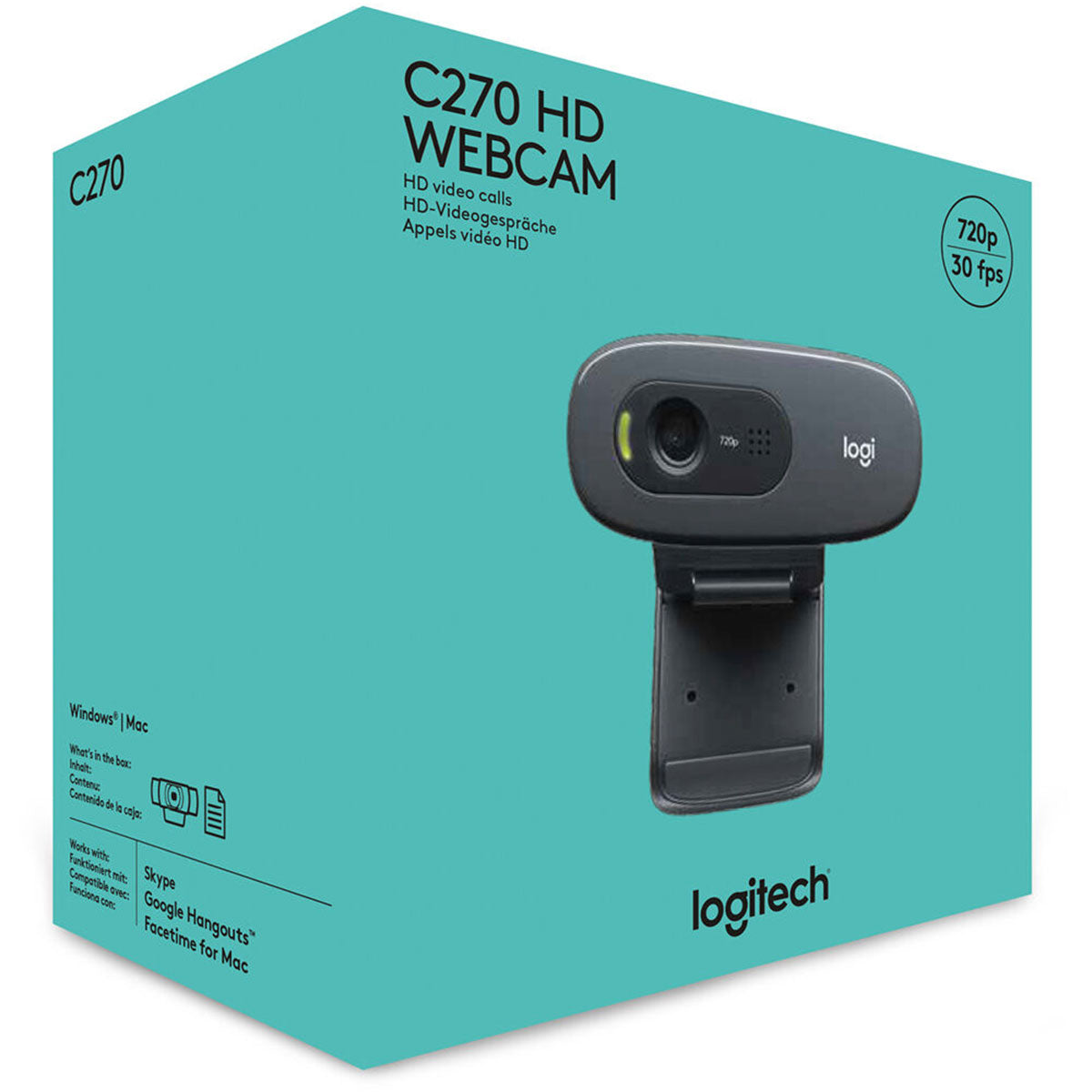
Logitech C270 HD 720p webcam for desktop and laptop-Price in Kenya.
Regular price KSh4,499.00Sale price KSh4,499.00 Regular priceUnit price perSale Sold outLogitech C270 HD 720p Webcam for Desktop & Laptop – Price in Kenya The Logitech C270 HD 720p Webcam is a reliable, budget-friendly video conferencing solution...
Frequently Asked Questions
Can I buy Webcams in Kenya in Nairobi from Zentech?
Yes. Zentech Electronics Kenya stocks Webcams in Kenya at The Bazaar Plaza, Moi Avenue, 10th floor, Wing A, Suite 1038. You can pick up in Nairobi CBD or request delivery.
Do you offer M-Pesa or Lipa Pole Pole on Webcams in Kenya?
Yes. Pay with M-Pesa, cards, cash on delivery in Nairobi, and Lipa Pole Pole or Flexpay on eligible items. WhatsApp +254 739 238 917 to confirm financing on Webcams in Kenya.
Do you deliver Webcams in Kenya across Kenya?
Yes. Same-day delivery is available in Nairobi, with shipping to Mombasa, Kisumu, Nakuru, Eldoret and other counties. Ask for the current lead time when you order Webcams in Kenya.
Are Webcams in Kenya genuine and under warranty?
We sell genuine Webcams in Kenya with manufacturer warranty subject to brand terms confirmed at purchase. Keep your invoice and serial number for support.