




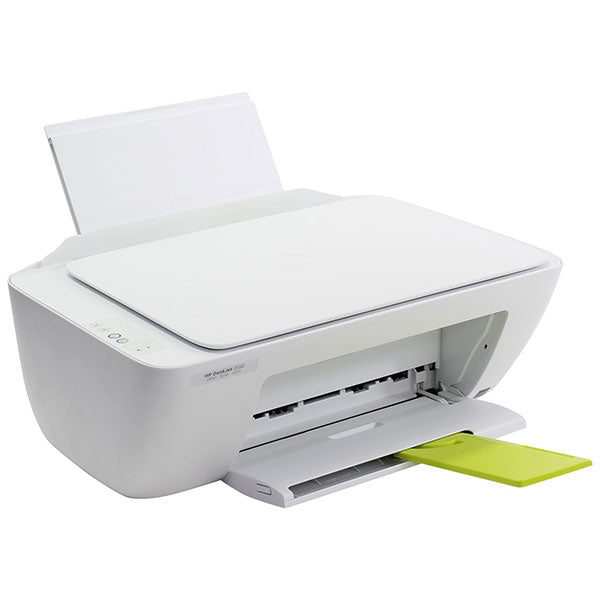
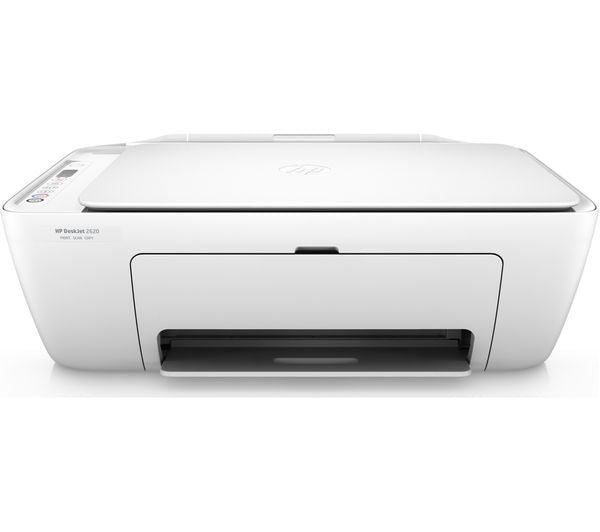
HP DeskJet 2320 Printer
Couldn't load pickup availability
Description
HP DeskJet 2320 All‑in‑One Printer – Print, Scan & Copy
The HP DeskJet 2320 multifunction printer is an affordable and reliable all‑in‑one solution designed for everyday printing, scanning, and copying. Perfect for home offices, students, and small businesses, it combines essential features with easy setup and dependable performance. Built with HP’s thermal inkjet technology, this compact printer delivers high‑quality prints, sharp text, and vibrant colours for documents, reports, photos, and more. With USB connectivity, quick first page out times, and energy‑efficient operation, the DeskJet 2320 brings cost‑effective printing to your desk without compromise.
Key Highlights
- All‑in‑One functionality: print, scan, and copy in one device
- HP Thermal Inkjet printing technology for crisp text and vibrant colours
- Print speeds up to ~7.5 ppm (black) and ~5.5 ppm (colour)
- High‑resolution printing up to 4800 x 1200 optimized dpi
- Flatbed scanner with up to 1200 dpi resolution
- Simple USB connectivity for desktop setups
- Supports A4, B5, A6, and DL envelopes
- Compact design ideal for small spaces and home offices
Product Overview
The HP DeskJet 2320 All‑in‑One Printer brings reliable print performance and essential office functionality to homes, students, and small businesses. Designed with HP’s thermal inkjet technology, it provides quality printing with sharp text and vibrant colour for everyday documents and photo prints. With printing, scanning, and copying capabilities in one compact unit, this printer simplifies workflows and optimises desk space. It prints at respectable speeds while delivering high resolution up to 4800 x 1200 dpi, making it ideal for letters, reports, flyers, and images. The flatbed scanner captures detailed scans for digital archiving, while USB connectivity ensures easy setup with desktop PCs or laptops. Manual duplex printing can be achieved with driver support, and the printer handles a variety of media sizes including A4 and envelopes. Backed by one‑year warranty and HP’s trusted quality, the DeskJet 2320 is a cost‑effective, easy‑to‑use solution for everyday printing, scanning, and copying needs.
Detailed Description
Introduction to the HP DeskJet 2320 All‑in‑One Printer
The HP DeskJet 2320 is an affordable multifunction printer that integrates printing, scanning, and copying into one compact unit. Designed with versatility in mind, this printer meets the everyday needs of home users, students, and small business environments. Whether you’re producing school assignments, business reports, or vibrant photo prints, the DeskJet 2320 offers reliable performance and high‑quality output without the complexity or high cost of larger office printers.
HP Thermal Inkjet Technology for Crisp Prints
At its core, the HP DeskJet 2320 uses HP’s proprietary thermal inkjet print technology. This technology works by heating the ink and pushing it through microscopic nozzles to form precise patterns on paper. The result is clean, sharp text and detailed coloured graphics that make your printouts stand out. With a maximum colour print resolution of up to 4800 x 1200 optimized dpi and a black print resolution of up to 1200 x 1200 rendered dpi, the DeskJet 2320 delivers vibrant images and legible text documents that are suitable for both creative and professional use.
All‑in‑One Functionality — Printing, Scanning, and Copying
One of the defining features of the HP DeskJet 2320 is its all‑in‑one functionality. Rather than owning separate devices for printing, scanning, and copying, this single machine combines all three functions seamlessly. The flatbed scanner captures detailed digital copies of documents, photos, receipts, and more, with resolutions up to 1200 dpi. This makes it a practical choice for digitising physical documents or creating digital archives. The copy function uses the scanning mechanism to reproduce documents quickly, allowing you to produce multiple copies with ease.
Print Speed and First Page Out Response
The HP DeskJet 2320 delivers respectable print speeds for an entry‑level all‑in‑one inkjet printer. It can produce up to approximately 7.5 pages per minute (ppm) for black and white documents and up to approximately 5.5 ppm for colour prints. Users can expect the first page to be ready as quickly as 15 seconds for black prints and around 18 seconds for colour prints. These speeds are ideal for everyday tasks such as school reports, short office documents, and casual photo printing.
Manual Duplex Printing Support
While the HP DeskJet 2320 does not feature automatic duplex printing, it does support manual two‑sided printing. Through driver support on connected computers, users can print on both sides of the paper by manually re‑feeding the paper after one side prints. This feature helps save paper, reduce waste, and lower operating costs — a useful capability for document drafts, reports, or booklets.
Connectivity — Simple and Reliable USB Setup
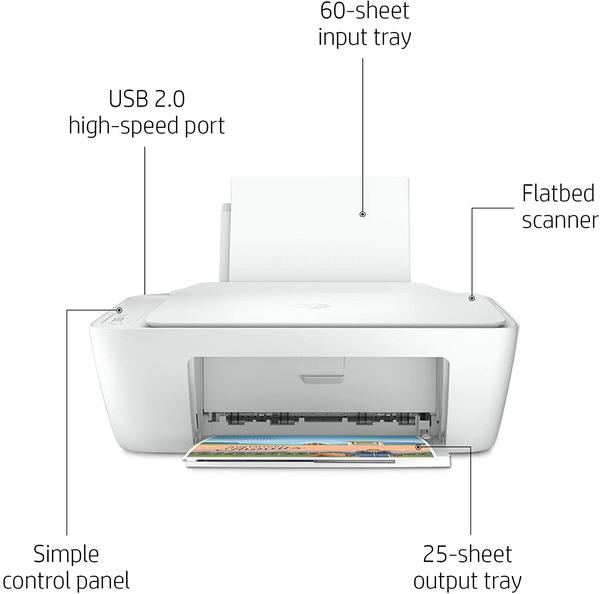
The DeskJet 2320 connects to your computer via a standard Hi‑Speed USB 2.0 port, offering a simple and stable wired connection. While wireless printing is not supported on this model, the USB interface ensures reliable communication between your PC or laptop and the printer. This makes it particularly suitable for desktop setups where a direct connection is preferred or where Wi‑Fi networks are unstable.
Paper Handling and Media Compatibility
This printer is compatible with a variety of paper sizes and media types. It supports common paper formats including A4, B5, A6, and DL envelope sizes. The input tray holds up to 60 sheets, while the output tray accommodates up to 25 sheets, making it convenient for intermittent printing tasks without frequent paper reloading. It also supports different media weights and types such as plain paper, photo paper, and brochure paper, giving you flexibility when handling diverse print jobs.
Flatbed Scanner — Versatile Scanning for Everyday Needs
The flatbed scanner on the DeskJet 2320 enables you to quickly capture digital copies of documents and images. With resolutions up to 1200 dpi, this scanner delivers detailed, high‑quality scans suitable for storage, sharing, and digital editing. Whether you are archiving receipts, digitising old photos, or scanning text documents, the scanner ensures clarity and legibility in your digital files.
Copy Feature — Quick Document Reproduction
In addition to printing and scanning, the HP DeskJet 2320 includes a copy function that allows users to reproduce documents quickly without needing to connect to a computer. Users can make up to nine copies of an original document in one session, and the printer provides copy resolutions up to 600 x 300 dpi for both black text and colour graphics. This makes it suitable for preparing multiple copies of invitations, worksheets, or reference documents.
Energy Efficiency and HP Auto‑Off Technology
Energy efficiency is an important consideration for home and small office equipment. The DeskJet 2320 incorporates HP Auto‑Off Technology, which helps reduce power consumption by automatically powering down the printer when not in use. This reduces operating costs and supports environmentally conscious use. Power consumption levels are minimal during standby and sleep modes, further contributing to energy savings.
Supported Operating Systems
This printer supports a range of operating systems, including Windows 11, Windows 10, Windows 7, and current macOS versions through HP drivers. Although it lacks wireless connectivity, the USB interface and driver support ensure compatibility with most desktop and laptop computers for seamless setup and use.
Cartridge Systems and Print Costs
The HP DeskJet 2320 uses two ink cartridges — one black and one tri‑colour — such as the HP 305 series. These cartridges are easy to install and replace when ink runs low. Original HP cartridges are designed to deliver consistent, high‑quality results, and high‑yield options like HP 305XL provide longer life and lower cost per page for frequent print tasks.
Who Should Choose the HP DeskJet 2320?
The HP DeskJet 2320 is an ideal choice for: • Home users and families who need basic printing, scanning, and copying capabilities • Students who require affordable document output for assignments and projects • Small businesses with moderate monthly print volumes • Users seeking an uncomplicated USB setup for desktop printing • Budget‑conscious buyers who want quality output without high costs.
Comparison with Other Everyday Printers
Compared to larger laser or wireless printers, the DeskJet 2320 excels in simplicity, affordability, and compact design. While it does not offer wireless connectivity or automatic duplexing, it delivers crisp print quality and essential multifunction features that satisfy most home and small office needs. If you require advanced connectivity or faster print speeds, consider upgrading to models like the HP DeskJet 2710 or Canon PIXMA MG2540 for additional features.
Final Considerations
Overall, the HP DeskJet 2320 All‑in‑One Printer is a dependable and cost‑effective printing solution for everyday document tasks. Its combination of print, scan, and copy functions, along with high‑quality output and easy setup, makes it a valuable addition to homes, schools, and small offices seeking reliable performance without complexity.

Pros & Cons
| Pros | Cons |
|---|---|
| Affordable all‑in‑one printing solution | No wireless or mobile printing |
| High resolution print quality | Relatively slow print speeds |
| Print, scan & copy in one device | Manual duplex only |
| Easy USB setup | Small paper tray capacity |
| Energy‑efficient with Auto‑Off | Best for light to moderate duty |
Related Printers & Printer Categories
- Inkjet & All‑in‑One Printers Category – Explore a range of reliable inkjet and all‑in‑one printers for home, school, and office needs.
- Canon PIXMA G2410 A4 3-in-1 Multifunction Ink Tank Printer – A quality alternative with similar multifunction features and printing capabilities.
- HP Ink Tank 315 Printer, Scanner, Copier– A comparable HP printer with added wireless convenience.
At a glance
Product summary: HP DeskJet 2320 Printer is available at Zentech Electronics Kenya with official manufacturer warranty. Available for outright purchase via M-Pesa, card, bank transfer, or cash on delivery within Nairobi, with immediate store pickup in Nairobi CBD or nationwide courier delivery.
- Best for
- Shoppers seeking authentic electronics with store pickup at The Bazaar Plaza, verified specifications, and transparent warranty coverage.
- Key benefits
- In-store inspection before payment, M-Pesa checkout, same-day Nairobi delivery, and nationwide courier delivery.
- Unique features
- Verified genuine unit, in-store testing at The Bazaar Plaza, Suite 1038, transparent pricing, and direct customer support.
- Use cases
- Home, workplace, educational, or professional entertainment and productivity.
Frequently Asked Questions
What payment methods are accepted for this item?
We accept M-Pesa, credit/debit cards, bank transfer, and cash on delivery within Nairobi. (Note: Lipa Pole Pole installment plans apply exclusively to smartphones and qualifying tablets and do not apply to this product).
Can I inspect the product in Nairobi before buying?
Yes. You can visit our shop at The Bazaar Plaza, Moi Avenue, 10th Floor, Wing A, Suite 1038 in Nairobi CBD to inspect the product, check condition, and verify specifications before making payment.
What warranty coverage is included?
Brand-new products come with official 1–2 year manufacturer warranty coverage against factory defects.
How does delivery work across Kenya?
We offer same-day delivery within Nairobi and nationwide courier shipping across all 47 counties in Kenya. WhatsApp +254 739 238 917 to place an order or coordinate pickup.
Top Rated
-

Silicone AirPods Case – Slim, Durable & Stylish Protection Kenya
Regular price KSh750.00Sale price KSh750.00 Regular priceUnit price perKSh1,000.00Sale Sold out -

Oraimo OpenSnap Clip-On Earbuds, Open-Ear, Bluetooth, Comfort Fit
Regular price KSh3,499.00Sale price KSh3,499.00 Regular priceUnit price perSale Sold out -
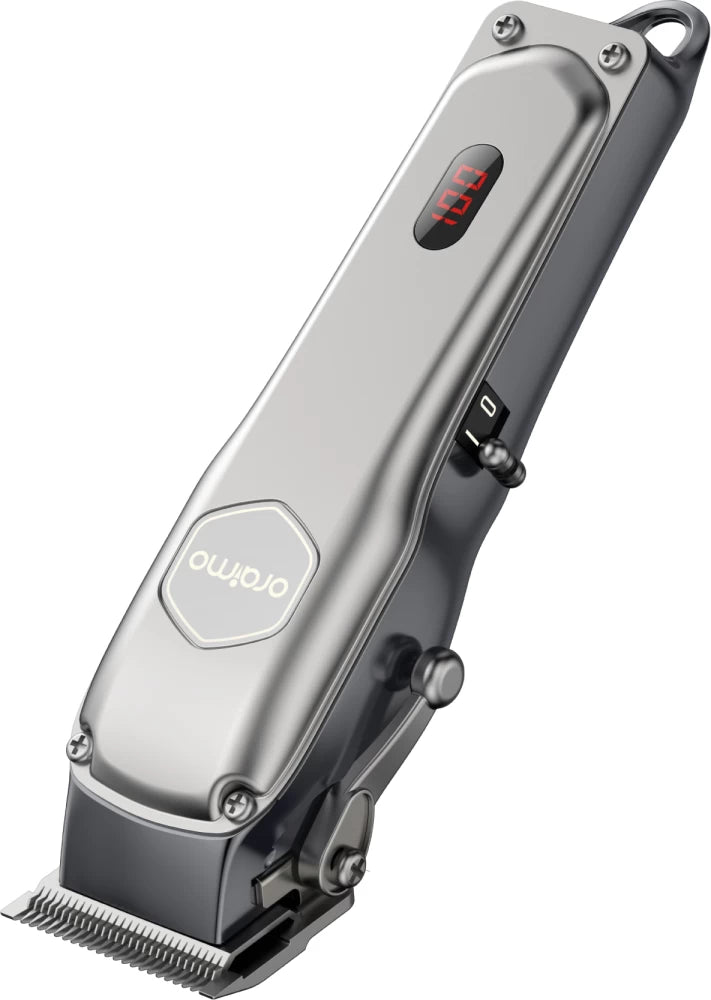
Oraimo OPC-CL30 SmartClipper 2 Cordless Hair Clipper
Regular price KSh3,700.00Sale price KSh3,700.00 Regular priceUnit price perKSh5,500.00Sale Sold out
-
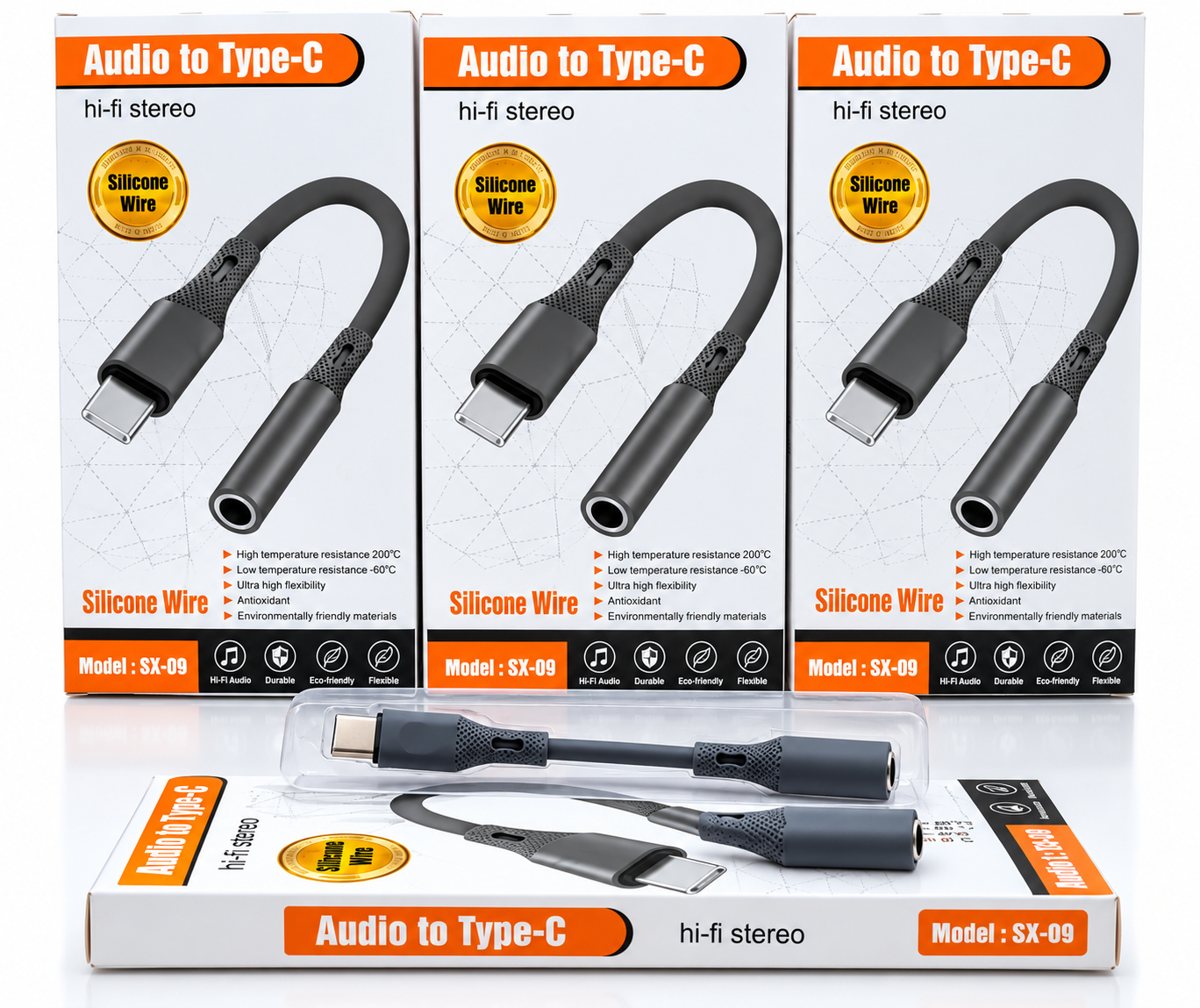
🎧 Audio to Type-C Hi-Fi Stereo Audio Adapter – Silicone Wire
Regular price KSh1,200.00Sale price KSh1,200.00 Regular priceUnit price perSale Sold out -
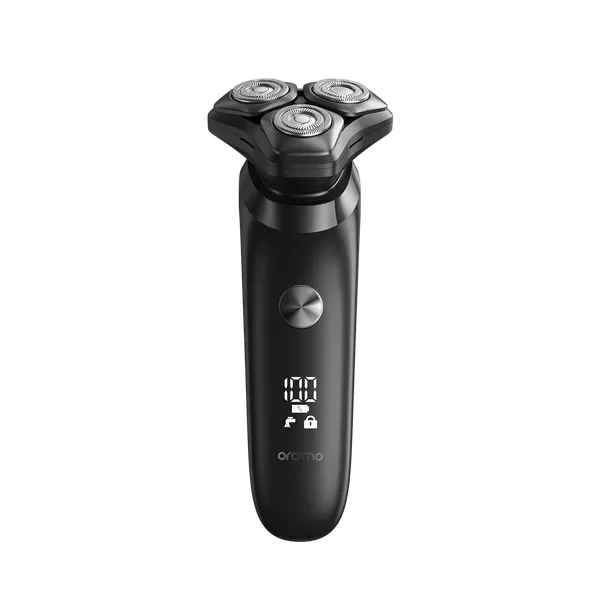
Oraimo ORS-280 EasyShave Multi-Functional Electric Shaver
Regular price KSh2,900.00Sale price KSh2,900.00 Regular priceUnit price perSale Sold out -
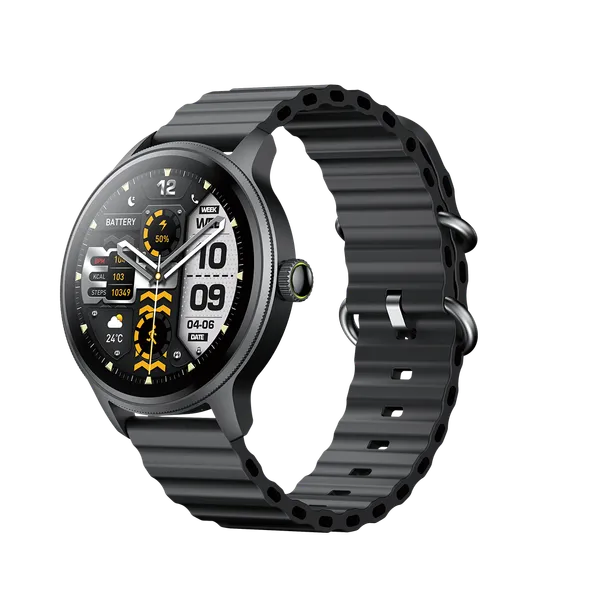
Oraimo Watch 5R Pro Smartwatch | Advanced Health & Fitness Tracker
Regular price KSh5,800.00Sale price KSh5,800.00 Regular priceUnit price perSale Sold out
Testimonials
Brian M., Nairobi
Customer, NairobiI ordered a Samsung Galaxy S23 Ultra, and I was amazed by how fast the delivery was! The phone arrived in perfect condition, well packaged, and exactly as described. Highly recommend!
Janet K., Mombasa
Customer, MombasaI was looking for a reliable power bank, and I found a great deal on a Baseus 20,000mAh power bank here. Will definitely shop again!
Kelvin O., Kisumu
Customer, KisumuI was skeptical about buying a smartwatch online, but I’m so glad I did! The Apple Watch Series 9 I bought is 100% original, works perfectly, and came in a sealed box. Best online electronics store in Kenya!
Samantha N., Nakuru
Customer, NakuruThe team here is amazing! I bought a JBL PartyBox speaker, and they helped me choose the right model based on my needs. The delivery was fast, and they even followed up to ensure I was satisfied. That’s top-notch service!
Alex W., Eldoret
Customer, EldoretI got a Sony 55-inch 4K Smart TV from this website.The picture quality is amazing, and the sound is clear. The delivery was quick, and setting it up was easy. Definitely my go-to store for electronics!
Bestseller
-
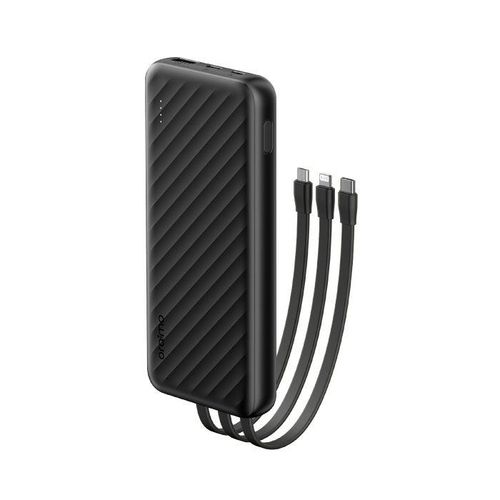
Oraimo Slice Link 10000mAh 12W Power Bank
Regular price KSh1,900.00Sale price KSh1,900.00 Regular priceUnit price perKSh2,200.00Sale Sold out -
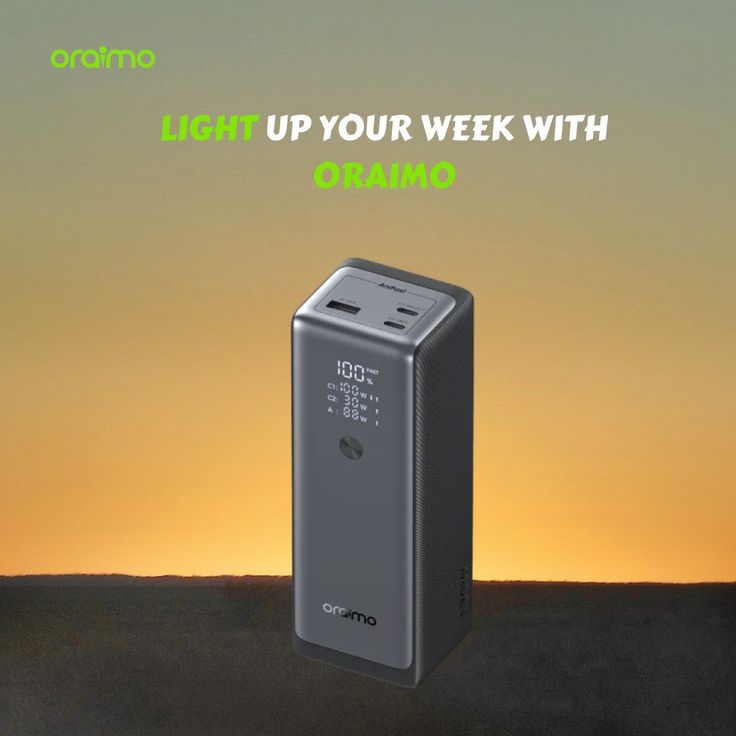
Oraimo PowerJet 130 Power Bank for Laptops and Phones Output 130W
Regular price KSh6,500.00Sale price KSh6,500.00 Regular priceUnit price perSale Sold out -
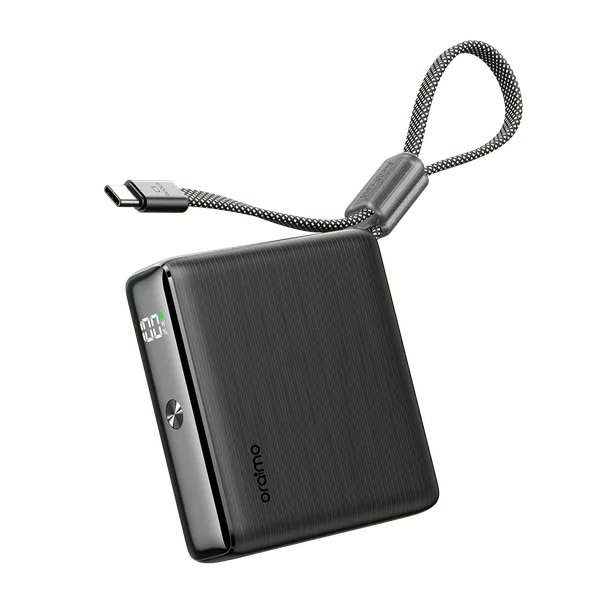
Oraimo PowerNova L21 20,000mAh 30W Fast-Charge Power Bank
Regular price KSh5,500.00Sale price KSh5,500.00 Regular priceUnit price perSale Sold out
-
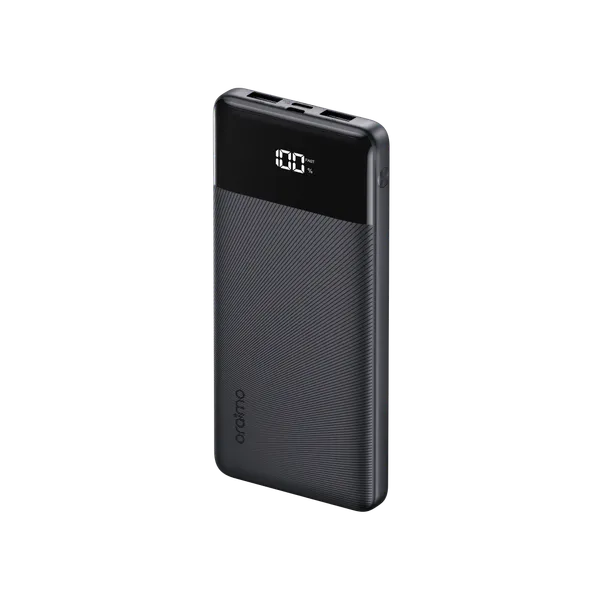
Oraimo Toast 22.5 Byte OPB-7100Q 10,000mAh 22.5W Power Bank – Fast Charging with LED Digital Display
Regular price KSh1,800.00Sale price KSh1,800.00 Regular priceUnit price perSale Sold out -
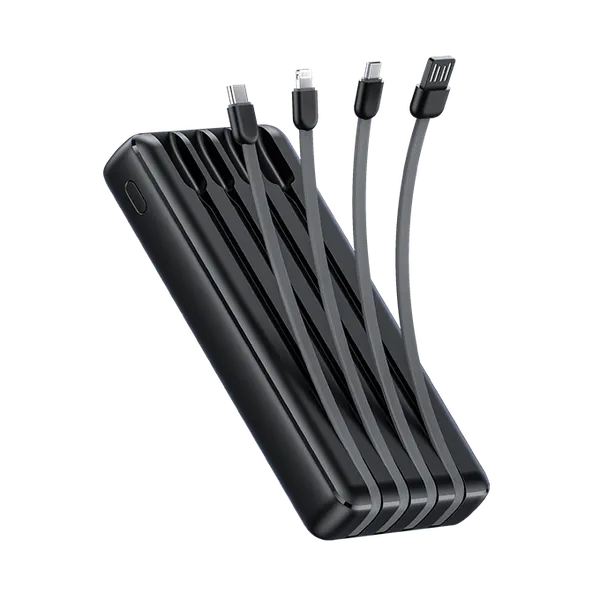
Oraimo Traveler Link 20 20000mAh 12W Power Bank – Reliable High-Capacity Portable Charger
Regular price KSh2,600.00Sale price KSh2,600.00 Regular priceUnit price perSale Sold out -
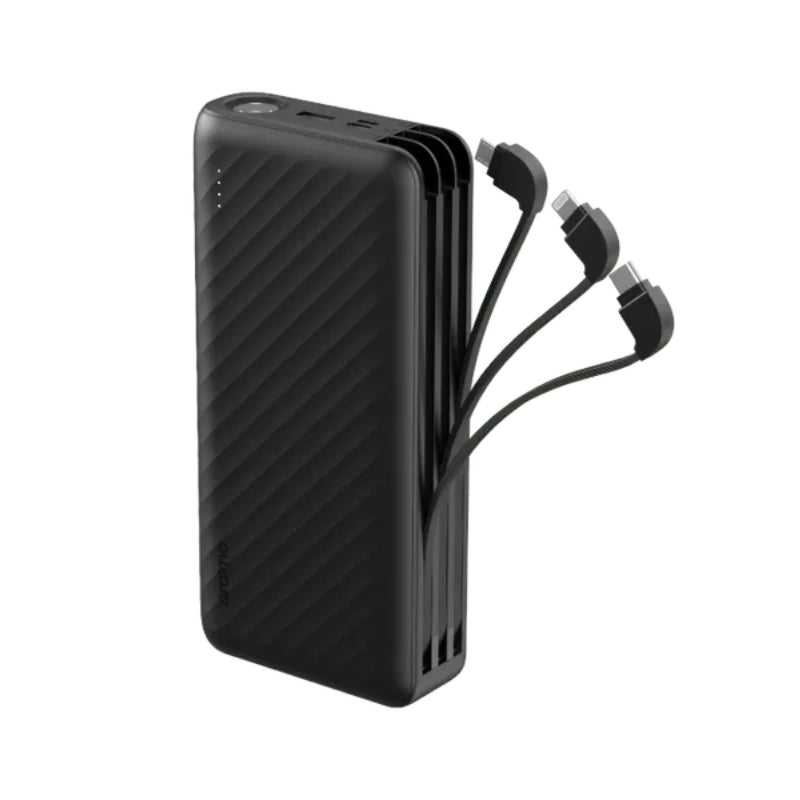
Oraimo Traveller Link 27 – 27,000mAh Power Bank with Built-in Cables
Regular price KSh3,500.00Sale price KSh3,500.00 Regular priceUnit price perSale Sold out
