


DJI Osmo Mobile SE
Couldn't load pickup availability
Description
DJI Osmo Mobile SE Price in Kenya: Foldable 3-Axis Smartphone Gimbal Stabilizer with ActiveTrack 6.0 and Grip Tripod
Looking for the DJI Osmo Mobile SE Price in Kenya? The DJI Osmo Mobile SE is DJI's dependable foldable 3-axis smartphone stabilizer engineered for creators, vloggers, students, and families who want rock-steady mobile footage, high-torque brushless motors, and a clear LED status panel on the handle. Bundled with the quick-release DJI OM Magnetic Phone Clamp 3 and a detachable DJI OM Grip Tripod, it sets up in seconds whenever a moment happens.
Powered by a 2600 mAh battery that delivers up to 8 hours of shooting time and DJI's ActiveTrack 6.0 subject tracking in the DJI Mimo app, the DJI Osmo Mobile SE turns handheld iPhone and Android video into smooth, level clips. Inspect it in person at Zentech Electronics in Nairobi CBD or order for same-day Nairobi delivery and nationwide courier dispatch across Kenya.
Warranty: contact us for the warranty terms for this item. You can inspect this smartphone gimbal stabilizer in person before you pay at Zentech Electronics, The Bazaar Plaza, Moi Avenue, 10th Floor, Wing A, Suite 1038, Nairobi CBD. We offer same-day delivery across Nairobi and courier dispatch to every town in Kenya.
Key Highlights
- High-torque 3-axis brushless motors stabilize phones weighing 170g to 290g across pan, roll, and tilt axes.
- Quick-release DJI OM Magnetic Phone Clamp 3 snaps on and off your phone in one second for fast call handling.
- Built-in LED status indicator panel shows battery level and active gimbal mode (Follow, Tilt Locked, FPV, SpinShot) at a glance.
- ActiveTrack 6.0 keeps moving people, kids, pets, and products centered even during multi-person scenes.
- Up to 8 hours of continuous runtime from the 2600 mAh internal battery with 2.1-hour USB-C recharging.
- Includes the detachable screw-on DJI OM Grip Tripod for tabletop interviews, timelapses, and group shots.
How the DJI Osmo Mobile SE Works in Daily Shooting
Three-Axis Brushless Motor Stabilization versus Phone Digital Crop
Most modern phones offer electronic video stabilization by cropping into the camera sensor and shifting the frame digitally. That works in bright midday sun, but as soon as you walk indoors, film an evening event, or move across uneven pavements in Nairobi, digital stabilization introduces motion blur and a jittery shimmer around street lights. The DJI Osmo Mobile SE uses three physical brushless motors on the pan, roll, and tilt axes to counter your hand movement before light even hits the phone sensor. Because the motors hold the phone level physically, you keep the full sensor width and natural low-light sharpness without digital crop penalties.
The DJI Osmo Mobile SE uses high-precision brushless motors paired with DJI's control algorithms to compensate for hand tremors in real time, and an LED status panel on the handle shows an icon for Follow, Tilt Locked, FPV, or SpinShot mode so you never guess which mode is active. When you walk down a corridor, circle a product table, or follow a speaker across a room, the gimbal absorbs the up-and-down bounce of your footsteps and turns sharp wrist twists into smooth cinema pans. You can switch between four follow modes directly from the handle: Follow mode for everyday walking shots where pan and tilt glide with your hand; Tilt Locked mode for keeping the horizon steady while moving sideways; FPV mode where all three axes bank with your wrist for dynamic action transitions; and SpinShot mode where the joystick rotates the phone smoothly for creative reveal shots.
Quick-Release Magnetic Phone Clamp and Fast Balancing
Traditional gimbals required squeezing a stiff spring clamp open with two hands and re-centering the arm every time your phone rang. On the DJI Osmo Mobile SE, a slim magnetic phone clamp snaps around the centre of your smartphone and locks onto the gimbal mounting plate in one second. An alignment notch ensures the clamp sits straight every time, and when you receive a phone call or want to reply to a message on WhatsApp, you detach the phone with a quick twist and snap it right back without losing your balance point.
The included DJI OM Magnetic Phone Clamp 3 features a slim profile and strong magnetic alignment dot that holds phones between 170g and 290g securely while leaving the touchscreen and camera lenses completely unobstructed. The clamp grips phones between 67mm and 84mm wide and between 6.9mm and 10mm thick, carrying payloads from 170 grams up to 300 grams. That payload window covers standard iPhones, Pro Max models, Samsung Galaxy S Ultra phones, Xiaomi flagships, and mid-range Android devices even with a normal everyday protective case left on.
Extension Rod, Built-In Tripod and Ergonomic Handle Controls
In the box, the DJI Osmo Mobile SE comes with the detachable DJI OM Grip Tripod, which screws into the standard 1/4"-20 thread at the base of the handle. When folded closed, the tripod extends the handle length for a comfortable two-handed grip; when opened, its non-slip rubber feet stand the gimbal firmly on any flat surface. Under your thumb sits a proportional joystick for aiming the camera pan and tilt, a dedicated record button that starts or stops video via Bluetooth, a mode button that cycles stabilization modes, and a quick-switch trigger on the index finger. Pressing the trigger twice re-centres the phone instantly; pressing it three times flips between the rear main cameras and the front selfie camera; and holding the trigger locks the gimbal direction while you reposition your feet.
A single button press rotates the mount between horizontal 16:9 landscape framing for YouTube or corporate presentations and vertical 9:16 portrait framing for TikTok, Instagram Reels, and YouTube Shorts. You do not need to unclamp or re-balance the phone when switching between landscape and vertical shooting.
Subject Tracking, Native Camera Support and Wireless Audio Workflow
Inside the DJI Mimo app, ActiveTrack 6.0 tracks subjects steadily even when they turn sideways or move quickly, and Apple Watch owners can install the DJI Mimo watch app to preview the camera feed, adjust gimbal angle, and trigger recording remotely from their wrist. Inside the DJI Mimo app on iOS and Android, ActiveTrack locks onto a human face, a pet, or a product on a table and keeps the subject framed even if they turn away briefly or pass behind another person. DynamicZoom creates the classic cinematic dolly-zoom effect automatically as you walk forward or backward, while Gesture Control lets a solo presenter raise a palm or V-sign to start recording and frame themselves from across the room.
Beyond solo vlogging, the gimbal includes Timelapse, Motionlapse with programmable camera waypoints, Hyperlapse for long walking tours, Panorama modes (3x3, 240-degree, and CloneMe where one person appears in three spots of the same photo), and ShotGuides that recognize your environment and suggest short camera movement sequences you can follow step by step.
Battery Runtime, USB-C Charging and Travel Portability in Kenya
Its 2600 mAh (18650 Li-ion) battery provides up to 8 hours of runtime and recharges in roughly 2 hours and 12 minutes via a 10W USB-C adapter. Recharging takes place through the standard USB-C port on the side of the handle using any phone wall adapter, laptop USB-C port, or portable power bank. When folded, the gimbal arm tucks neatly into the handle Lock position so the motors cannot swing loose inside a backpack during boda, matatu, or flight travel.
Whether you are filming real estate walk-throughs in Westlands, church services, graduation ceremonies, product reels for an online shop, or travel clips in the Maasai Mara and Diani, the DJI Osmo Mobile SE gives you steady, level footage without carrying a heavy mirrorless camera rig.
DJI Osmo Mobile SE Technical Specifications
| Specification | Details |
|---|---|
| Brand | DJI |
| Model | Osmo Mobile SE (OM SE) |
| Stabilization System | 3-Axis Brushless Gimbal (Pan, Roll, Tilt) |
| Subject Tracking | ActiveTrack 6.0 via DJI Mimo App |
| Unfolded Dimensions | 262.5 x 119.5 x 104 mm |
| Folded Dimensions | 167 x 108.5 x 46.5 mm |
| Gimbal Weight | Approx. 352 g |
| Magnetic Phone Clamp Weight | Approx. 31 g |
| Compatible Phone Weight | 170 g to 290 g |
| Compatible Phone Thickness | 6.9 mm to 10 mm |
| Compatible Phone Width | 67 mm to 84 mm |
| Included Tripod | Detachable DJI OM Grip Tripod (138 mm length, 72 g, 1/4"-20 screw) |
| Built-In Extension Rod | No |
| Status Display | Built-in LED status panel (Battery indicator & System Mode icon) |
| Mechanical Pan Range | -161.2 degrees to +171.95 degrees |
| Mechanical Roll Range | -136.7 degrees to +198 degrees |
| Mechanical Tilt Range | -106.54 degrees to +235.5 degrees |
| Max Control Speed | 120 degrees per second |
| Follow Modes | Follow, Tilt Locked, FPV, SpinShot |
| Wireless Connection | Bluetooth 5.1 |
| Companion App | DJI Mimo (iOS & Android) + Apple Watch Remote Control |
| Battery Type | 18650 Li-ion |
| Battery Capacity | 2600 mAh (9.36 Wh) |
| Operating Runtime | Up to 8 hours (under balanced, level conditions) |
| Charging Time | Approx. 2 hours 12 minutes (with 10W USB-C charger) |
| Charging Port | USB Type-C |
| Creative Shooting Modes | Timelapse, Motionlapse, Hyperlapse, DynamicZoom, Gesture Control, Panorama, Story Mode |
| Bottom Mount | 1/4"-20 UNC threaded hole |
| In the Box | DJI Osmo Mobile SE, DJI OM Magnetic Phone Clamp 3, DJI OM Grip Tripod, USB-C Power Cable, Storage Pouch |
| Warranty | Warranty: contact us for the warranty terms for this item. |
Watch: DJI Osmo Mobile SE Overview and Review

Buyer Guidance: Who the DJI Osmo Mobile SE Suits
Who Should Choose This Model
- First-time gimbal buyers, students, and travel vloggers who want genuine 3-axis DJI motor stabilization and a detachable grip tripod.
- Creators who prefer a slightly chunkier, two-handed grip feel when the detachable tripod is screwed into the base.
- Families and event shooters filming birthdays, weddings, outdoor walks, and travel videos on an iPhone or Android smartphone.
- Shoppers comparing the SE against the Osmo Mobile 7 at the same price band and choosing between the detachable grip tripod (SE) or the built-in handle tripod (Osmo Mobile 7).
When Another Option Fits Better
- Creators who need a built-in telescopic extension rod for high-angle crowd shots or wide group selfies — choose the DJI Osmo Mobile 7P, 8, or 8P.
- Presenters who need native camera tracking inside third-party apps without DJI Mimo — choose the 7P or 8P with the Multifunctional Module.
Pros and Cons
| Pros | Cons |
|---|---|
| Includes the detachable DJI OM Grip Tripod that doubles as an extended handle grip | Does not have a built-in telescopic extension rod |
| Clear LED status panel on the handle shows the active follow mode and battery bar | Tripod screws onto the bottom rather than folding inside the handle like the Osmo Mobile 7 |
| Strong 3-axis brushless motor torque holds phones up to 290g steady during walks and runs | Uses ActiveTrack 6.0 in the Mimo app without the magnetic Multifunctional Module contacts of the 7-series |
| Up to 8 hours of battery life with USB-C charging | |
| Quick-release Magnetic Phone Clamp 3 lets you snap your phone off for calls in one second |
DJI Osmo Mobile Lineup Comparison: SE vs 7 vs 7P vs 8 vs 8P
If you are comparing the DJI Osmo Mobile SE Price in Kenya against the rest of the DJI gimbal range or browsing our camera accessories and tripods and stands, the table below shows the practical hardware differences across all five models we stock.
| Model | Stabilization & Controls | Extension Rod & Tripod | Tracking Module | Who It Fits |
|---|---|---|---|---|
| DJI Osmo Mobile SE | Foldable 3-axis motor with magnetic phone clamp, status panel, and ActiveTrack 6.0 | No built-in extension rod; detach tripod grip included in box | No multifunction tracking module | Everyday phone video, family clips, and travel walks on a compact budget |
| DJI Osmo Mobile 7 | Light 3-axis stabilizer with seventh-generation stabilization and ActiveTrack 7.0 | Built-in tripod legs inside the handle; no extension rod | Supports optional multifunction module via magnetic mount | Solo creators who want quick setup with an integrated desk tripod |
| DJI Osmo Mobile 7P | Pro 3-axis stabilizer with side wheel for focus and zoom plus ActiveTrack 7.0 | Built-in 215mm extension rod and built-in tripod legs in handle | Includes Multifunctional Module (gesture tracking, fill light, DJI Mic Mini receiver) | TikTok, YouTube, and interview creators shooting without the Mimo app |
| DJI Osmo Mobile 8 | Eighth-generation 3-axis motor torque for heavier flagship camera phones | Built-in extension rod, built-in tripod, and upgraded side control wheel | Supports magnetic AI tracking and audio receiver expansion | Creators using large camera phones such as iPhone Pro Max or Galaxy Ultra |
| DJI Osmo Mobile 8P | Flagship 8-series 3-axis gimbal with high-torque motors and precision focus wheel | Built-in extension rod, built-in tripod, and low-angle sling grip geometry | Includes Pro Multifunctional Module for native camera tracking, fill light, and wireless mic link | Commercial shoots, mobile journalists, and multi-app live streamers |
Choosing between the DJI Osmo Mobile SE and the DJI Osmo Mobile 7 comes down to whether you want the tripod built directly into the base of the handle or prefer the separate screw-on grip included with the SE. Both fold into a jacket pocket or small camera pouch and balance standard iPhones and Android phones with ease.
Stepping up to the DJI Osmo Mobile 7P adds the built-in 215mm telescopic extension rod, the precision side wheel for manual focus and zoom, and the Multifunctional Module that tracks your subject using hand gestures inside your phone's native camera app, TikTok, Instagram, or WhatsApp video calls without opening DJI Mimo.
At the top of the range, the DJI Osmo Mobile 8 Stabilizer and DJI Osmo Mobile 8P bring stronger three-axis brush motor torque for heavy flagship camera phones with thick cases or snap-on filters, while the 8P bundles the full Pro Multifunctional Module for solo presenters who want built-in fill lighting and direct wireless audio pairing with the DJI Mic Mini.
In-Store Testing, Payment Options and Delivery in Kenya
When buying the DJI Osmo Mobile SE, testing the fit and controls with your own device saves guesswork. Bring your smartphone or Samsung Galaxy Tab to our shop at The Bazaar Plaza, Moi Avenue, 10th Floor, Wing A, Suite 1038, Nairobi CBD, and our counter team will help you verify compatibility, magnetic alignment, pairing, or Pogo-pin contact before you complete your order.
We accept M-Pesa, debit and credit cards, bank transfers, and cash on delivery within Nairobi only. Orders inside Nairobi qualify for same-day delivery, while upcountry orders to Mombasa, Kisumu, Nakuru, Eldoret, Nyeri, Thika, Machakos, Meru, Kakamega, and other towns across Kenya ship via courier. Message us on WhatsApp at +254 739 238 917 if you want us to confirm compatibility with your exact device model before dispatch.
Frequently Asked Questions About the DJI Osmo Mobile SE
Should I buy the DJI Osmo Mobile SE or the DJI Osmo Mobile 7?
Both sit at the same entry price. The DJI Osmo Mobile 7 is lighter (300g vs 352g), has the tripod built inside the handle, runs up to 10 hours, and uses ActiveTrack 7.0. The DJI Osmo Mobile SE includes a detachable screw-on grip tripod that extends the handle length and gives a solid two-handed hold.
Does the DJI Osmo Mobile SE come with a tripod in the box?
Yes. The detachable DJI OM Grip Tripod is included in the box and screws into the 1/4-inch thread at the bottom of the handle.
Which phones work with the DJI Osmo Mobile SE?
It supports iPhones and Android phones weighing 170g to 290g, with a width between 67mm and 84mm and thickness up to 10mm.
How long does the DJI Osmo Mobile SE battery last?
A full charge delivers up to 8 hours of balanced shooting and recharges in about 2 hours and 12 minutes via USB-C.
Can I shoot vertical videos for TikTok and Reels on the Osmo Mobile SE?
Yes. Double-press the switch button on the handle to rotate between horizontal landscape and vertical portrait orientation in one second.
What do the icons on the handle status panel mean?
The top indicator shows battery level, while the four mode icons show whether you are in Follow, Tilt Locked, FPV, or SpinShot mode.
Can I control the DJI Osmo Mobile SE from an Apple Watch?
Yes. With the DJI Mimo app installed on a compatible Apple Watch, you can view the camera framing, switch portrait/landscape, and start recording remotely.
Does the magnetic clamp interfere with my phone screen or buttons?
No. The clamp grips the center back and side edges of the phone, leaving the touchscreen and rear cameras completely clear.
Where can I inspect the DJI Osmo Mobile SE in Nairobi?
Visit Zentech Electronics at The Bazaar Plaza, Moi Avenue, 10th Floor, Wing A, Suite 1038, Nairobi CBD.
What are the warranty terms for the DJI Osmo Mobile SE?
Warranty: contact us for the warranty terms for this item.
Warranty: contact us for the warranty terms for this item.
Top Rated
-

Silicone AirPods Case – Slim, Durable & Stylish Protection Kenya
Regular price KSh750.00Sale price KSh750.00 Regular priceUnit price perKSh1,000.00Sale -

Oraimo OpenSnap Clip-On Earbuds, Open-Ear, Bluetooth, Comfort Fit
Regular price KSh3,499.00Sale price KSh3,499.00 Regular priceUnit price perSale -
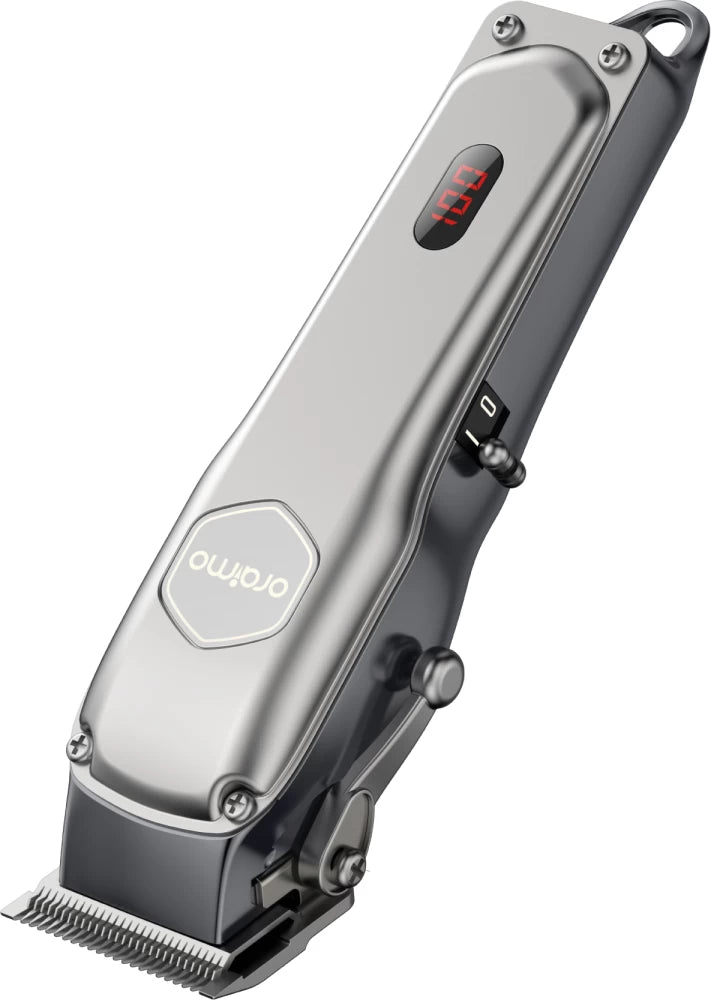
Oraimo OPC-CL30 SmartClipper 2 Cordless Hair Clipper
Regular price KSh3,700.00Sale price KSh3,700.00 Regular priceUnit price perKSh5,500.00Sale
-
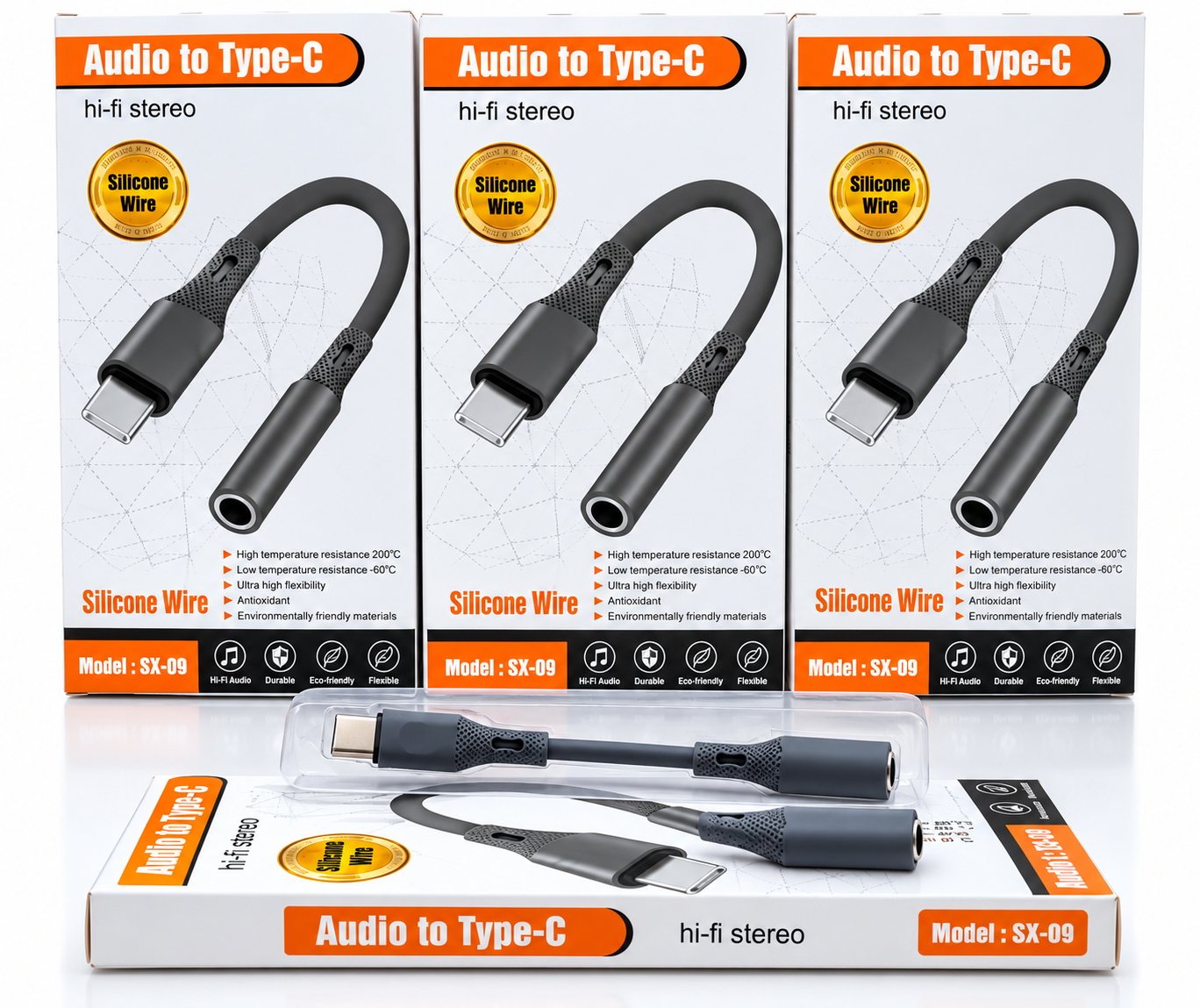
🎧 Audio to Type-C Hi-Fi Stereo Audio Adapter – Silicone Wire
Regular price KSh1,200.00Sale price KSh1,200.00 Regular priceUnit price perSale -
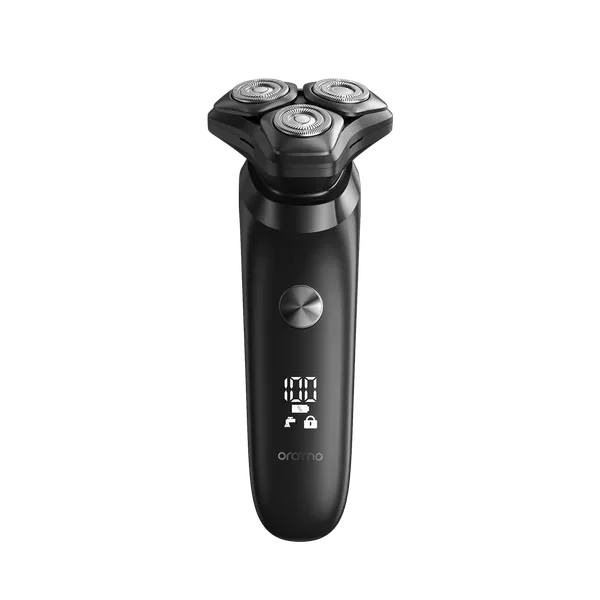
Oraimo ORS-280 EasyShave Multi-Functional Electric Shaver
Regular price KSh2,900.00Sale price KSh2,900.00 Regular priceUnit price perSale -
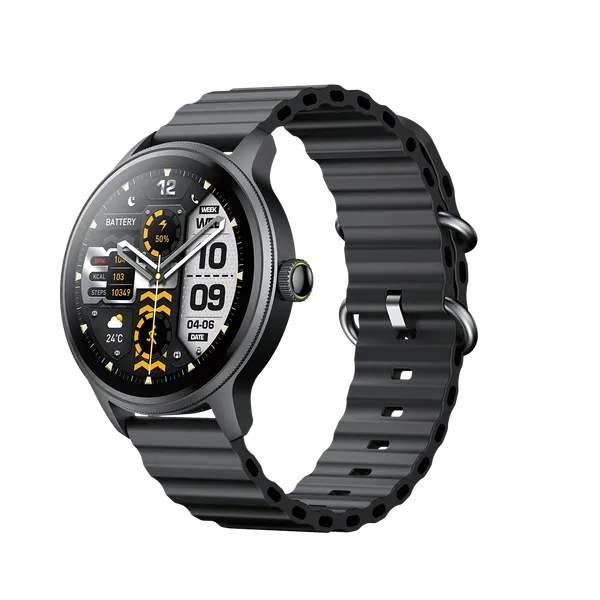
Oraimo Watch 5R Pro Smartwatch | Advanced Health & Fitness Tracker
Regular price KSh5,800.00Sale price KSh5,800.00 Regular priceUnit price perSale
Testimonials
Brian M., Nairobi
Customer, NairobiI ordered a Samsung Galaxy S23 Ultra, and I was amazed by how fast the delivery was! The phone arrived in perfect condition, well packaged, and exactly as described. Highly recommend!
Janet K., Mombasa
Customer, MombasaI was looking for a reliable power bank, and I found a great deal on a Baseus 20,000mAh power bank here. Will definitely shop again!
Kelvin O., Kisumu
Customer, KisumuI was skeptical about buying a smartwatch online, but I’m so glad I did! The Apple Watch Series 9 I bought is 100% original, works perfectly, and came in a sealed box. Best online electronics store in Kenya!
Samantha N., Nakuru
Customer, NakuruThe team here is amazing! I bought a JBL PartyBox speaker, and they helped me choose the right model based on my needs. The delivery was fast, and they even followed up to ensure I was satisfied. That’s top-notch service!
Alex W., Eldoret
Customer, EldoretI got a Sony 55-inch 4K Smart TV from this website.The picture quality is amazing, and the sound is clear. The delivery was quick, and setting it up was easy. Definitely my go-to store for electronics!
Bestseller
-
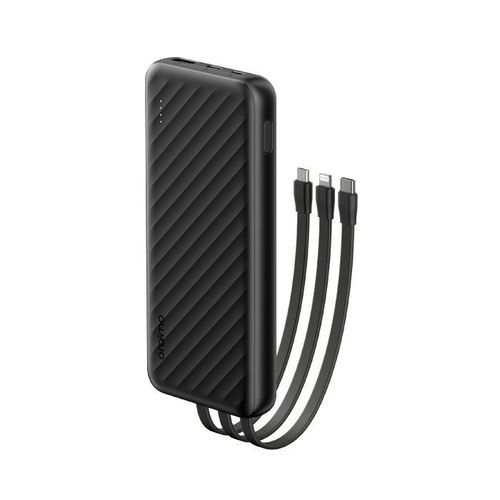
Oraimo Slice Link 10000mAh 12W Power Bank
Regular price KSh2,000.00Sale price KSh2,000.00 Regular priceUnit price perKSh2,200.00Sale -
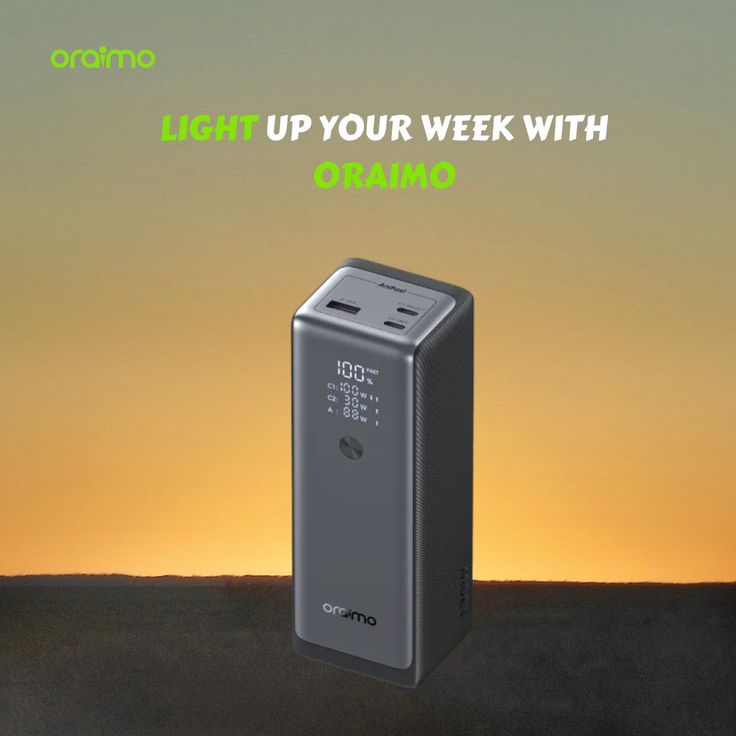
Oraimo PowerJet 130 Power Bank for Laptops and Phones Output 130W
Regular price KSh6,500.00Sale price KSh6,500.00 Regular priceUnit price perSale -
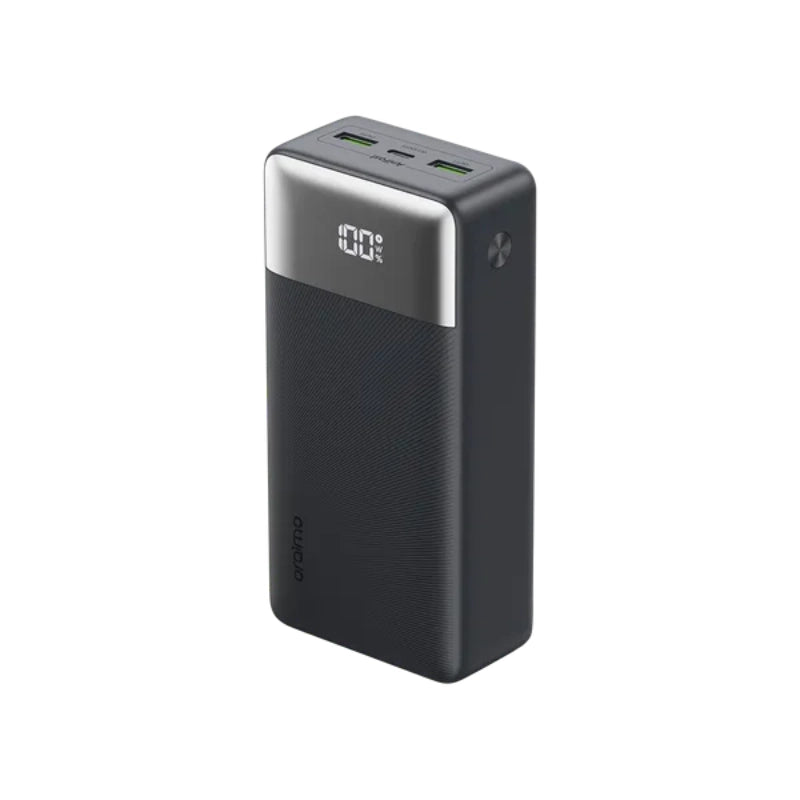
Oraimo 27000mAh QF1 Power Bank – Fast Charging High Capacity Power Bank in Kenya
Regular price KSh3,000.00Sale price KSh3,000.00 Regular priceUnit price perSale
-
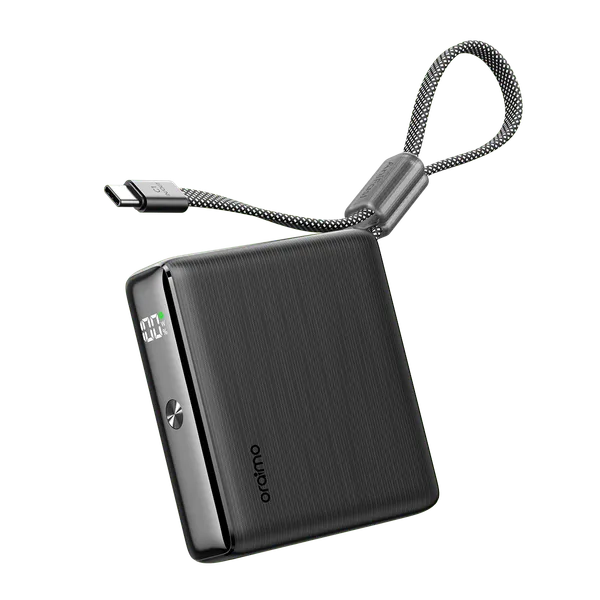
Oraimo PowerNova L21 20,000mAh 30W Fast-Charge Power Bank
Regular price KSh5,500.00Sale price KSh5,500.00 Regular priceUnit price perSale -
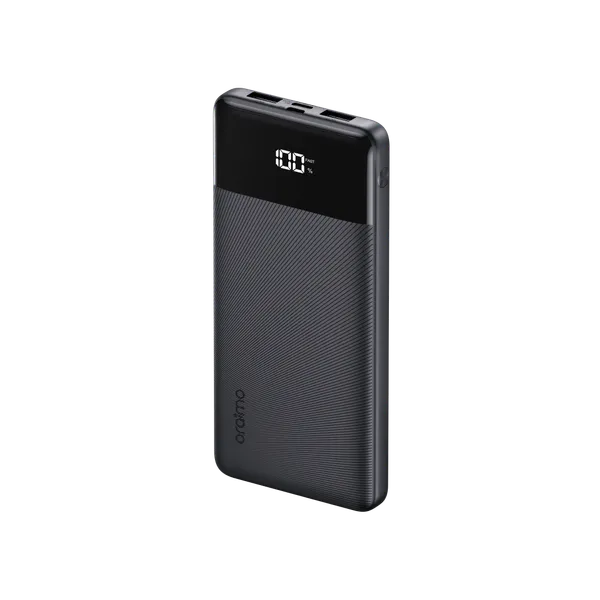
Oraimo Toast 22.5 Byte OPB-7100Q 10,000mAh 22.5W Power Bank – Fast Charging with LED Digital Display
Regular price KSh1,800.00Sale price KSh1,800.00 Regular priceUnit price perSale -
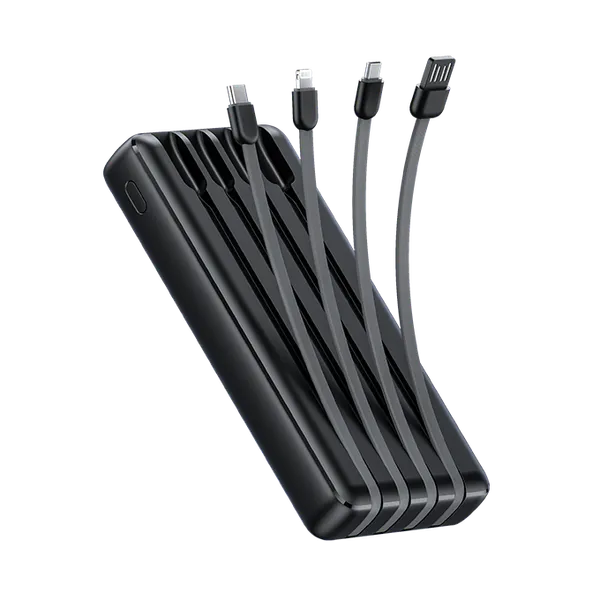
Oraimo Traveler Link 20 20000mAh 12W Power Bank – Reliable High-Capacity Portable Charger
Regular price KSh2,600.00Sale price KSh2,600.00 Regular priceUnit price perSale
