


Samsung Tab S10 FE+ / S10 FE+ 5G Keyboard Cover without Touchpad
Couldn't load pickup availability
Description
Samsung Tab S10 FE+ / S10 FE+ 5G Keyboard Cover Price in Kenya: Slim Pogo-Pin Book Cover Keyboard without Touchpad
Searching for the Samsung Tab S10 FE+ / S10 FE+ 5G Keyboard Cover Price in Kenya? This slim Book Cover Keyboard is engineered specifically for the Samsung Galaxy Tab S10 FE+ and Galaxy Tab S10 FE+ 5G, turning your large Fan Edition Plus tablet into a fast, practical writing and study machine. Connecting directly through the magnetic 3-pin Pogo connector on the side edge of the Tab S10 FE+, it powers on the instant you dock the tablet into the viewing cradle—with no Bluetooth pairing and no charging cable required.
By keeping a clean, trackpad-free key deck, the Samsung Tab S10 FE+ Keyboard Cover folds shut like a slim notebook cover that protects both the front screen and rear aluminum back while housing your S Pen safely in transit. Test it with your Tab S10 FE+ at Zentech Electronics in Nairobi CBD or order for same-day Nairobi delivery and nationwide courier shipping across Kenya.
Warranty: contact us for the warranty terms for this item. You can inspect this Samsung Galaxy Tab keyboard cover in person before you pay at Zentech Electronics, The Bazaar Plaza, Moi Avenue, 10th Floor, Wing A, Suite 1038, Nairobi CBD. We offer same-day delivery across Nairobi and courier dispatch to every town in Kenya.
Key Highlights
- Precision-built for the Samsung Galaxy Tab S10 FE+ (Wi-Fi) and Samsung Galaxy Tab S10 FE+ 5G.
- Direct 3-pin Pogo-pin magnetic connection — type immediately with zero Bluetooth pairing and zero keyboard charging.
- Slim trackpad-free key layout keeps the folio compact for university lecture halls, boardrooms, and lap typing.
- Tactile scissor-switch island keys with a dedicated Samsung DeX key and shortcut row.
- One-piece wrap-around book folio shields both the display glass and rear metal body from bag scratches.
- Integrated S Pen holder and automatic magnetic wake/sleep screen control.
How the Samsung Tab S10 FE+ / S10 FE+ 5G Keyboard Cover without Touchpad Transforms Your Galaxy Tab
Exact Model Compatibility and Magnetic Pogo-Pin Connection
The Samsung Tab S10 FE+ / S10 FE+ 5G Keyboard Cover is sized specifically for the Plus-class Galaxy Tab S10 FE+ and Tab S10 FE+ 5G chassis, matching its Pogo-pin spacing, side speakers, and dual rear camera cutout. Instead of relying on a generic Bluetooth keyboard that has to be charged with a separate cable and manually paired in settings, this keyboard cover locks directly onto the bottom edge of your compatible Samsung Galaxy Tab using precision magnets and a 3-pin Pogo connector.
The moment the Pogo pins touch the tablet edge, the keyboard is powered and ready to type with zero input lag, zero Bluetooth drop-outs, and zero separate keyboard batteries to charge. Power draws gently from the tablet itself at a fraction of a percent per hour, so you never open your bag in a meeting only to discover a dead keyboard battery.
Tactile Scissor-Switch Key Deck, Function Row and DeX Shortcuts
Typing long reports, legal briefs, university assignments, or email threads on a flat glass touchscreen tires your fingers and hides half the screen behind the virtual keyboard. The Samsung Tab S10 FE+ / S10 FE+ 5G Keyboard Cover without Touchpad gives you physical island-style scissor-switch keys with crisp key travel, clear symbol legends, and comfortable spacing so you can touch-type at natural laptop speed while keeping 100 percent of your Galaxy Tab AMOLED display visible for your documents.
Across the wide Plus-size frame, the keyboard provides spacious scissor-switch keys, a full number and shortcut row, dedicated arrow keys, and a one-tap DeX mode key so students and professionals can write essays, code, or reply to emails without the on-screen virtual keyboard covering half the workspace. A dedicated top function row gives you one-tap control over screen brightness, media playback, volume mute, lock screen, screenshot capture, and a dedicated DeX key that switches your Galaxy Tab between standard Android tablet view and Samsung DeX desktop windowing mode.
Navigation Workflow: Trackpad Precision versus Touchscreen & Mouse
Because this is the streamlined non-touchpad Book Cover Keyboard Slim configuration, the front edge stays shallow and balanced on small lecture desks or airline tray tables while you tap the screen directly, sketch with the S Pen, or connect a Bluetooth mouse when working at a desk. When you work in Microsoft Excel, Google Sheets, Word, Canva, or a multi-tab Chrome session inside Samsung DeX, having physical keyboard shortcuts such as Ctrl+C, Ctrl+V, Alt+Tab, and Cmd+F speeds up every task compared to long-pressing on glass.
If you also connect your Galaxy Tab to a second screen or use Wireless Keyboard Sharing to type on a Samsung Galaxy smartphone sitting next to your tablet, the keyboard cover acts as the central control deck for your mobile office.
Protective Book Cover Exterior, Viewing Stand and S Pen Storage
Opening the folio and docking the bottom edge of the Tab S10 FE+ into the magnetic Pogo strip locks the tablet at an ergonomic 60-degree viewing angle, while the molded S Pen holder keeps your stylus tucked safely in place. The outer polyurethane shell wraps around the front screen and rear aluminum back of your tablet when closed, shielding the glass and chassis from keys, pens, and desk scratches inside a backpack or briefcase. Opening the cover wakes the tablet screen automatically, and closing it puts the display back to sleep to conserve battery.
On the back of the cover sits a molded S Pen compartment that covers your stylus while it charges magnetically on the rear charging strip of the tablet, preventing the S Pen from getting knocked loose in your bag during daily travel across Nairobi.
Daily Mobility for Offices, University Lectures and Travel in Kenya
Many professionals and students in Kenya choose a Samsung Galaxy Tab Ultra, FE+, or FE because it is lighter than a traditional laptop while still offering a vivid display and S Pen handwriting. Adding the Samsung Tab S10 FE+ / S10 FE+ 5G Keyboard Cover without Touchpad completes that setup so you do not have to carry both a laptop and a tablet on flights, field visits, or campus days.
You are welcome to bring your Samsung Galaxy Tab to Zentech Electronics at The Bazaar Plaza, Moi Avenue, 10th Floor, Wing A, Suite 1038, Nairobi CBD, snap the keyboard cover onto your tablet at the counter, test every key and stand angle, and confirm the exact fit before you pay.
Samsung Tab S10 FE+ / S10 FE+ 5G Keyboard Cover without Touchpad Technical Specifications
| Specification | Details |
|---|---|
| Brand | Samsung |
| Model | Galaxy Tab S10 FE+ / S10 FE+ 5G Book Cover Keyboard Slim (Without Touchpad) |
| Compatible Tablets | Samsung Galaxy Tab S10 FE+ (Wi-Fi) and Samsung Galaxy Tab S10 FE+ 5G |
| Built-In Touchpad | No — slim trackpad-free layout for compact desk and lap footprint |
| Form Factor | One-Piece Wrap-Around Book Cover Folio with Magnetic Pogo Cradle |
| Connection Interface | 3-Pin Magnetic Pogo Connector (Instant connection, no Bluetooth pairing) |
| Power Source | Draws power directly from the Tab S10 FE+ via Pogo pins (no charging needed) |
| Key Switch Type | Tactile Island Scissor-Switch Keys with Shortcut Row and DeX Key |
| Viewing Angle | Ergonomic ~60-degree magnetic Pogo cradle angle |
| S Pen Storage | Built-in S Pen storage slot |
| Auto Wake / Sleep | Yes — wakes tablet when opened and puts screen to sleep when closed |
| Exterior Material | Durable matte polyurethane cover with soft interior lining |
| In the Box | Samsung Tab S10 FE+ / S10 FE+ 5G Keyboard Cover without Touchpad, User Guide |
| Warranty | Warranty: contact us for the warranty terms for this item. |
Watch: Samsung Tab S10 FE+ / S10 FE+ 5G Keyboard Cover without Touchpad Overview and Review

Buyer Guidance: Who the Samsung Tab S10 FE+ / S10 FE+ 5G Keyboard Cover without Touchpad Suits
Who Should Choose This Model
- Samsung Galaxy Tab S10 FE+ and S10 FE+ 5G owners who want a protective everyday cover and physical laptop keyboard in one slim folio.
- University students, researchers, and field staff who type notes all day and want a keyboard that never needs to be charged.
- Users who navigate directly with the touchscreen, S Pen, or a wireless mouse and prefer a thinner, lighter cover without a palm-rest trackpad.
When Another Option Fits Better
- Owners of the standard 10.9-inch Tab S10 FE or Tab S9 FE — choose the Tab S10 Lite / S10 FE / S9 / S9 FE Keyboard Cover with Touchpad at 30,500.
- Owners of the 14.6-inch Tab S10 Ultra or S9 Ultra — choose the Tab S10 Ultra / S9 Ultra Keyboard Cover with Touchpad at 37,000.
Pros and Cons
| Pros | Cons |
|---|---|
| Exact Pogo-pin and camera cutout fit for the Galaxy Tab S10 FE+ and S10 FE+ 5G | Does not include a built-in trackpad below the keys (use the touchscreen, S Pen, or a Bluetooth mouse for cursor control) |
| Never requires charging cables or Bluetooth pairing — snaps on and types immediately | Fits the Plus-size Galaxy Tab S10 FE+ and S10 FE+ 5G only and will not fit the smaller 10.9-inch Tab S10 FE |
| Slim, light one-piece folio fits easily on narrow university desks and in backpacks | Docks at a single fixed 60-degree typing cradle angle rather than a variable free-stop rear kickstand |
| Full front-and-back tablet protection with built-in S Pen storage | One-piece book folio keeps the keyboard and back cover together rather than unclipping into two pieces |
| One-tap Samsung DeX shortcut key for desktop-style multitasking | Operates only while physically docked to the tablet Pogo pins and does not type as a detached wireless keyboard |
Samsung Galaxy Tab Keyboard Cover Compatibility & Feature Matrix
Because Samsung Galaxy Tab models vary in screen diagonal, chassis dimensions, and rear camera cutout shape, picking the exact cover that matches your tablet model is essential. Compare all five official-fit Samsung Galaxy Tab keyboard covers we stock alongside our tablets and keyboards below.
| Keyboard Cover Model | Compatible Samsung Tablets | Built-In Touchpad | Design & Stand Architecture | Ideal Use Case |
|---|---|---|---|---|
| Tab S12 Ultra / S11 Ultra Pro Keyboard Cover with Mouse Pad | Samsung Galaxy Tab S12 Ultra and Galaxy Tab S11 Ultra (14.6-inch Ultra class) | Yes — wide multi-gesture glass-feel touchpad below the spacebar | Two-piece magnetic design with detachable keyboard, free-angle back kickstand, S Pen flap, and DeX function row | Desk replacement work, spreadsheets, document editing, and Samsung DeX multi-window workflows |
| Tab S12 Ultra / S11 Ultra Slim Keyboard Cover without Touchpad | Samsung Galaxy Tab S12 Ultra and Galaxy Tab S11 Ultra (14.6-inch Ultra class) | No touchpad — compact key deck keeps the case thin and light | Single-piece wrap-around book folio with 60-degree viewing cradle and rear S Pen holder | Commuters, boardrooms, and writers who tap the touchscreen or pair an external Bluetooth mouse |
| Tab S10 Ultra / S9 Ultra Keyboard Cover with Touchpad | Samsung Galaxy Tab S10 Ultra, Tab S10 Ultra 5G, Tab S9 Ultra, and Tab S9 Ultra 5G (14.6-inch) | Yes — integrated multi-touch trackpad with cursor and scroll gestures | Two-piece Pogo-pin magnetic keyboard and rear kickstand cover with S Pen storage compartment | Turn a 14.6-inch Tab S10 Ultra or S9 Ultra into a full laptop-style workstation |
| Tab S10 FE+ / S10 FE+ 5G Keyboard Cover without Touchpad | Samsung Galaxy Tab S10 FE+ and Galaxy Tab S10 FE+ 5G (13.1-inch / Plus class) | No touchpad — full pitch island key rows without palm-rest trackpad | Slim Pogo-pin book cover folio with magnetic stand angle and S Pen slot | University lectures, note taking, and travel typing on the Tab S10 FE+ |
| Tab S10 Lite / S10 FE / S9 / S9 FE Keyboard Cover with Touchpad | Galaxy Tab S10 Lite, Tab S10 FE, Tab S9, and Tab S9 FE (Wi-Fi and 5G 10.9-inch to 11-inch models) | Yes — built-in multi-finger trackpad below the keyboard | Two-piece Pogo-pin book cover with detachable keyboard and adjustable rear stand | Everyday 11-inch Galaxy Tab productivity, DeX mode, email, and student assignments |
Before ordering, check the exact model name of your tablet under Settings > About Tablet. The 14.6-inch Ultra tablets use either the S12 Ultra / S11 Ultra Pro Keyboard Cover with Mouse Pad, the S12 Ultra / S11 Ultra Slim Keyboard Cover without Touchpad, or the Tab S10 Ultra / S9 Ultra Keyboard Cover with Touchpad depending on your generation and whether you want a built-in trackpad.
If you use the mid-large Fan Edition Plus tablet, choose the dedicated Samsung Tab S10 FE+ / S10 FE+ 5G Keyboard Cover without Touchpad so the Pogo pins, magnetic frame, and rear S Pen cutout align properly.
For standard 10.9-inch and 11-inch Galaxy Tab models—including the Tab S10 Lite, Tab S10 FE, Tab S9, and Tab S9 FE in both Wi-Fi and 5G versions—choose the Samsung Tab S10 Lite / S10 FE / S9 / S9 FE Keyboard Cover with Touchpad, which gives you a complete key deck and built-in multi-gesture trackpad in a compact 11-inch footprint.
In-Store Testing, Payment Options and Delivery in Kenya
When buying the Samsung Tab S10 FE+ / S10 FE+ 5G Keyboard Cover without Touchpad, testing the fit and controls with your own device saves guesswork. Bring your smartphone or Samsung Galaxy Tab to our shop at The Bazaar Plaza, Moi Avenue, 10th Floor, Wing A, Suite 1038, Nairobi CBD, and our counter team will help you verify compatibility, magnetic alignment, pairing, or Pogo-pin contact before you complete your order.
We accept M-Pesa, debit and credit cards, bank transfers, and cash on delivery within Nairobi only. Orders inside Nairobi qualify for same-day delivery, while upcountry orders to Mombasa, Kisumu, Nakuru, Eldoret, Nyeri, Thika, Machakos, Meru, Kakamega, and other towns across Kenya ship via courier. Message us on WhatsApp at +254 739 238 917 if you want us to confirm compatibility with your exact device model before dispatch.
Frequently Asked Questions About the Samsung Tab S10 FE+ / S10 FE+ 5G Keyboard Cover without Touchpad
Does this keyboard cover fit both the Wi-Fi and 5G versions of the Samsung Tab S10 FE+?
Yes. Both the Samsung Galaxy Tab S10 FE+ Wi-Fi and Tab S10 FE+ 5G share the exact same chassis dimensions and Pogo-pin connector, so this cover fits both.
Will it fit the regular 10.9-inch Samsung Tab S10 FE?
No. The Tab S10 FE+ is physically larger than the standard 10.9-inch Tab S10 FE. If you have the standard 10.9-inch Tab S10 FE, choose our Tab S10 Lite / S10 FE / S9 / S9 FE Keyboard Cover with Touchpad (30,500).
How does the keyboard get power if it has no charging port?
It draws a tiny amount of power directly from your Tab S10 FE+ through the 3-pin magnetic Pogo connector whenever the tablet is docked in the typing cradle.
Does this model have a touchpad / mouse pad?
No. This is the Slim Keyboard Cover without a touchpad, designed to keep the cover thin and compact. You can tap the touchscreen, use the S Pen, or connect a Bluetooth mouse.
Does it have a holder for the S Pen?
Yes. An integrated S Pen compartment keeps your stylus secure when the folio is closed inside your bag.
Can I use Samsung DeX mode with this keyboard cover?
Yes. Pressing the DeX key on the keyboard switches your Tab S10 FE+ into Samsung DeX desktop windowing mode.
Does it protect the back of the tablet as well as the screen?
Yes. The one-piece book folio wraps around both the rear aluminum body and the front screen when closed.
Can I bring my Tab S10 FE+ to Zentech to test the keyboard before paying?
Yes. Visit Zentech Electronics at The Bazaar Plaza, Moi Avenue, 10th Floor, Wing A, Suite 1038, Nairobi CBD, and test the fit in person.
Do you offer same-day delivery in Nairobi?
Yes. We deliver the same day within Nairobi (with cash on delivery available inside Nairobi) and ship nationwide via courier.
What are the warranty terms for the Samsung Tab S10 FE+ Keyboard Cover?
Warranty: contact us for the warranty terms for this item.
Warranty: contact us for the warranty terms for this item.
Top Rated
-

Silicone AirPods Case – Slim, Durable & Stylish Protection Kenya
Regular price KSh750.00Sale price KSh750.00 Regular priceUnit price perKSh1,000.00Sale -

Oraimo OpenSnap Clip-On Earbuds, Open-Ear, Bluetooth, Comfort Fit
Regular price KSh3,499.00Sale price KSh3,499.00 Regular priceUnit price perSale -
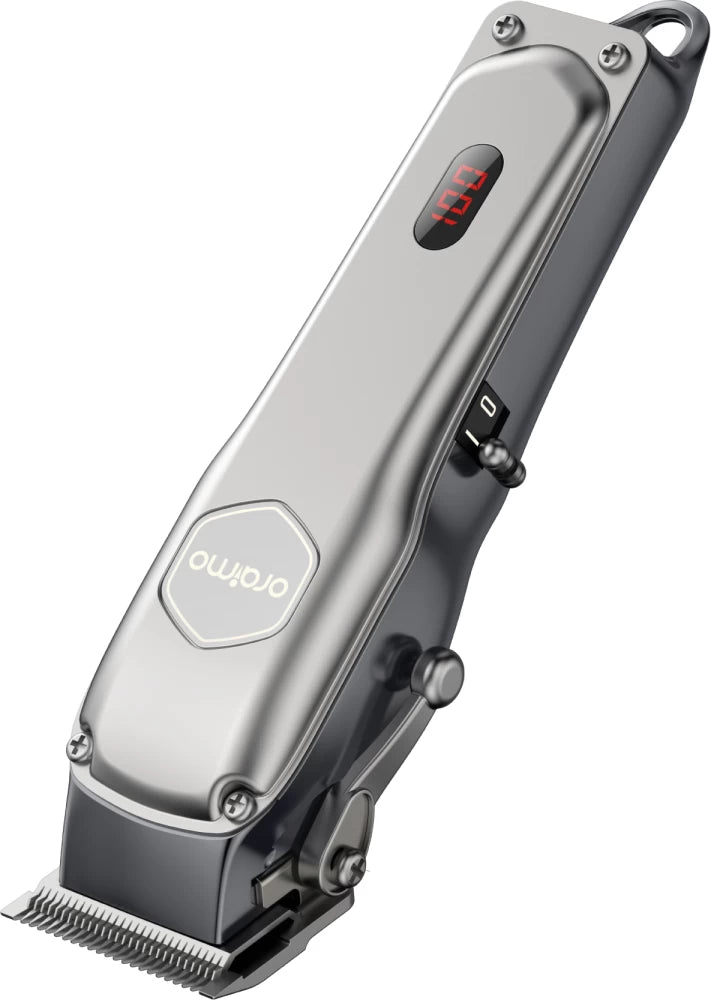
Oraimo OPC-CL30 SmartClipper 2 Cordless Hair Clipper
Regular price KSh3,700.00Sale price KSh3,700.00 Regular priceUnit price perKSh5,500.00Sale
-
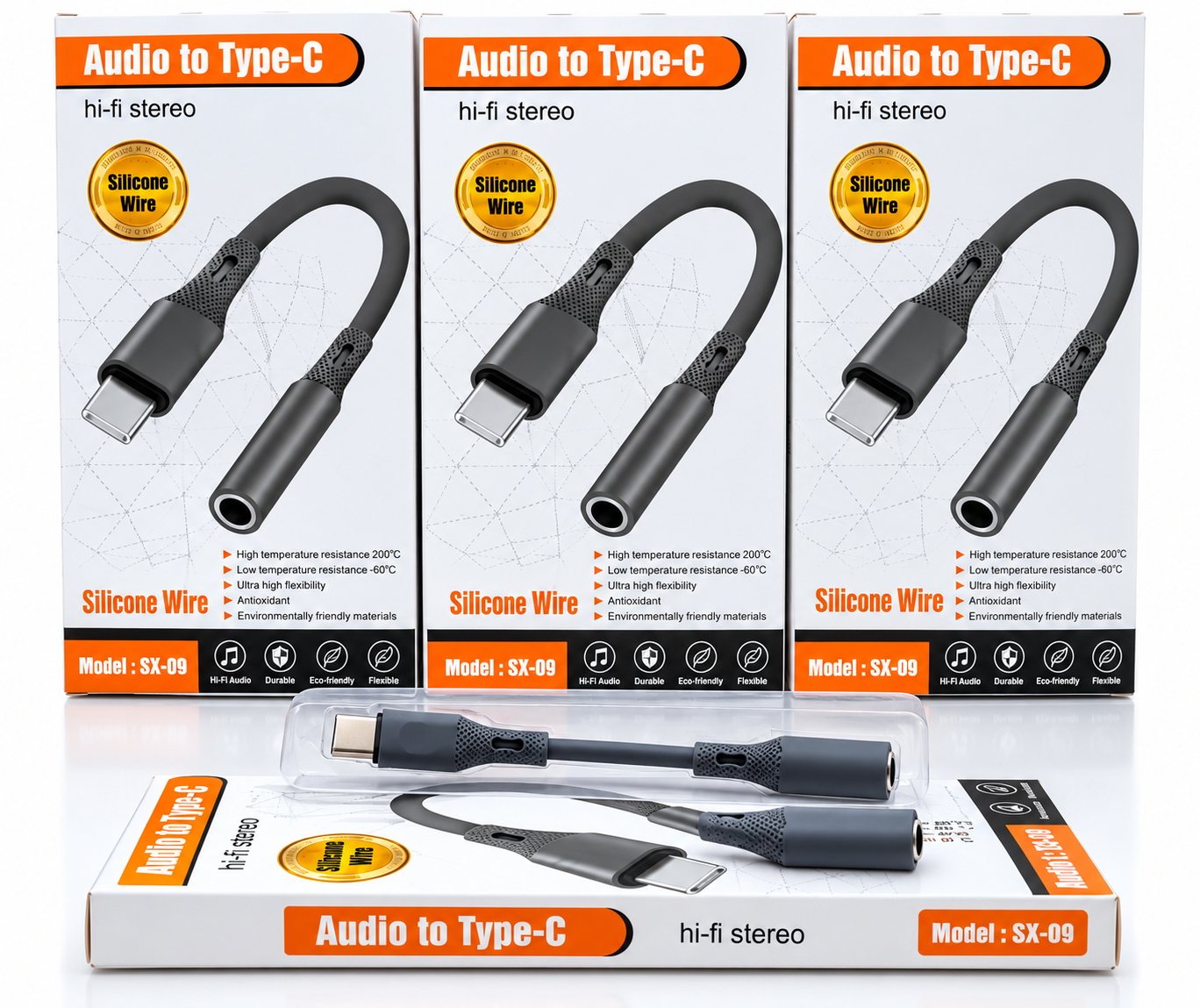
🎧 Audio to Type-C Hi-Fi Stereo Audio Adapter – Silicone Wire
Regular price KSh1,200.00Sale price KSh1,200.00 Regular priceUnit price perSale -
Oraimo ORS-280 EasyShave Multi-Functional Electric Shaver
Regular price KSh2,900.00Sale price KSh2,900.00 Regular priceUnit price perSale -
Oraimo Watch 5R Pro Smartwatch | Advanced Health & Fitness Tracker
Regular price KSh5,800.00Sale price KSh5,800.00 Regular priceUnit price perSale
Testimonials
Brian M., Nairobi
Customer, NairobiI ordered a Samsung Galaxy S23 Ultra, and I was amazed by how fast the delivery was! The phone arrived in perfect condition, well packaged, and exactly as described. Highly recommend!
Janet K., Mombasa
Customer, MombasaI was looking for a reliable power bank, and I found a great deal on a Baseus 20,000mAh power bank here. Will definitely shop again!
Kelvin O., Kisumu
Customer, KisumuI was skeptical about buying a smartwatch online, but I’m so glad I did! The Apple Watch Series 9 I bought is 100% original, works perfectly, and came in a sealed box. Best online electronics store in Kenya!
Samantha N., Nakuru
Customer, NakuruThe team here is amazing! I bought a JBL PartyBox speaker, and they helped me choose the right model based on my needs. The delivery was fast, and they even followed up to ensure I was satisfied. That’s top-notch service!
Alex W., Eldoret
Customer, EldoretI got a Sony 55-inch 4K Smart TV from this website.The picture quality is amazing, and the sound is clear. The delivery was quick, and setting it up was easy. Definitely my go-to store for electronics!
Bestseller
-
Oraimo Slice Link 10000mAh 12W Power Bank
Regular price KSh2,000.00Sale price KSh2,000.00 Regular priceUnit price perKSh2,200.00Sale -
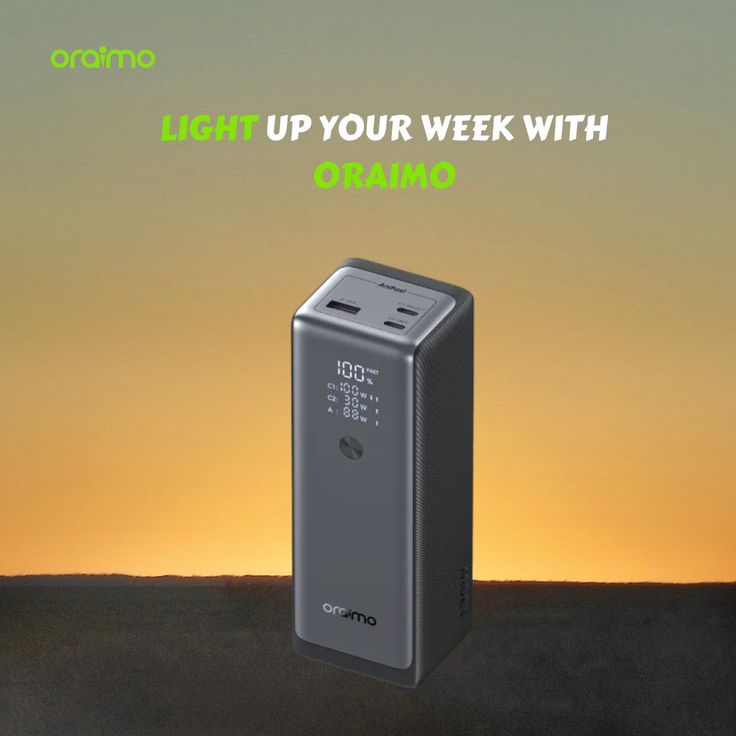
Oraimo PowerJet 130 Power Bank for Laptops and Phones Output 130W
Regular price KSh6,500.00Sale price KSh6,500.00 Regular priceUnit price perSale -
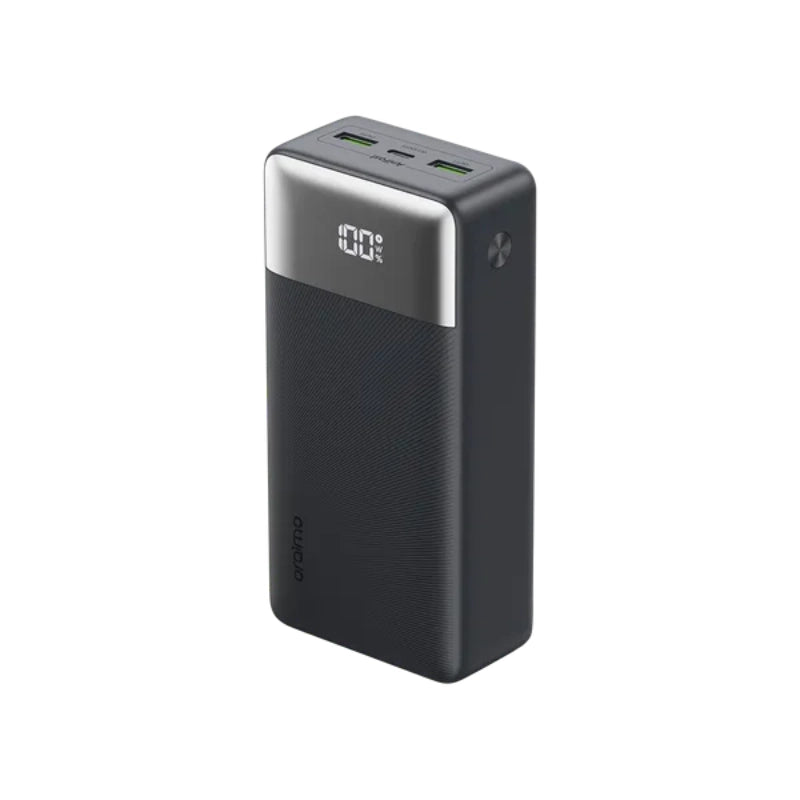
Oraimo 27000mAh QF1 Power Bank – Fast Charging High Capacity Power Bank in Kenya
Regular price KSh3,000.00Sale price KSh3,000.00 Regular priceUnit price perSale
-
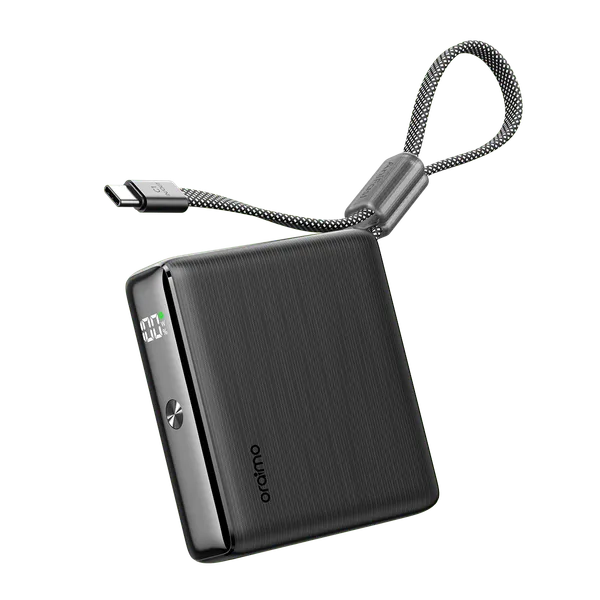
Oraimo PowerNova L21 20,000mAh 30W Fast-Charge Power Bank
Regular price KSh5,500.00Sale price KSh5,500.00 Regular priceUnit price perSale -
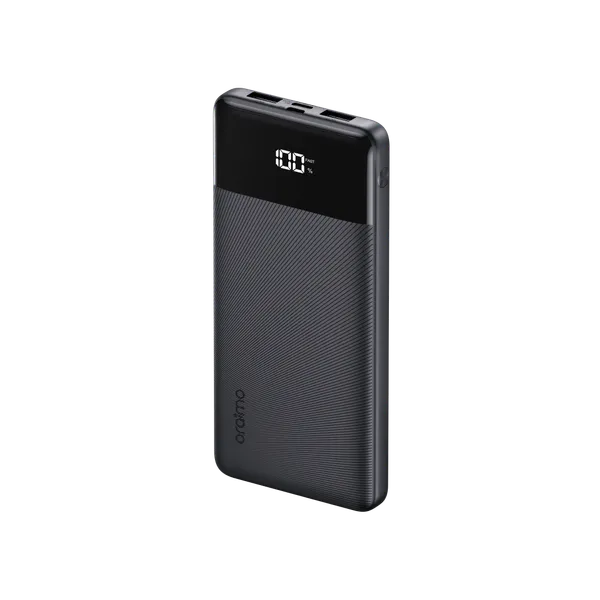
Oraimo Toast 22.5 Byte OPB-7100Q 10,000mAh 22.5W Power Bank – Fast Charging with LED Digital Display
Regular price KSh1,800.00Sale price KSh1,800.00 Regular priceUnit price perSale -
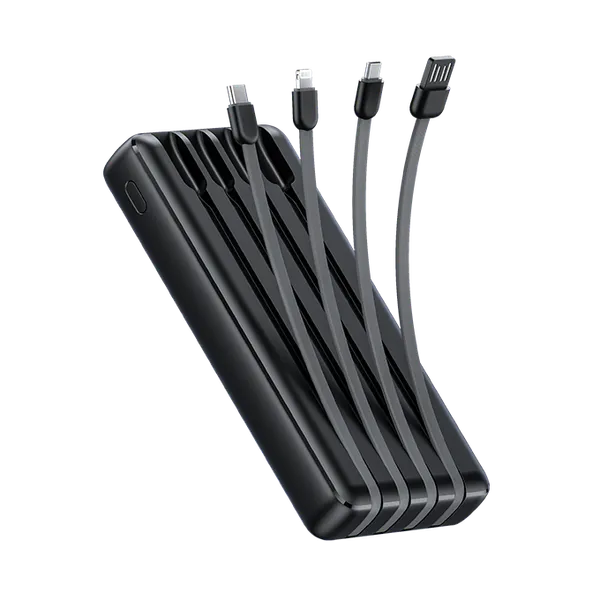
Oraimo Traveler Link 20 20000mAh 12W Power Bank – Reliable High-Capacity Portable Charger
Regular price KSh2,600.00Sale price KSh2,600.00 Regular priceUnit price perSale
